
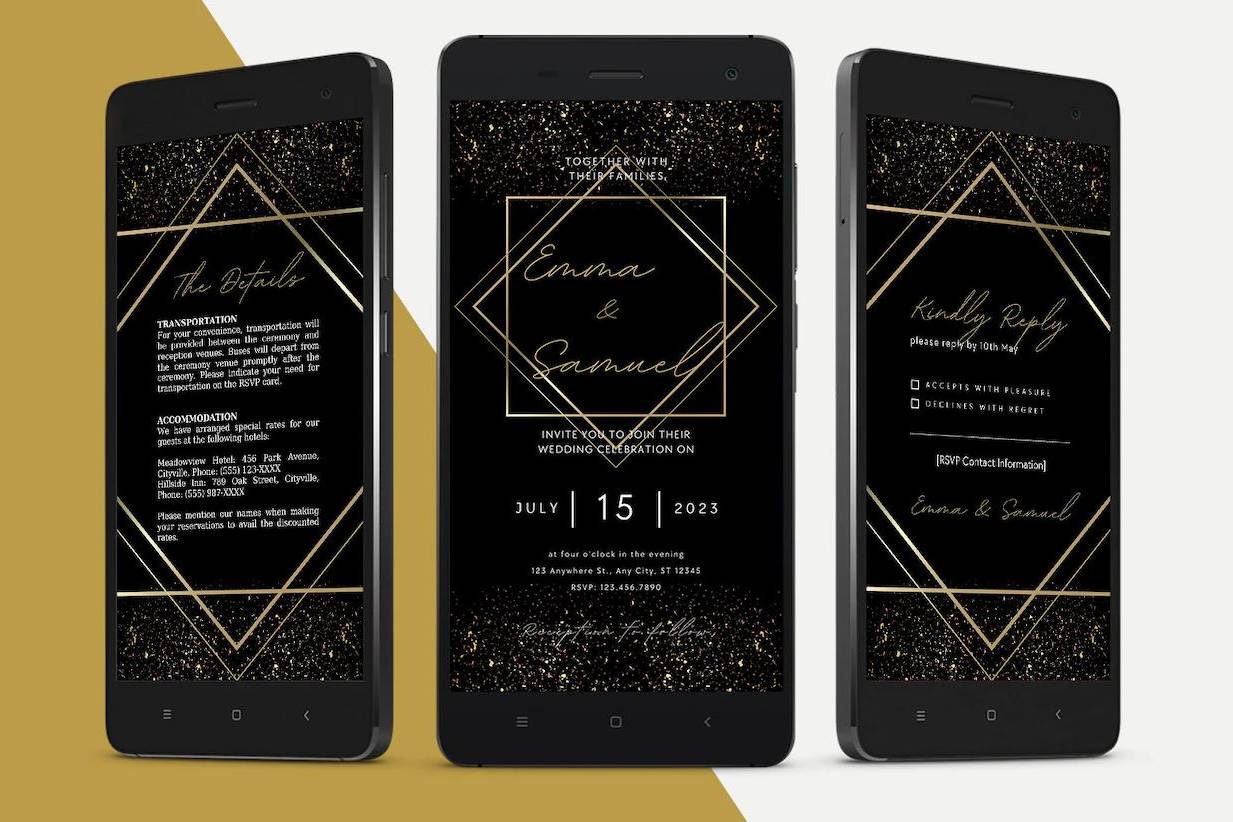
How to Create Digital Invitations: A Step-by-step Guide
Are you planning a special event or recurrence, and want to create digital invitations that are both unique and effective? Look no further! In this article, we will guide you through the process of creating digital invitations using various online tools and platforms.
What Are Digital Invitations?
Digital invitations are electronic versions of traditional paper invitations. They can be sent via email or shared on social media platforms, making them a convenient and eco-friendly option for guests to RSVP.
Why Use Digital Invitations?
There are several reasons why you might want to use digital invitations:
- Convenience: Digital invitations are easy to send and receive, saving time and effort.
- Environmentally Friendly: By using digital invitations, you can reduce paper waste and minimize your environmental impact.
- Cost-effective: Digital invitations can be created and sent for free or at a low cost.
Tools And Platforms
There are several tools and platforms available that can help you create stunning digital invitations. Here are some of the most popular options:
Canva
Canva is a powerful online design tool that offers a wide range of templates, graphics, and fonts to help you create beautiful digital invitations. With Canva, you can:
- Design Your Invitation: Choose from various templates or start from scratch using Canva’s intuitive design interface.
- Add Graphics And Images: Browse through Canva’s extensive library of graphics, photos, and illustrations to add visual interest to your invitation.
- Personalize With Text: Use Canva’s typography tools to customize the font, color, and style of your invitation.
Adobe Express
Adobe Express is a user-friendly online design tool that allows you to create professional-looking digital invitations in minutes. With Adobe Express, you can:
- Choose From Templates: Browse through Adobe Express’s extensive library of templates to find one that suits your event.
- Customize With Images And Graphics: Add photos, illustrations, or graphics to make your invitation more engaging.
- Personalize With Text: Use Adobe Express’s typography tools to customize the font, color, and style of your invitation.
Evite
Evite is a popular online platform that offers a range of digital invitation templates and design tools. With Evite, you can:
- Choose From Templates: Browse through Evite’s extensive library of templates to find one that suits your event.
- Customize With Images And Graphics: Add photos, illustrations, or graphics to make your invitation more engaging.
- Personalize With Text: Use Evite’s typography tools to customize the font, color, and style of your invitation.
Animaker
Animaker is an online animation tool that allows you to create stunning digital invitations. With Animaker, you can:
- Choose From Templates: Browse through Animaker’s extensive library of templates to find one that suits your event.
- Customize With Images And Graphics: Add photos, illustrations, or graphics to make your invitation more engaging.
- Personalize With Text: Use Animaker’s typography tools to customize the font, color, and style of your invitation.
Tips And Tricks
Here are some tips and tricks to help you create stunning digital invitations:
- Keep it Simple: Don’t overcomplicate your design. Keep it clean, simple, and easy to read.
- Use High-quality Images: Use high-quality images or graphics to add visual interest to your invitation.
- Personalize With Text: Use personalization tools to customize the font, color, and style of your invitation.
- Test And Refine: Test your invitation on different devices and refine it as needed.
Conclusion
Creating digital invitations is a fun and creative process that can help you save time and effort. By using online tools and platforms like Canva, Adobe Express, Evite, Animaker, and others, you can create stunning digital invitations that will impress your guests. Remember to keep it simple, use high-quality images, personalize with text, test and refine, and have fun!
Frequently Asked Questions (FAQs)
Here are some frequently asked questions about creating digital invitations:
- Q: What is The Best Tool For Creating Digital Invitations?
A: The best tool depends on your personal preferences and needs. Canva, Adobe Express, Evite, Animaker, and other tools offer unique features and benefits. - Q: How do I Customize my Digital Invitation?
A: You can customize your digital invitation by using personalization tools to change the font, color, and style of your text, adding high-quality images or graphics, and refining your design as needed. - Q: Can I Send Digital Invitations Via Email?
A: Yes, you can send digital invitations via email. Most online tools and platforms offer this feature, making it easy to share your invitation with guests.
Conclusion
Creating digital invitations is a fun and creative process that can help you save time and effort. By using online tools and platforms like Canva, Adobe Express, Evite, Animaker, and others, you can create stunning digital invitations that will impress your guests. Remember to keep it simple, use high-quality images, personalize with text, test and refine, and have fun!


