
The Ultimate Guide to Free Design Apps
Are you an artist looking for ways to express yourself without breaking the bank? Or perhaps a student in need of a reliable design tool? Look no further! In this comprehensive guide, we’ll explore the best free design apps available for both mobile devices and computers.
Top 5 Free Design Apps For Mobile Devices
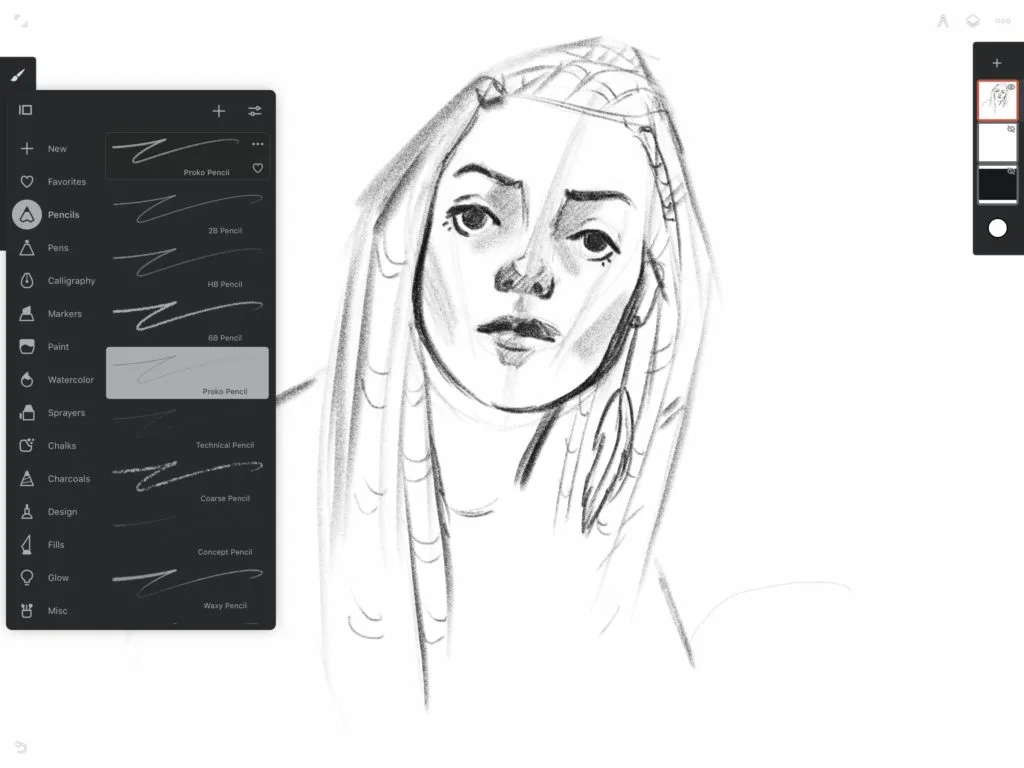
- Autodesk Sketchbook: This powerful app is designed specifically for artists and designers. With a wide range of tools and brushes at your disposal, you can create stunning artwork with ease.
- Bamboo Paper: Developed by Wacom, this app offers a variety of drawing instruments that are perfect for creating digital art.
- Infinite Painter: This feature-rich app is ideal for painting and cartooning enthusiasts. With a range of brushes and tools available, you can create complex artworks with minimal effort.
- Adobe Draw: While not as comprehensive as some other apps on this list, Adobe Draw is still a solid choice for those looking to create vector-based graphics.
- Medibang Paint: This innovative app allows users to create comics and manga-style artwork with ease.
Best Free Design Apps For Computers
- Inkscape: A powerful and open-source alternative to Adobe Illustrator, Inkscape offers a range of tools and features perfect for graphic designers and artists.
- Gimp: A free and open-source version of Photoshop, GIMP is an excellent choice for those looking to create complex graphics and images.
- Autodesk Sketchbook: Also available on computers, this app offers a range of drawing and painting tools that are perfect for artists and designers.
- Krita: This free and open-source digital painting tool offers a range of brushes and features that are ideal for creating artwork.
- Paint.Net: A user-friendly image editing app that’s perfect for those looking to create simple graphics and images.
Free Design Apps Online
- Sketchpad: A web-based app that allows users to create interactive drawings using a range of instruments and tools.
- Sumopaint: A feature-rich online design app that offers a range of tools and features perfect for creating digital artwork.
- Canvas: A simple yet effective online drawing tool that’s ideal for those looking to create basic graphics and images.
- Youidraw: A web-based design app that allows users to create digital drawings using a range of instruments and tools.
Conclusion
When it comes to free design apps, the options are endless! Whether you’re an artist, designer, or simply someone looking for a fun way to express yourself, there’s something on this list for everyone. Remember to always explore each app’s features and limitations before committing to use them.
Frequently Asked Questions (FAQs)
- Q: What is The Best Free Design App Available?
A: The answer depends on your specific needs and preferences! However, Autodesk SketchBook and Inkscape are two of the most popular choices among artists and designers. - Q: Can I Use These Apps For Commercial Purposes?
A: While some of these apps offer commercial licenses or subscriptions, be sure to check each app’s terms and conditions before using them for business purposes. - Q: Are These Apps Available on Both Mobile Devices And Computers?
A: Yes! Many of the apps listed above are available on multiple platforms, including Android, iOS, Windows, macOS, and Linux. - Q: Can I Export my Designs From These Apps?
A: Yes! Most of the apps listed above allow users to export their designs in various formats, such as JPEG, PNG, and PDF. - Q: Are These Apps Free Forever?
A: While many of these apps are free to download and use, some may offer in-app purchases or subscriptions for advanced features or premium tools.
The Ultimate Guide to Free Design Apps
Stay creative and keep designing!


