
How to Counter Phoned Advertising With The Public Record of Oppositions
Are you tired of being disturbed by unwanted phone calls every hour of the day? Do you want to learn how to counter phoned advertising with the Public Record of Oppositions? This article will guide you through the process, providing step-by-step instructions on how to register your number and reduce the number of unwanted calls.
What is The Public Record of Oppositions?
The Public Record of Oppositions (RPO) is a free service sponsored by the Ministry of Economic Development that allows citizens to record their phone numbers and block unwanted calls from telemarketers and call centers. While it’s not a panacea for all evils, registering with the RPO can significantly reduce the number of unwanted calls you receive.
How to Register With The Public Record of Oppositions
You can register with the RPO online, by telephone, or via email. Here are the steps to follow:
Online Registration
- Go to the official website of the RPO and click on “Register without authentication” or “Register with SPID”.
- Fill out the registration form:
- Enter your phone number (fixed or mobile) in the designated field.
- You can add up to 5 phone numbers if you want to record multiple numbers.
- Provide your email address where you want to receive communications from the RPO.
- Check the boxes to confirm that you’ve read and agree to the terms of service.
- Click on “Continue” and verify your phone number by calling the number displayed on the new page.
- Once verified, click on “Continue” and check the box next to “Phone Record”.
- Click on “Confirm” to complete the registration process.
Telephone Registration
- Call one of the preferred numbers (800 957 766 or 06 42986411).
- Follow the voice guide instructions to register your phone number.
- Press the corresponding button to confirm the registration.
Email Registration
- Go to the official website of the RPO and download the PDF registration form.
- Fill out the form in all its parts.
- Email the completed form to [email protected].
- You’ll receive a confirmation email within 24 hours with instructions on what to do next.
Other Solutions to Counter Phoned Advertising
While registering with the RPO can help reduce unwanted calls, there are other solutions you can use to counter phoned advertising:
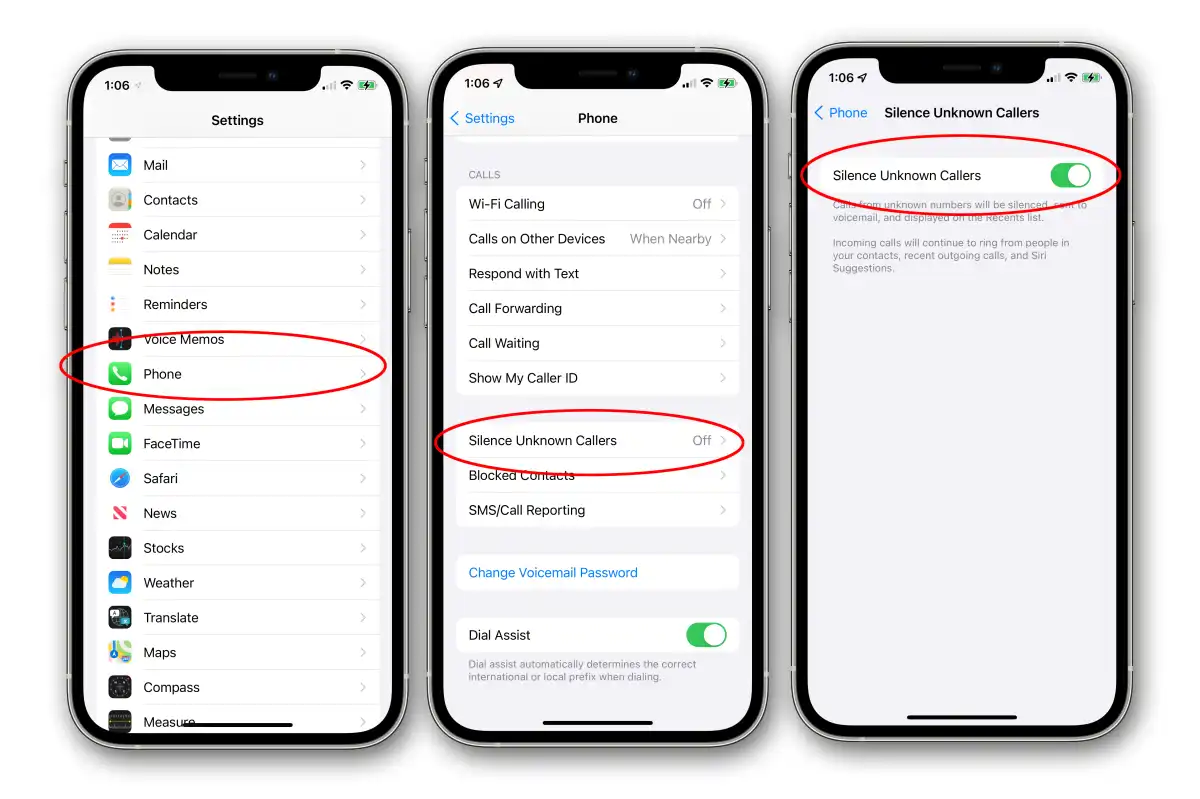
- Use available blocking functions on your Android or iOS device.
- Download and install anti-spam apps that can block unwanted calls.
- Follow our guide on how to block undesired numbers.
Conclusion
Registering with the Public Record of Oppositions is a simple and effective way to reduce unwanted phone calls. By following the steps outlined in this article, you can take control of your phone number and minimize the number of disturbing calls you receive. Remember that while the RPO can help, it’s not a guarantee against all unwanted calls, especially if you’ve given explicit consent to companies for marketing purposes.
Frequently Asked Questions (FAQs)
- Is Registering With The Rpo Free?
Yes, registration with the Public Record of Oppositions is free. - Will I Still Receive Calls From Companies I’ve Given Consent To?
Yes, if you’ve given explicit consent to companies for marketing purposes, they may still contact you. - Can I Register Multiple Phone Numbers?
Yes, you can add up to 5 phone numbers when registering with the RPO online or via email. - How Long Does it Take to Receive a Confirmation Email After Emailing The Registration Form?
You should receive a confirmation email within 24 hours of sending the completed form to [email protected].
We hope this article has provided you with valuable information on how to counter phoned advertising with the Public Record of Oppositions.


