
The Ultimate Guide to Android Launchers: Find The Best One For Your Device
Are you tired of using the same old launcher on your Android device? Do you want to personalize your home screen and make it more efficient? Look no further! In this article, we’ll explore the best Android launchers that can help you achieve your goals.
What is an Android Launcher?
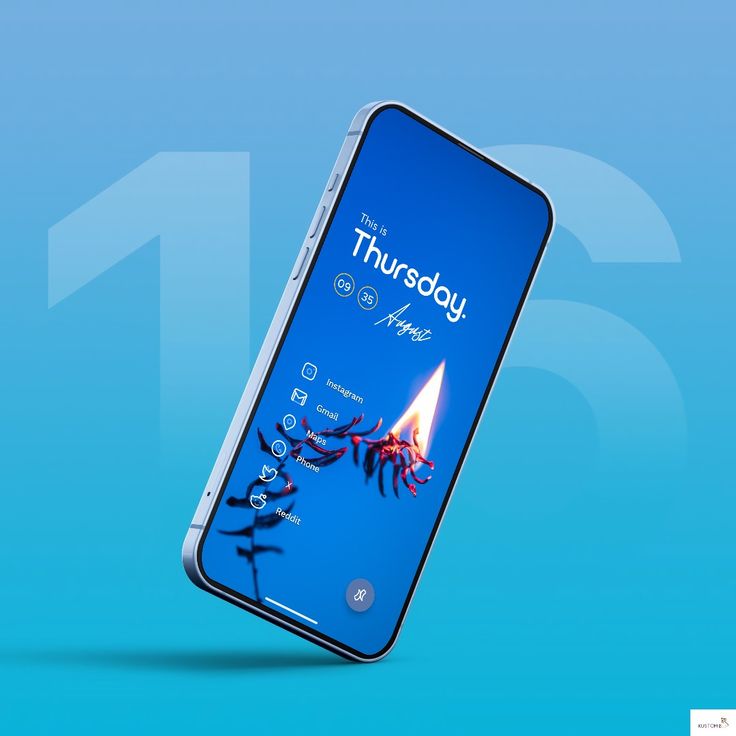
An Android launcher is a third-party app that replaces the default home screen of your device. It’s like a theme for your phone, but with more functionality. Launchers can customize the look and feel of your home screen, add features, and even improve performance.
Why Use an Android Launcher?
Using an Android launcher offers several benefits, including:
- Personalization: Choose from various launchers that offer unique designs and customization options.
- Productivity: Many launchers come with built-in features like task management, calendar integration, and more.
- Security: Some launchers provide additional security features, such as password protection and app locking.
Top Android Launchers to Try
Here are some of the best Android launchers you can try:
Nova Launcher
- Nova Launcher is one of the most popular and highly-rated launchers available.
- It offers a clean and intuitive design, with plenty of customization options.
- Features include:
- Customizable grid size
- Icon pack support
- Gestures for navigation
- Hidden features for advanced users
Microsoft Launcher
- Microsoft Launcher is a great option for those who use Microsoft services like Office and OneDrive.
- It offers a clean and minimal design, with a focus on productivity.
- Features include:
- Integration with Microsoft services
- Customizable notification shade
- Task management features
- Dark mode support
Niagara Launcher
- Niagara Launcher is a lightweight and fast launcher that’s perfect for those who want a minimal design.
- It offers a clean and simple interface, with plenty of customization options.
- Features include:
- Customizable grid size
Grid Layout: Choose from various grid layouts to customize your home screen. - Icon pack support
- Gestures for navigation
- Customizable grid size
Other Android Launchers
If you’re looking for more options, here are some other Android launchers worth trying:
- Ios 16 Launcher: A launcher that transforms your Android device into an iPhone-like experience.
- Little Launcher: A lightweight launcher developed by Xiaomi, perfect for those who want a simple and fast interface.
Which Android Launcher is Best For You?
The best Android launcher for you will depend on your personal preferences and needs. Here are some tips to help you choose the right one:
- Consider what features matter most to you.
- Look at design options, such as grid size and icon packs.
- Check for integration with Microsoft services or other apps.
Conclusion
An Android launcher is a great way to personalize your device and improve productivity. With so many options available, finding the right one can be overwhelming. Hopefully, this article has helped you make an informed decision.
Frequently Asked Questions
Here are some frequently asked questions about Android launchers:
- Q: What is an Android launcher?
A: An Android launcher is a third-party app that replaces the default home screen of your device. - Q: Why use an Android launcher?
A: Using an Android launcher offers several benefits, including personalization, productivity, and security features. - Q: Which Android launcher is best for me?
A: The best Android launcher for you will depend on your personal preferences and needs.
Hope you found this article helpful. Happy launching!


