
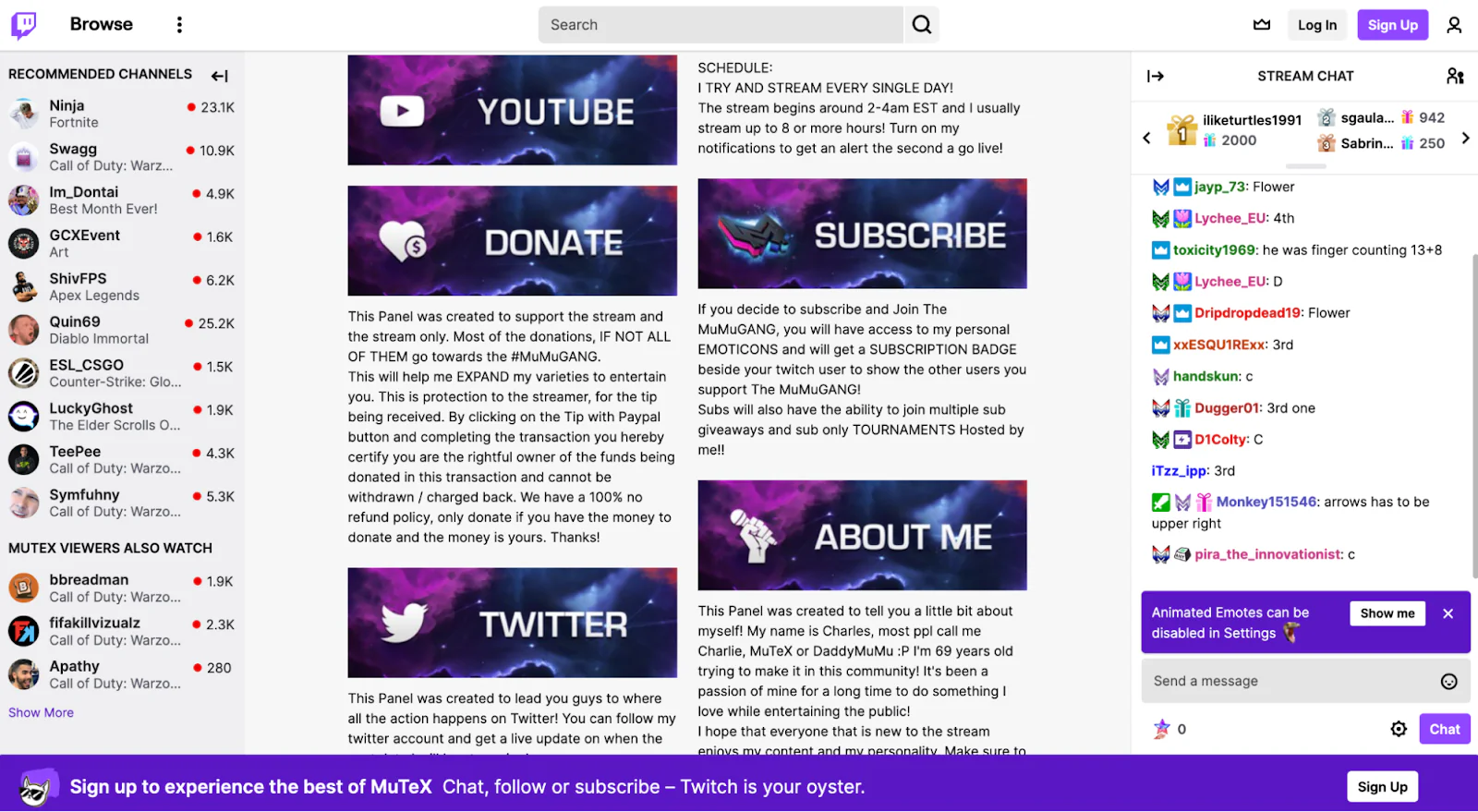
How it Works: A Comprehensive Guide to Twitch
Are you new to the world of streaming video platforms? Do you want to understand how Twitch functions, especially since you’re an avid YouTube user looking to expand your support to this popular platform? Congratulations, you’ve come to the right place! We’ll provide a detailed explanation of Twitch’s functionalities, including subscriptions, monetization, and more.
What is Twitch?
Twitch is one of the most popular live streaming platforms in the world. It differs from other video-sharing sites like YouTube by focusing on live content, particularly video games. However, it has expanded its reach to include various other categories such as music, art, and talk shows.
Compatible Devices With Twitch
As a service provider of streaming video, Twitch is accessible on multiple devices, including:
- A computer browser (PC)
- Official client for Windows and macOS
- Android app (also available on alternative stores for non-Google services devices)
- IOS/iPadOS app
- Gaming consoles like PlayStation (including PS5), Xbox, NVIDIA Shield, and PlayStation Chamber for PS4
- Multimedia boxes or dongles like Chromecast, Amazon Fire TV Stick/Cube, and Apple TV
Prices
Twitch’s functionalities include various subscription levels to support your favorite streamer:
- Level 1: €4.99 Per month (includes ad-free experience)
- Level 2: €9.99 Per month (offers more perks like exclusive emotes and badges)
- Level 3: €24.99 Per month (the most premium tier, offering additional benefits)
How to Use Twitch
- Recording to Twitch: To access advanced features, you need to record a profile on the platform.
- Navigating on Twitch: Once logged in, the initial page will display live streams and other contents.
- Subscription on Twitch: Two subscription methods are available: Follow (free) and Subscribe (paid). The paid option grants ad-free experience, exclusive emotes, badges, and more.
How it Works: Twitch Prime With Amazon Prime
Twitch Prime is a service included in Amazon Prime subscriptions. It offers a free monthly subscription to a channel of your choice and access to gaming content for computer.
Monetization on Twitch
Twitch allows creators to earn money through subscriptions, donations, and bits (a virtual currency that can be purchased with real money). Subscriptions provide a stable income stream, while donations are voluntary contributions from viewers. Bits can also be used to support favorite streamers or purchase exclusive content.
How it Works: Twitch Mobile
The Twitch app for mobile devices has been updated to make discovery of new contents easier. The interface is now more like TikTok, with a feed that you can scroll through to find live streams and clips.
Histories on Twitch
Twitch has introduced the “Histories” feature, which allows content creators to share highlights from their live streams. These videos are available for 24 hours and only visible to users who follow the channel. If no followed channels have issued a History, you’ll see a message indicating that histories of followed authors will appear here.
Live on Twitch
To start your career as a streamer, learn how to configure a live streaming setup. This includes using OBS (a third-party program), connecting your account with Twitch, and investing in a good webcam and microphone for professional transmissions.
Twitch Studio
Twitch Studio is an application developed by the creators of Twitch to make streaming easier and create content outside of users. Although still in Beta phase, it can be downloaded from the official website and used on Windows and macOS.
Twitch Rivals
Twitch Rivals is a tournament-style event where popular streamers compete against each other in various video games for substantial prizes. To participate, you need to be selected by Twitch and have a significant following. The event features live streams and clips of the battles, available on the TwitchRivals channel.
In Case of Doubts or Problems
If you’re experiencing issues with Twitch or have questions about its functionality, use the platform’s support center to get help. You can also contact Twitch directly through their email system.
We hope this comprehensive guide has helped you understand how Twitch works and how you can enjoy its features. Whether you’re a seasoned gamer or just interested in live streaming, Twitch offers something for everyone.
Frequently Asked Questions (FAQs)
- What is Twitch?
Twitch is a live streaming platform primarily used for video games but has expanded to include music, art, and talk shows.
- How do I Use Twitch on my Mobile Device?
Download the official app from the App Store or Google Play, log in with your account, and explore the interface to find live streams and clips.
- What Are Subscriptions on Twitch?
Subscriptions (sub) grant ad-free experience, exclusive emotes, badges, and more. There are three levels: €4.99, €9.99, And €24.99 Per month.
- How do I Monetize my Twitch Channel?
Through subscriptions, donations, and bits (a virtual currency), you can earn money from your viewers’ support.
- What is Twitch Prime With Amazon Prime?
Twitch Prime offers a free monthly subscription to a channel of your choice and access to gaming content for computer, included in an Amazon Prime subscription.
- How do I Create a History on Twitch?
If you’re a content creator, follow the instructions provided by Twitch to share highlights from your live streams as Histories.
- Can I Stream Live on Twitch Using my Mobile Device?
Yes, the Twitch app for mobile devices allows live streaming, but investing in a good webcam and microphone is recommended for professional transmissions.
- What if I Experience Issues With Twitch or Have Questions About Its Functionality?
Use the support center or contact Twitch directly through their email system for assistance.
Hope this helps you get started!


