
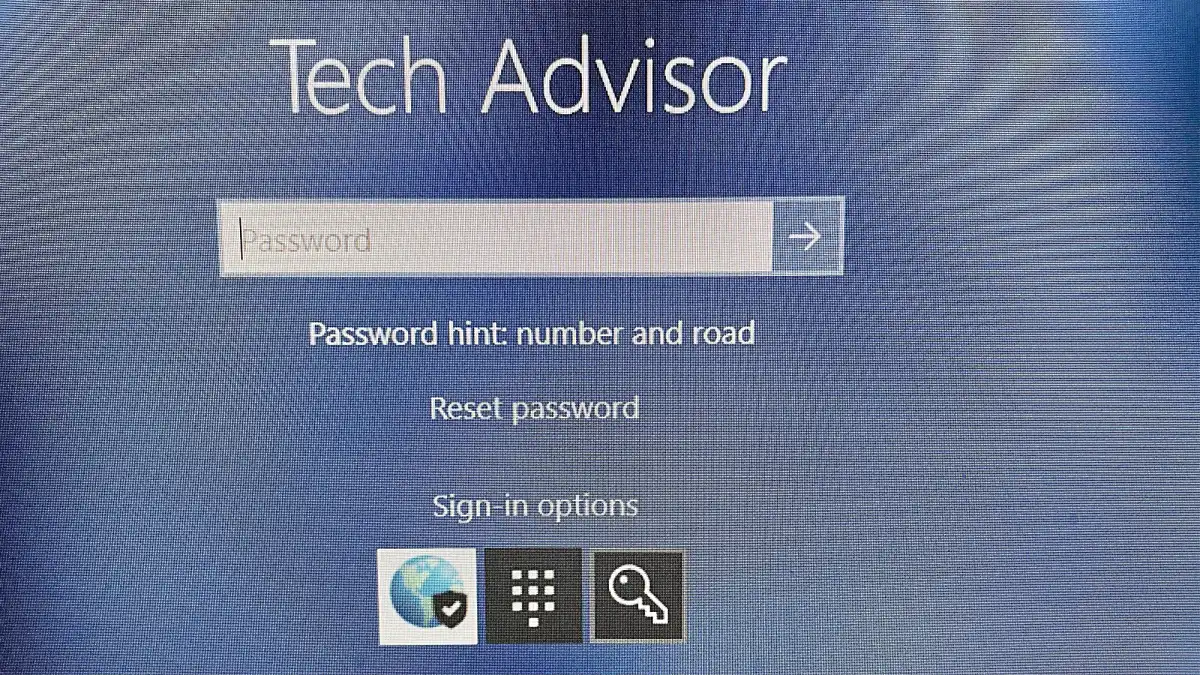
How to Bypass Windows 7 Password Without Knowing It
Are you facing a situation where you need to access your Windows 7 computer but have forgotten the password? Don’t worry, there are ways to bypass the password without knowing it. In this article, we will explore three methods that can help you regain access to your computer.
Method 1: Using Kon-boot
KON-BOOT is a software tool that allows you to access Windows operating systems without typing in the password. It’s a convenient and efficient solution for those who have forgotten their passwords or need to troubleshoot issues on multiple computers.
To use KON-BOOT, follow these steps:
- Download and install the software from the official website.
- Create a bootable CD/DVD or USB drive using the software.
- Insert the media into your computer and restart it.
- Select the Windows 7 partition during the boot process.
- Follow the on-screen instructions to reset the password.
Method 2: Offline NT Password & Registry Editor
Offline NT Password & Registry Editor is another tool that can help you bypass the Windows 7 password. It’s a free software that allows you to edit the registry and reset passwords without logging into Windows.
Here’s how to use it:
- Download the software from the official website.
- Create a bootable CD/DVD or USB drive using the software.
- Insert the media into your computer and restart it.
- Select the Windows 7 partition during the boot process.
- Follow the on-screen instructions to reset the password.
Method 3: Lazesoft Recover My Password
Lazesoft Recover My Password is a free tool that can help you recover forgotten passwords for Windows operating systems. It’s easy to use and doesn’t require any technical expertise.
To use it, follow these steps:
- Download and install the software from the official website.
- Create a bootable CD/DVD or USB drive using the software.
- Insert the media into your computer and restart it.
- Select the Windows 7 partition during the boot process.
- Follow the on-screen instructions to reset the password.
How to Bypass Windows 7 Password
If you’re looking for a simpler solution, you can try bypassing the password by using the built-in Windows feature. Here’s how:
- Click on the Start button and select Control Panel.
- Go to User Accounts and click on “Manage another account.”
- Select the account you want to reset the password for.
- Click on “Change your password” and follow the prompts.
Tips And Precautions
- Always use caution when bypassing passwords, as it can lead to security issues if not done properly.
- Make sure to download software from trusted sources to avoid malware or viruses.
- Be aware that some methods may require technical expertise or specific hardware configurations.
- Always backup your data before attempting to reset passwords.
Conclusion
Bypassing Windows 7 password without knowing it can be a challenging task, but with the right tools and knowledge, you can regain access to your computer. Remember to use caution and follow proper procedures to avoid any potential security issues. If you’re still unsure or need further assistance, feel free to reach out to our support team.
Frequently Asked Questions (FAQs)
- Q: Can I Bypass Windows 7 Password if I Don’t Have a Cd/dvd or Usb Drive?
A: Yes, some software tools allow you to create a bootable media on your computer’s internal drives. - Q: Will Bypassing The Password Affect my Data?
A: Most methods won’t affect your data, but it’s always best to backup your files before attempting to reset passwords. - Q: Can I Use These Methods For Other Windows Versions?
A: Some software tools may support multiple Windows versions, but always check compatibility before attempting to bypass the password. - Q: Will I be Able to Access my Computer Immediately After Resetting The Password?
A: Yes, most methods allow you to reset the password and access your computer without needing to restart it. - Q: Can I Use These Methods if I’m Using a Windows 7 Laptop or Tablet?
A: Some software tools may not be compatible with laptops or tablets, so always check compatibility before attempting to bypass the password. - Q: Will Resetting The Password Affect my System’s Performance?
A: Most methods won’t affect your system’s performance, but it’s always best to backup your files and restore them after resetting the password. - Q: Can I Use These Methods For a Windows 7 Computer With Bitlocker Encryption?
A: Unfortunately, some software tools may not support BitLocker encryption, so you may need to explore other options or contact our support team for assistance. - Q: Will Bypassing The Password Void my Warranty or Affect my System’s Security?
A: Most methods won’t void your warranty or affect your system’s security, but always check with your manufacturer or support team for clarification.
References
- [1] KON-BOOT official website
- [2] Offline NT Password & Registry Editor official website
- [3] Lazesoft Recover My Password official website


