
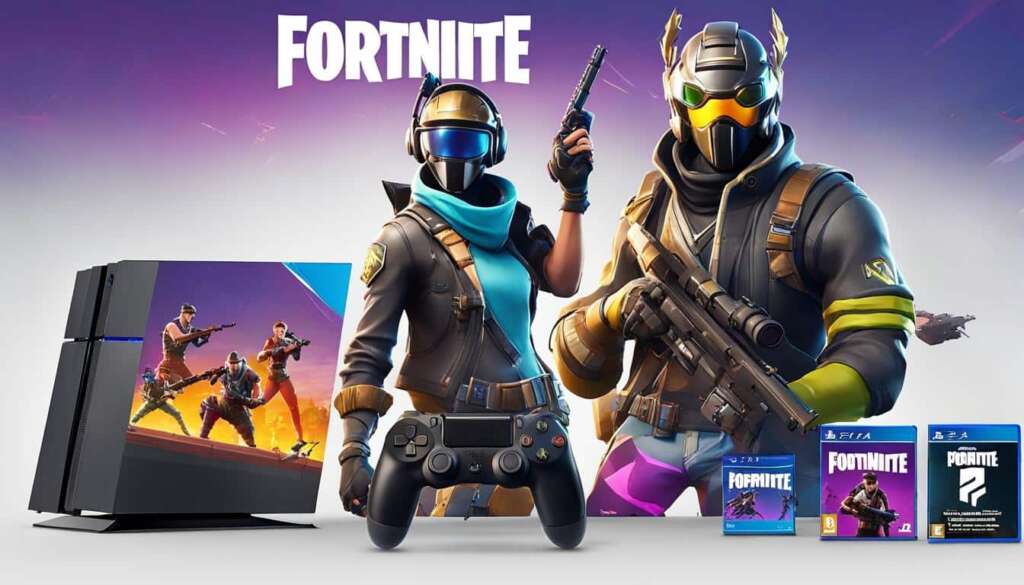
Installing Fortnite on Ps4: A Step-by-step Guide
Are you eager to experience the thrill of Fortnite on your PlayStation 4? With its unique blend of battle royale gameplay and creative freedom, it’s no wonder why this game has become a sensation among gamers worldwide. In this article, we’ll guide you through the process of downloading and installing Fortnite on your PS4, as well as some essential tips to ensure a seamless gaming experience.
Is Fortnite Truly Free?
Before we dive into the installation process, let’s address a common question: Is Fortnite truly free to play? The answer is yes! Fortnite is one of the best free-to-play video games available on the market. You can download and install it without paying a cent, and enjoy all its features without any subscription fees. This means you don’t need to worry about shelling out money for a PlayStation Plus subscription to access online multiplayer modes.
What Subscription Does Fortnite Require?
While Fortnite itself doesn’t require a subscription, there are some virtual coins called V-Bucks that can be used to purchase cosmetic items and other in-game features. These coins can be bought with real money, but they’re not essential for playing the game. However, if you want to customize your characters or access exclusive content, V-Bucks might be worth considering.
What Do I Need to Play Fortnite on Ps4?
To play Fortnite on your PS4, you’ll need:
- A good internet connection: Downloading and updating the game require a stable and fast internet connection.
- Enough free space on your console’s hard drive: Fortnite takes up around 6.69 GB of storage, so make sure you have enough space to download and install it.
How Do I Register For a Playstation Network Account?
If you haven’t already created a PlayStation Network account, now is the time! This step is essential for accessing online multiplayer modes and downloading games like Fortnite. Follow these steps:
- Open the PlayStation Store on your console.
- Select the “Register” option from the menu.
- Fill in the required information, such as your name, email address, and password.
Downloading And Installing Fortnite on Ps4
Once you’ve registered for a PlayStation Network account, follow these steps to download and install Fortnite:
- Launch the PlayStation Store on your console.
- Search for “Fortnite” in the search bar.
- Select the game from the results page.
- Press the “Download” button to initiate the download process.
Tips For Downloading Fortnite on Ps4
If you’re experiencing slow download speeds, try these tips:
- Avoid downloading while playing other games or streaming content.
- Try pausing and resuming the download instead of letting it run in the background.
- Check your internet connection speed by running a speed test.
Installing Fortnite on Ps4
Once the download is complete, follow these steps to install Fortnite:
- Select the “Install” button from the game’s details page.
- Wait for the installation process to complete.
- Launch Fortnite from the game menu.
Creating an Epic Games Account
To play Fortnite with your friends online, you’ll need to create an Epic Games account. This step is necessary for accessing multiplayer modes and keeping track of your progress.
- Open Fortnite on your PS4 console.
- Select the “Play” option from the main menu.
- Follow the prompts to create a new account or log in to an existing one.
Tips For Playing Fortnite on Ps4
To ensure a smooth gaming experience, keep these tips in mind:
- Make sure you have a good internet connection with low ping times.
- Update your console’s firmware regularly to prevent lag and glitches.
- Consider investing in a PlayStation Plus subscription to access exclusive online features.
Conclusion
Installing Fortnite on your PS4 is a straightforward process that requires a few simple steps. By following this guide, you’ll be able to download and install the game without any issues. Remember to create an Epic Games account to play with your friends online, and don’t forget to update your console regularly to prevent lag and glitches.
Frequently Asked Questions
Q: Is Fortnite truly free to play?
A: Yes, Fortnite is one of the best free-to-play video games available on the market.
Q: What subscription does Fortnite require?
A: While Fortnite itself doesn’t require a subscription, you can buy V-Bucks with real money to access cosmetic items and other in-game features.
Q: What do I need to play Fortnite on PS4?
A: A good internet connection and enough free space on your console’s hard drive are the minimum requirements.
Q: How do I register for a PlayStation Network account?
A: Open the PlayStation Store, select the “Register” option, and fill in the required information.
Q: Can I download Fortnite on my PS4 without an internet connection?
A: No, downloading and updating Fortnite require a stable and fast internet connection.
Q: What are V-Bucks, and do I need them to play Fortnite?
A: V-Bucks are virtual coins that can be used to purchase cosmetic items and other in-game features. While not essential for playing the game, they might be worth considering if you want to customize your characters or access exclusive content.
Q: How do I update my console’s firmware regularly?
A: Check your PS4’s settings menu for automatic firmware updates or manually update your console by selecting “Settings” > “System” > “Automatic Updates”.
Q: Can I play Fortnite with my friends online?
A: Yes, create an Epic Games account to access multiplayer modes and play with your friends.


