
The Ultimate Guide to Sanitizing Your Smartphone
Are you concerned about the germs and bacteria on your smartphone? Do you know that your mobile device can harbor various microbes, including germs, bacteria, and viruses? In this article, we will guide you through a step-by-step process on how to sanitize your smartphone, making it a healthier and safer place for you.
Why Sanitize Your Smartphone?
Sanitizing your smartphone is essential for several reasons:
- Germs and bacteria can spread quickly, especially when you touch your face or eyes after handling your phone.
- Viruses and malware can infect your device through various means, including contaminated screens.
- A sanitized smartphone can help prevent the transmission of diseases.
What You Need to Sanitize Your Smartphone
To sanitize your smartphone, you’ll need:
- A soft, dry cloth (microfiber or cotton)
- Isopropyl alcohol wipes (70% concentration) or UV-C light sanitizer
- Optional: A phone cover or case for extra protection
Step 1: Clean The Screen And Body
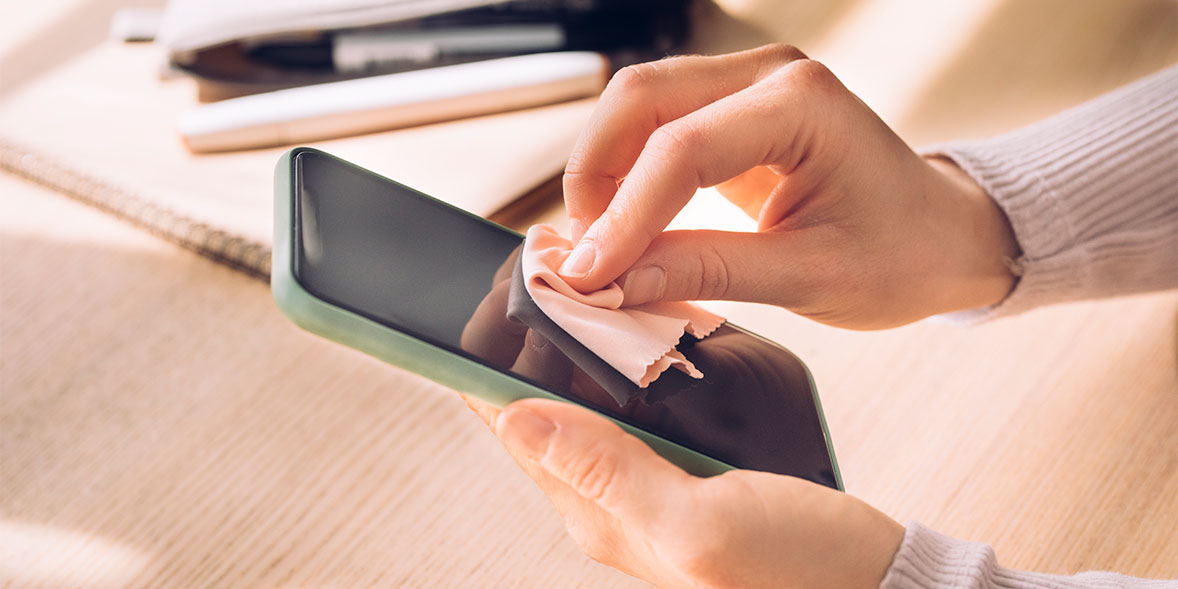
Gently wipe the screen and body of your smartphone with a soft, dry cloth to remove any dirt or debris. Make sure to clean all surfaces, including the edges and corners.
Step 2: Use Isopropyl Alcohol Wipes
Dampen an isopropyl alcohol wipe and gently rub it over the entire surface of your phone. Avoid getting any liquids into openings like the charging port, SIM card slot, or headphone jack.
Step 3: Dry Your Phone
Use a dry section of the cloth to wipe down your phone and remove any excess moisture. If you have a UV-C light sanitizer, now’s the time to use it.
Tips And Tricks
- Avoid using household cleaners, bleach, or ammonia as they can damage your smartphone’s screen or harm its internal components.
- Don’t touch sensitive areas like camera lenses or buttons with wet hands or dirty cloths.
- Regularly cleaning and sanitizing your phone can help prevent scratches and maintain its overall health.
Uv-c Light Sanitizer: A Game-changer
Using a UV-C light sanitizer is an effective way to kill germs, bacteria, and viruses on your smartphone. These devices emit specific wavelengths of ultraviolet light that target microorganisms without causing damage to your phone’s materials.
Some popular options for UV-C light sanitizers include:
- Sterilux
- PhoneSoap 3
- PhoneSoap Pro
Conclusion
Sanitizing your smartphone is a simple yet crucial step in maintaining its overall health and safety. By following the steps outlined above, you can help prevent the spread of germs, bacteria, and viruses. Remember to be gentle when cleaning your phone’s screen and body, and consider investing in a UV-C light sanitizer for added protection.
Frequently Asked Questions
Q: How often should I sanitize my smartphone?
A: Sanitize your smartphone at least once a week or after using it in public places.
Q: Can I use household cleaners to clean my phone?
A: No, household cleaners can damage your smartphone’s screen or harm its internal components. Stick with isopropyl alcohol wipes or UV-C light sanitizers.
Q: Will sanitizing my phone void its warranty?
A: In most cases, regular cleaning and sanitizing will not affect your phone’s warranty. However, it’s always best to check with the manufacturer or consult your user manual.
Q: Can I use a UV-C light sanitizer on other devices like tablets or laptops?
A: Yes, UV-C light sanitizers can be used on various electronic devices, but make sure to follow the manufacturer’s guidelines and avoid exposure to direct sunlight.


