
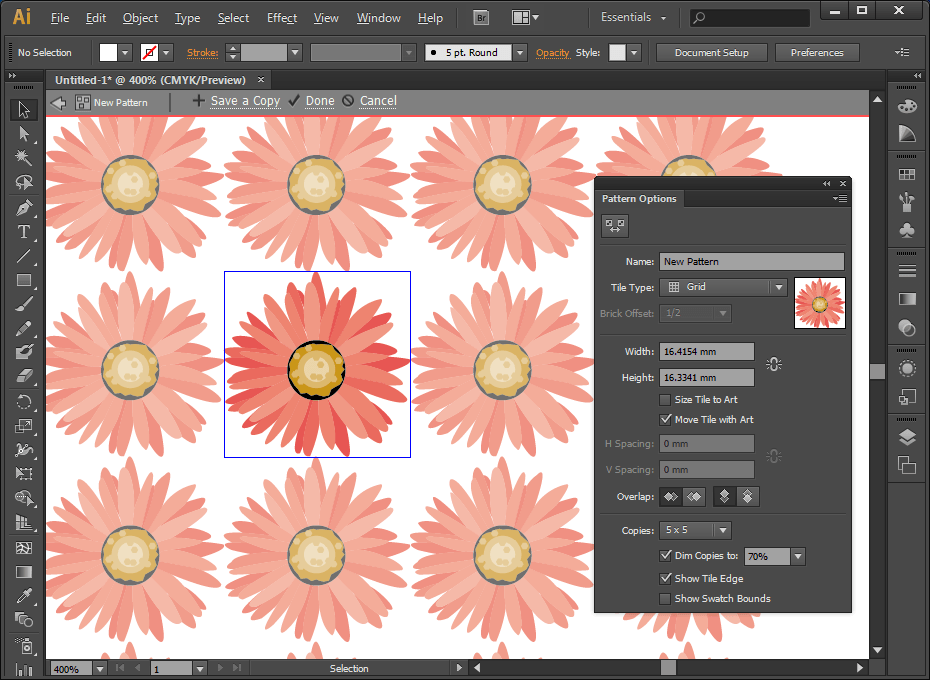
How to Download Adobe Illustrator Free: A Step-by-step Guide
Are you a graphic design enthusiast looking to explore the world of vector graphics? Look no further! In this article, we’ll guide you through the process of downloading Adobe Illustrator free on your computer, smartphone, or tablet.
What is Adobe Illustrator?
Adobe Illustrator is a powerful software for creating and editing vector graphics. It’s a favorite among designers, artists, and professionals who need to create high-quality visual content. With its intuitive interface and vast range of features, Illustrator is an essential tool for anyone looking to take their graphic design skills to the next level.
Why Download Adobe Illustrator Free?
You might be wondering why you should download Adobe Illustrator free when there are other alternatives available. The answer is simple: Adobe Illustrator is the industry standard for vector graphics, and its free trial version offers a wealth of features that will help you get started with your graphic design journey.
System Requirements For Downloading Adobe Illustrator Free
Before we dive into the download process, make sure your computer or device meets the minimum system requirements:
- For Windows:
- Processor: Intel Multicore (with 64-bit support) or AMD Athlon 64
- Operating System: Windows 10 and later
- RAM: 8 GB (16 GB recommended)
- Hard Disk Space: 2 GB free space for installation; additional free space may be required during installation
- For macOS:
- Processor: Intel Multicore (with 64-bit support) or Apple Silicon based on ARM
- Operating System: MacOS version 10.15 And later
- RAM: 8 GB (16 GB recommended)
- Hard Disk Space: 3 GB free space for installation; additional free space may be required during installation
How to Download Adobe Illustrator Free on Windows
- Go to the Adobe Illustrator website and click on the “Free Trial” button.
- Select your preferred subscription plan, which includes access to Illustrator and other creative apps.
- Choose your payment method (PayPal or credit/debit card) and follow the prompts to create an Adobe account if you don’t already have one.
- Enter your email address, agree to the terms of service, and click “Continue.”
- Download the installation file and run it on your computer.
- Follow the on-screen instructions to install Illustrator and activate your free trial.
How to Download Adobe Illustrator Free on Mac
The process is similar to downloading on Windows:
- Visit the Adobe Illustrator website and click on the “Free Trial” button.
- Select your preferred subscription plan and follow the prompts to create an Adobe account if you don’t already have one.
- Enter your email address, agree to the terms of service, and click “Continue.”
- Download the installation file and run it on your Mac.
- Follow the on-screen instructions to install Illustrator and activate your free trial.
How to Download Adobe Illustrator Free on Android
- Open the Google Play Store on your device and search for “Adobe Illustrator.”
- Select the app from the search results and click the “Install” button.
- Wait for the download and installation process to complete.
- Launch the app and follow the prompts to create an Adobe account or log in if you already have one.
How to Download Adobe Illustrator Free on Ipados
- Open the App Store on your device and search for “Adobe Illustrator.”
- Select the app from the search results and click the “Get” button.
- Wait for the download and installation process to complete.
- Launch the app and follow the prompts to create an Adobe account or log in if you already have one.
Troubleshooting Common Issues
If you encounter any issues during the download or installation process, don’t worry! Simply visit the Adobe Illustrator support page for troubleshooting tips and solutions.
Conclusion
Downloading Adobe Illustrator free is a great way to explore the world of vector graphics and get started with your graphic design journey. With its intuitive interface and vast range of features, Illustrator is an essential tool for anyone looking to take their design skills to the next level. Whether you’re on Windows, Mac, Android, or iPadOS, we’ve got you covered!


