
Best Programs For Photographers: A Comprehensive Guide
Are you a photographer looking to upgrade your editing skills or simply curious about the best software out there? Look no further! In this article, we’ll explore the top programs for photographers, including both free and paid options.
Introduction
Photography is an art form that requires skill, creativity, and a good dose of technology. With so many editing software options available, it can be overwhelming to choose the right one. Whether you’re a professional photographer or an enthusiastic hobbyist, this guide will walk you through the best programs for photographers, covering everything from free and paid options to specific features and tools.
Free Programs For Photographers
Before we dive into the paid options, let’s explore some excellent free software that can help you enhance your photography skills.
Gimp
GIMP (GNU Image Manipulation Program) is a powerful and versatile photo editing software that’s available for Windows, macOS, and Linux. With its intuitive interface and wide range of features, GIMP is an ideal choice for beginners and experienced photographers alike. From basic adjustments to advanced filters and effects, GIMP offers everything you need to take your photos to the next level.
Getting Started With Gimp
To download and install GIMP on your computer, head over to their official website and follow the instructions provided in our dedicated guide. Once installed, launch the program, and you’ll be greeted by a user-friendly interface that’s easy to navigate.
- Key Features:
- Powerful image manipulation tools
- Advanced filters and effects
- Supports multiple file formats
- Compatible with Windows, macOS, and Linux
Photopea
Photopea is another excellent free photo editing software that offers a wide range of features and tools. This web-based application is accessible from anywhere, making it perfect for those who want to edit photos on-the-go.
- Key Features:
- Advanced image manipulation tools
- Supports multiple file formats
- Compatible with Windows, macOS, and Linux
Other Free Programs
If you’re looking for more free options, consider the following:
- Irfanview: A user-friendly photo viewer and editor that offers basic editing features.
- Krita: A digital painting software that also includes features for photo editing.
Adobe Photoshop
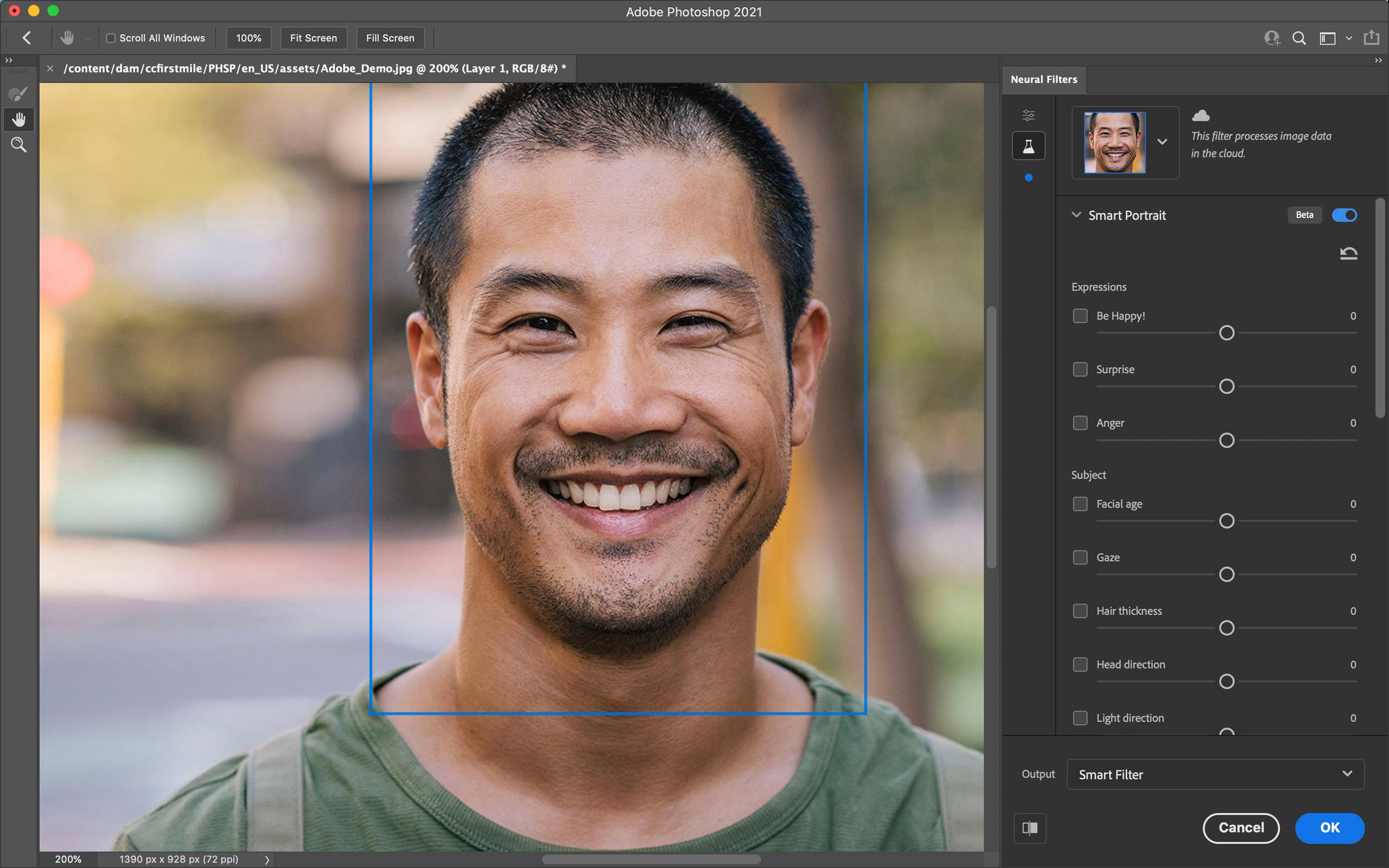
Adobe Photoshop is a professional-grade photo editing software that’s widely regarded as one of the best in the industry. With its powerful tools, advanced filters, and intuitive interface, Photoshop is perfect for both beginners and experienced photographers.
Getting Started With Adobe Photoshop
To download and install Adobe Photoshop on your computer, visit their official website and follow the instructions provided in our dedicated guide. Once installed, launch the program, and you’ll be greeted by a user-friendly interface that’s easy to navigate.
- Key Features:
- Advanced image manipulation tools
- Powerful filters and effects
- Supports multiple file formats
- Compatible with Windows and macOS
Other Paid Programs
If you’re looking for more paid options, consider the following:
- Adobe Lightroom: A powerful photo editing software that’s designed specifically for photographers.
- Coreldraw Graphics Suite: A professional-grade graphic design software that also includes features for photo editing.
Conclusion
In conclusion, there are many excellent programs available for photographers, ranging from free and paid options to specific features and tools. Whether you’re a beginner or an experienced photographer, this guide has provided you with the information you need to take your photography skills to the next level.
Frequently Asked Questions (FAQs)
Here are some additional FAQs that might be helpful:
- Q: What is The Best Free Program For Photographers?
- A: GIMP and Photopea are excellent free options for photo editing.
- Q: Is Adobe Photoshop Worth The Investment?
- A: Yes, Adobe Photoshop is a professional-grade software that’s perfect for both beginners and experienced photographers.
- Q: Can I Use These Programs on my Smartphone or Tablet?
- A: Some of these programs have mobile versions or apps that you can download from the App Store or Google Play.


