
Unlocking The Power of Find Friends: A Comprehensive Guide
Are you tired of feeling left out when your friends are on the move? Do you want to stay connected with your loved ones without the hassle of constant phone calls or messages? Look no further than Find Friends, a revolutionary app that lets you monitor the whereabouts of your friends and family members in real-time. In this article, we’ll delve into the world of Find Friends and explore its features, benefits, and limitations.
What is Find Friends?
Find Friends is a free application available for Android devices that allows users to share their location with selected friends or family members. This app is designed to help people stay connected and aware of each other’s whereabouts, promoting a sense of community and safety.
Creating an Account on Find Friends
To start using Find Friends, you’ll need to create an account on the app. Here’s a step-by-step guide:
- Download and install Find Friends from the Play Store.
- Tap on the app icon and select “Create” to begin the registration process.
- Enter your phone number and choose Italy as your location.
- Select “Been Joined” and tap “Next.”
- Create a password with at least 6 characters and confirm it by re-entering the password.
- Insert your email address and tap “Next.”
- Add your name, which will be visible to your contacts.
- Optional: Add a profile picture by tapping on the “+” icon.
Creating a New Circle And Inviting Members
A circle in Find Friends refers to a group of friends or family members who share their location with each other. To create a new circle:
- Tap on the ≡ icon and select “Create.”
- Choose “Add a Circle” and give it a name.
- Note down the unique code for your circle and share it with others.
- Alternatively, tap on “Forward Code” to send the code via WhatsApp, Email, or Messages.
Using Find Friends
Now that you’ve created an account and joined a circle, let’s explore how to use this app:
- Tap on the ≡ icon to view your circles.
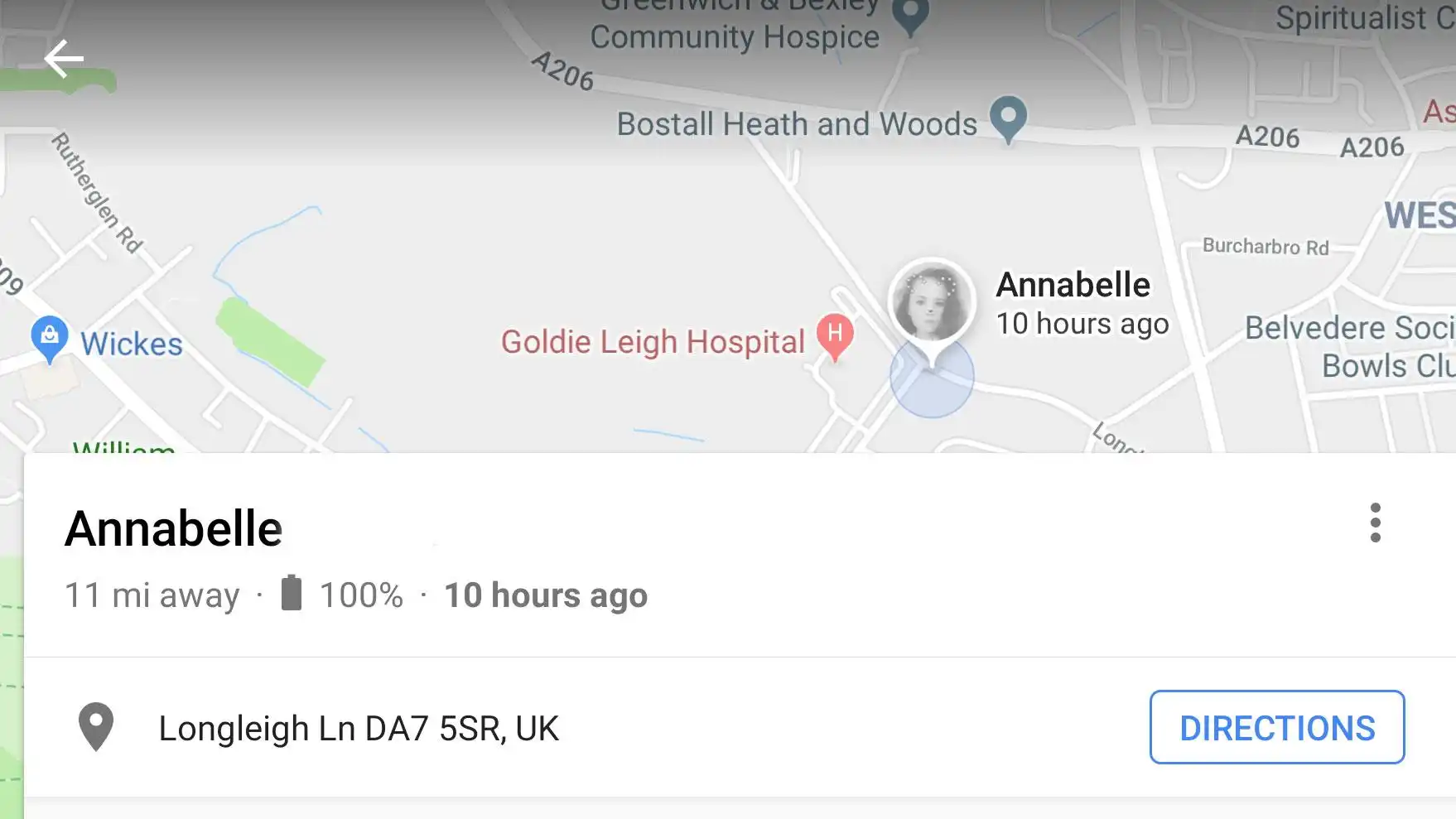
- Select a circle to see its members’ locations in real-time.
- To interact with a specific member, tap on their profile picture.
- View their location history for the past 7 days.
- Get directions to their current location using Google Maps.
- Forward messages or photos to individual members.
- Make voice calls to members within your circle.
Customizing Places And Notifications
Find Friends also allows you to create custom places, such as home or work, and set notifications when a member arrives or leaves these locations:
- Tap on the ≡ icon and select “Places.”
- Choose “Add” to create a new place.
- Enter the name, address, and range for the place.
- Save the changes.
Managing Notifications
To customize your notification settings:
- Tap on the ≡ icon and select “Settings.”
- Choose “Options > Notification” to personalize your notifications.
- Turn off or adjust notification sounds as needed.
Emergency Alerts
Find Friends also features an emergency alert system that sends a notification to all members of your circle in case of an emergency:
- Tap on the ≡ icon and select “Notice of Emergency.”
- Add contacts who will receive emergency alerts by tapping on the “+” icon.
- To send an emergency alert, tap on the ! icon.
Conclusion
Find Friends is a powerful app that helps you stay connected with your friends and family members while promoting a sense of community and safety. By following this comprehensive guide, you’ll be able to unlock the full potential of Find Friends and enjoy its benefits.
Frequently Asked Questions (FAQs)
- Q: Is Find Friends free?
A: Yes, Find Friends is a free app available for Android devices. - Q: How do I create an account on Find Friends?
A: To create an account, download the app from the Play Store and follow the registration process as outlined in this guide. - Q: What is a circle in Find Friends?
A: A circle refers to a group of friends or family members who share their location with each other. - Q: How do I customize places and notifications on Find Friends?
A: To create custom places, tap on the ≡ icon and select “Places.” To set notifications, follow the steps outlined in the guide. - Q: Can I use Find Friends to track a specific member’s location in real-time?
A: Yes, you can view individual members’ locations in real-time by tapping on their profile picture. - Q: How do I manage notification sounds and emergency alerts on Find Friends?
A: To customize your notification settings, tap on the ≡ icon and select “Settings” > “Options > Notification.” - Q: Can I use Find Friends with non-smartphone users?
A: While Find Friends is designed for smartphone users, you can still add non-smartphone contacts as emergency contacts. - Q: Is my personal data secure on Find Friends?
A: Yes, your personal data and location information are secure within the app.
Additional Resources
For more information about Find Friends or to troubleshoot issues, visit our website at www.Findfriends.Com or contact our support team at [email protected].


