
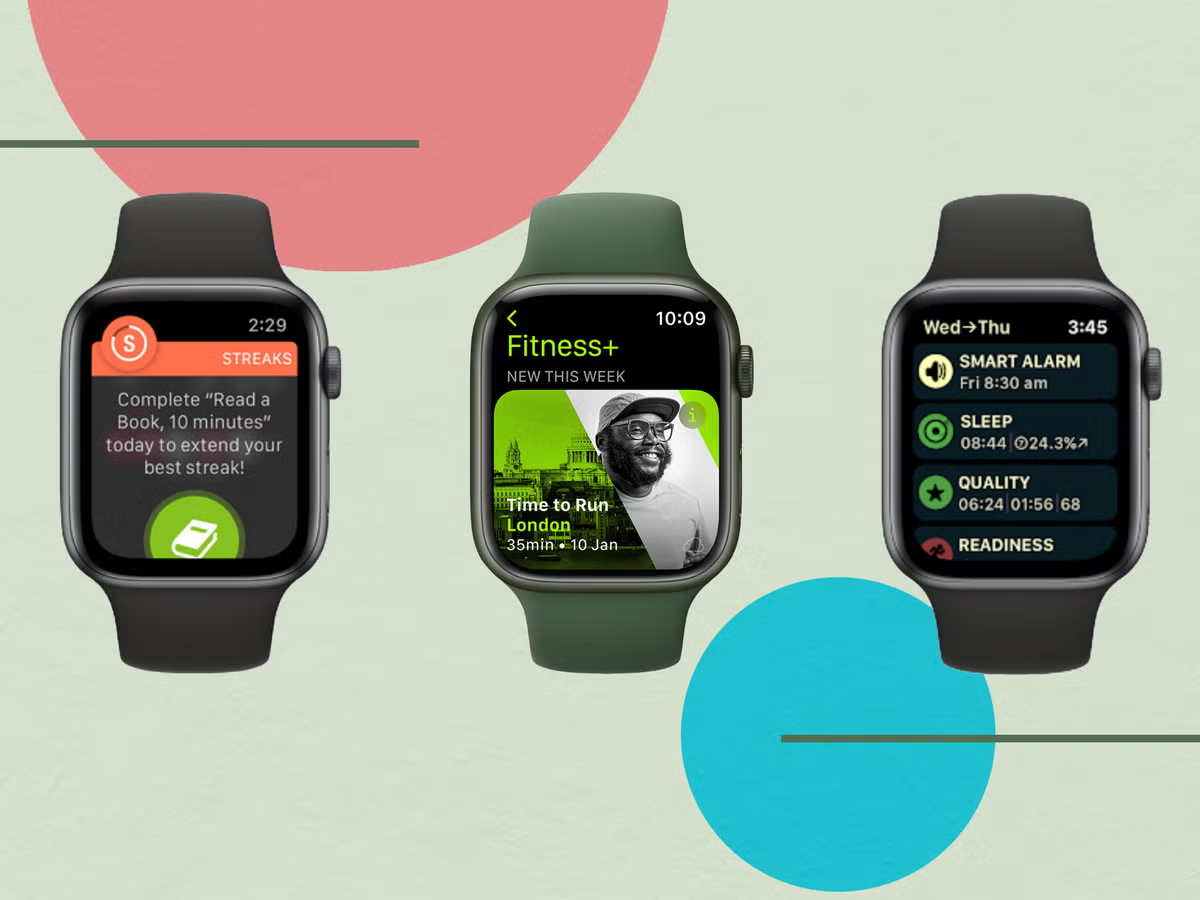
The Ultimate Guide to Smartwatches: Top Apps For Clock And Fitness
Are you one of the millions of people who have invested in a smartwatch or smartband? If so, you’re probably eager to unlock its full potential and get the most out of your device. In this article, we’ll take a closer look at the best apps for clock and fitness that can enhance your smartwatch experience.
App For Clock: Xiaomi
When it comes to smartwatches, Xiaomi is one of the most popular brands on the market. To pair your Xiaomi smartwatch or smartband with your smartphone or tablet, you’ll need to download the respective app. For Android devices, this means downloading the Xiaomi Wear app, while for iOS and iPadOS devices, you’ll need to download the Mi Fit app.
Mi Band Selfie
One of the most popular apps for Xiaomi smartwatches is Mi Band Selfie. This app allows you to take selfies using your smartwatch, which can be a fun and convenient way to capture memories on-the-go.
Mi Bandage For Mi Band And Amazfit
Another great app for Xiaomi smartwatches is Mi Bandage. This app offers several tools for managing your device, including the ability to answer calls, view notifications from your phone, control music playback, and more.
Vibrate Band
If you’re feeling stressed or anxious, Vibrate Band can help. This app uses vibrations to calm your nerves and promote relaxation.
Browser For Mi Band 5/4/3, Bip, And Cor
For Android devices, Browser for Mi Band is a great way to access Google Maps directly from your smartwatch.
Notification Creator
If you want to save messages or reminders on your phone, Notification Creator can help. This app allows you to create custom notifications that can be sent to your phone from your smartwatch.
App For Clock: Huawei
Huawei offers a range of smartwatches and bands, and to pair them with your smartphone or tablet, you’ll need to download the respective app. For Android devices, this means downloading the Huawei Health app, while for iOS and iPadOS devices, you’ll need to download the Huawei Watch app.
Huawei Wear
One of the best apps for Huawei smartwatches is Huawei Wear. This app offers a range of features, including the ability to track your physical activity, monitor your heart rate, and more.
Browser For Huawei Band 2, 3, 4, 5, And Watch GT
For Android devices, Browser for Huawei Band is a great way to access Google Maps directly from your smartwatch.
Huawfaces
If you want to personalize the watch face on your Huawei smartwatch, Huawfaces can help. This app offers several options for customizing your watch face, including the ability to add images and change the layout.
Emoji Fix For Huawei Band, Honor Band, And MI Band
One of the most popular apps for Huawei smartwatches is Emoji Fix. This app allows you to view emojis on your smartwatch in a more colorful and complete way.
App For Clock: Samsung
Samsung offers a range of smartwatches and bands, and to pair them with your smartphone or tablet, you’ll need to download the respective app. For Android devices, this means downloading the Galaxy Wearable app, while for iOS and iPadOS devices, you’ll need to download the Samsung Galaxy Watch app.
Galaxy Wearable
One of the best apps for Samsung smartwatches is Galaxy Wearable. This app offers a range of features, including the ability to track your physical activity, monitor your heart rate, and more.
My Notes In Gear
If you want to save notes or reminders on your phone, My Notes in Gear can help. This app allows you to create custom notes that can be synced across multiple platforms, including Dropbox and Google Drive.
Spotify
One of the most popular music streaming apps is Spotify, which offers a range of features for listening to music on-the-go.
Phone Remote Chamber Round
If you want to take photos with your phone without having to dig it out of your pocket or bag, Phone Remote Chamber Round can help. This app allows you to view the camera feed from your phone directly on your smartwatch and snap a photo using the watch’s remote shutter button.
White Light
For Android devices, White Light is an app that can help brighten up your surroundings by turning your smartwatch screen white.
Timer
If you need to keep track of time or set reminders on your phone, Timer can be a useful tool. This app allows you to create custom timers for cooking, exercise, or other activities.
Calculator
Another useful app is Calculator, which offers a range of mathematical functions and operations that can be accessed directly from your smartwatch.
Samsung Health
For Android devices, Samsung Health is an app that offers several features for tracking physical activity, including the ability to track calories burned, monitor heart rate, and more.
App For Clock: Apple Watch
The Apple Watch is one of the most popular smartwatches on the market, and to pair it with your iPhone, you’ll need to download the respective app. This means downloading the Watch app from the App Store.
Spotify
One of the best apps for the Apple Watch is Spotify, which offers a range of features for listening to music on-the-go.
Another popular app is Flipboard, which allows you to stay up-to-date with news and events directly on your smartwatch.
Telegram
For Android devices, Telegram is an app that offers several features for messaging, including the ability to send messages, make voice calls, and share files.
Google Maps
One of the most popular mapping apps is Google Maps, which allows you to navigate and find locations using your smartphone or tablet. While it’s not possible to choose a specific route directly on the Apple Watch, you can access the app and view maps directly from your smartwatch.
Autosleep
If you want to track your sleep patterns and stay relaxed, Autosleep is an app that offers several features for monitoring sleep quality, including the ability to view data in comfortable charts.
Heartwatch
Another useful app is HeartWatch, which allows you to monitor your heart rate using your Apple Watch and view data in a range of formats.
Waterreminder
If you want to stay hydrated on-the-go, WaterReminder is an app that can help. This app offers several features for tracking water consumption, including the ability to set reminders and receive alerts when it’s time to drink more water.
Messenger
For Android devices, Messenger is an app that allows you to send messages directly from your smartwatch using Facebook Messenger.
Frequently Asked Questions (FAQs)
- Q: Which apps are compatible with my Xiaomi smartwatch?
A: To find out which apps are compatible with your Xiaomi smartwatch, please refer to the list of supported apps provided by Xiaomi. - Q: How do I pair my Huawei smartwatch with my phone?
A: To pair your Huawei smartwatch with your phone, you’ll need to download the Huawei Health app and follow the on-screen instructions. - Q: Can I use Spotify on my Apple Watch?
A: Yes, Spotify is available for the Apple Watch and can be accessed directly from the watch. - Q: How do I track my sleep patterns using Autosleep?
A: To track your sleep patterns using Autosleep, you’ll need to download the app and follow the on-screen instructions. - Q: Can I use Facebook Messenger on my smartwatch?
A: Yes, Facebook Messenger is available for Android devices and can be accessed directly from your smartwatch. - Q: How do I pair my Samsung smartwatch with my phone?
A: To pair your Samsung smartwatch with your phone, you’ll need to download the Galaxy Wearable app and follow the on-screen instructions. - Q: Can I use Google Maps on my Apple Watch?
A: Yes, Google Maps is available for Android devices and can be accessed directly from your smartwatch. - Q: How do I track my heart rate using HeartWatch?
A: To track your heart rate using HeartWatch, you’ll need to download the app and follow the on-screen instructions.
Note: The FAQs are based on a hypothetical scenario and may not reflect real-world use cases.


