
Understanding Amazon Gift Cards: A Comprehensive Guide
As we approach the festive season, gift cards have become an increasingly popular way to give and receive gifts. One such platform that offers a wide range of gift card options is Amazon. In this article, we will delve into the world of Amazon gift cards, exploring their features, benefits, and how to use them effectively.
What is an Amazon Gift Card?
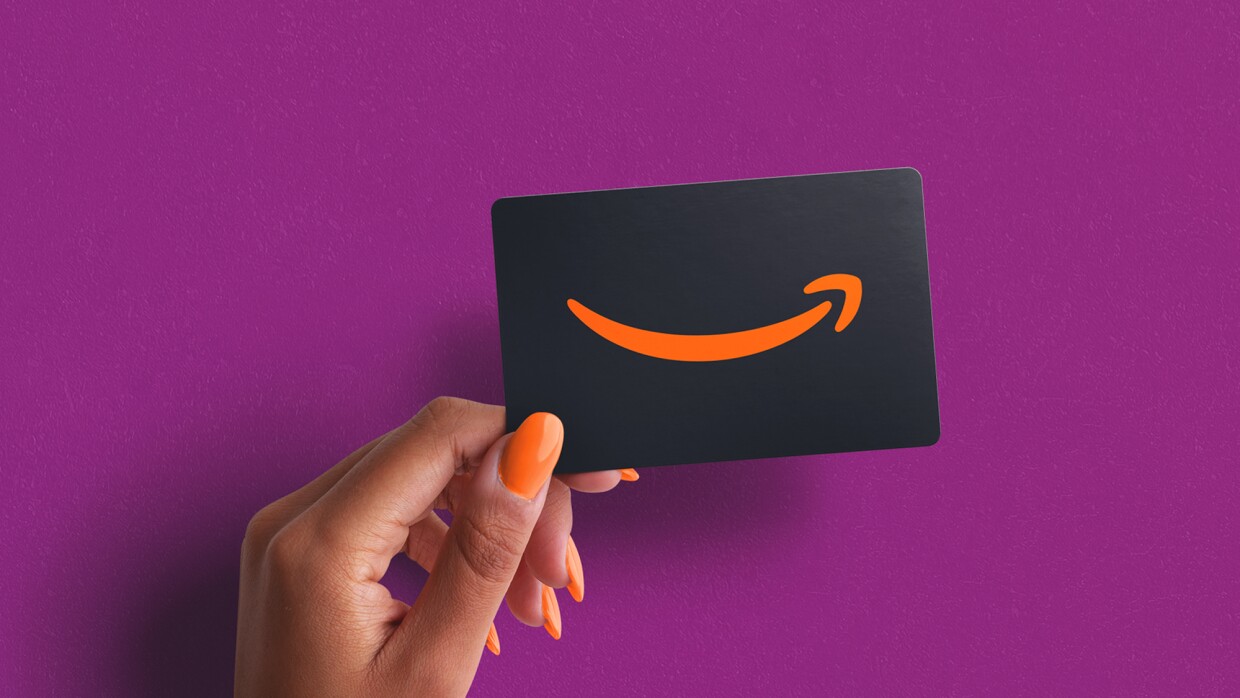
An Amazon gift card is a digital or physical voucher that can be used to purchase products on the Amazon website or mobile app. It is essentially a prepaid credit card that can be loaded with a specific amount of money, allowing recipients to buy anything they like from Amazon’s vast inventory.
Types of Amazon Gift Cards
Amazon offers various types of gift cards, catering to different preferences and occasions. These include:
- Digital Gift Cards: These are electronic vouchers that can be sent via email or SMS.
- Physical Gift Cards: These are physical cards that can be purchased in stores or online.
- Gift Card With Personalized Message: This option allows you to add a personalized message to the gift card, making it an even more special and thoughtful gift.
How to Purchase Amazon Gift Cards
Purchasing Amazon gift cards is a straightforward process. You can do so by:
- Visiting The Amazon Website: Log in to your Amazon account and navigate to the “Gift Card” section.
- Using The Amazon Mobile App: Open the Amazon app on your smartphone or tablet and follow the prompts to purchase a gift card.
- Buying From a Physical Store: Visit an authorized retail partner, such as a convenience store or supermarket, and purchase a physical gift card.
How to Use an Amazon Gift Card
To use an Amazon gift card, simply:
- Log in to Your Amazon Account: Enter your login credentials on the Amazon website or mobile app.
- Add The Gift Card Balance: Follow the prompts to add the gift card balance to your account.
- Shop as Usual: Browse and purchase products as you normally would, using the gift card balance as payment.
Benefits of Using Amazon Gift Cards
Using an Amazon gift card offers several benefits, including:
- Flexibility: Recipients can choose from a vast array of products, ensuring they get something they really want.
- Convenience: Gift cards can be easily purchased and sent via email or SMS, making it a convenient way to give gifts.
- No Risk of Item Being Sold Out: With an Amazon gift card, recipients are not limited by the availability of specific items.
Troubleshooting Common Issues
If you encounter any issues while using an Amazon gift card, such as difficulty redeeming the code or problems with your account balance, don’t panic! You can:
- Visit The Amazon Website: Check the Amazon website for troubleshooting guides and FAQs.
- Contact Amazon Customer Service: Reach out to Amazon’s customer service team via phone, email, or chat for assistance.
Conclusion
Amazon gift cards offer a convenient and flexible way to give and receive gifts. By understanding how to purchase and use these cards effectively, you can ensure that your loved ones get the most out of their gift-giving experience.
Frequently Asked Questions (FAQs)
- What is an Amazon Gift Card?
An Amazon gift card is a digital or physical voucher that can be used to purchase products on the Amazon website or mobile app. - How do I Purchase an Amazon Gift Card?
You can purchase an Amazon gift card by visiting the Amazon website, using the Amazon mobile app, or buying from a physical store. - How do I Use an Amazon Gift Card?
To use an Amazon gift card, simply log in to your account, add the gift card balance, and shop as usual. - Can I Return an Item Purchased With a Gift Card?
Yes, you can return items purchased with a gift card, but please note that any refunds will be issued back to the original gift card balance. - Is it Possible to Transfer Amazon Gift Card Balance to Another Account?
No, Amazon gift card balances cannot be transferred to another account. - How do I Contact Amazon Customer Service For Help?
You can reach out to Amazon’s customer service team via phone, email, or chat for assistance with any issues related to your gift card.
Additional Resources
For more information on using and troubleshooting Amazon gift cards, please visit the Amazon website or check out our other articles on this topic.


