
How to Download Files Faster: Tips And Tricks
Are you tired of waiting for files to download? Do you want to know the secrets to downloading files quickly and efficiently? Look no further! In this article, we will explore the best tips and tricks to help you download files faster.
Understanding The Basics of Internet Speed
Before we dive into the nitty-gritty of downloading files, it’s essential to understand how internet speed works. Internet speed is measured in megabits per second (Mbps) or gigabits per second (Gbps). The higher the number, the faster your internet connection.
Speed Test: Checking Your Internet Speed
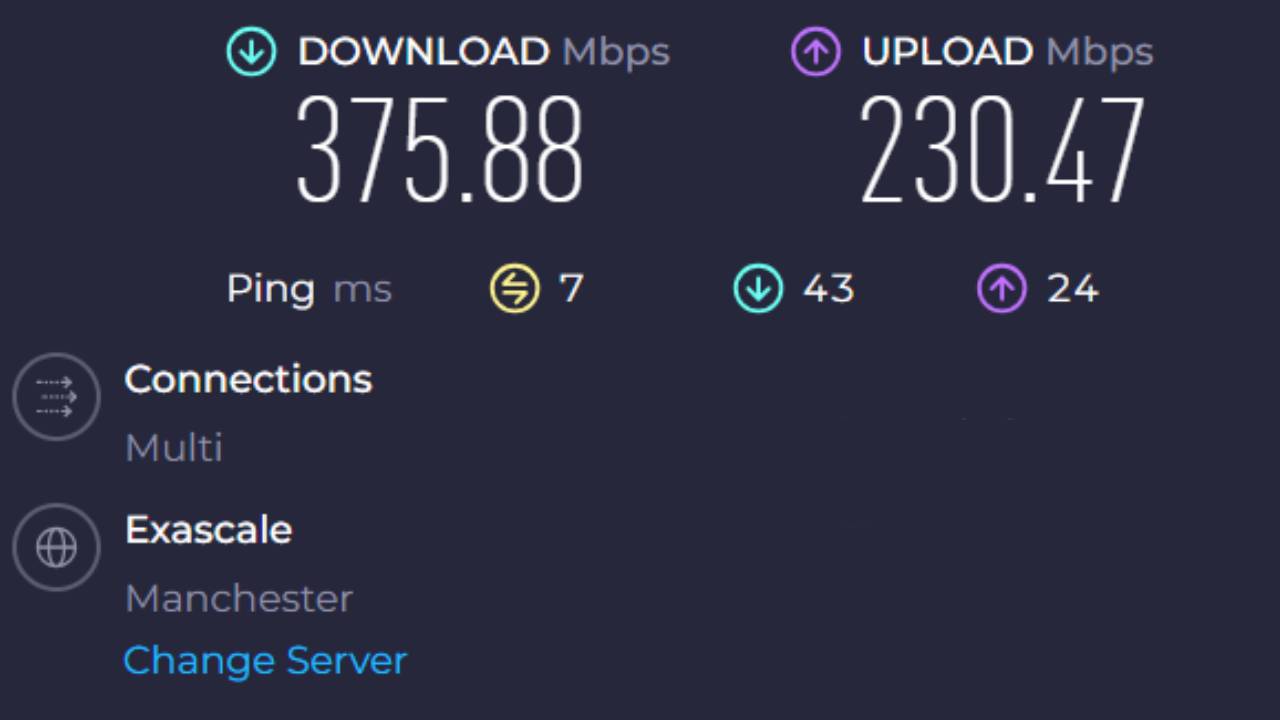
To check your internet speed, you can use online tools like Speedtest by Ookla. This tool will test your download and upload speeds, giving you an idea of how fast your internet connection is. Make sure to run the test multiple times to get accurate results.
Factors Affecting Internet Speed
Several factors can affect your internet speed, including:
- Internet Service Provider (ISP): Your ISP can impact your internet speed. Check with your provider to see if you’re getting the speeds you’re paying for.
- Router Distance: The distance between your device and router can slow down your internet connection. Try moving your router closer to your device or using a Wi-Fi extender.
- Wi-fi Congestion: If multiple devices are connected to the same network, it can cause congestion and slow down your internet speed.
- Malware And Viruses: Malware and viruses can consume your internet bandwidth, slowing down your speeds.
How to Download Files Faster on PC
If you’re looking to download files faster on your PC, here are some tips:
- Use a Reliable Antivirus Software: Make sure you have a reliable antivirus software installed to protect your device from malware and viruses.
- Close Unnecessary Programs: Close any unnecessary programs that might be consuming your internet bandwidth.
- Use a Download Manager: Use a download manager like qBittorrent or JDownloader to manage your downloads and optimize your speeds.
How to Download Files Faster on Ps4
If you’re looking to download files faster on your PS4, here are some tips:
- Check Your Internet Speed: Check your internet speed using online tools like Speedtest by Ookla.
- Close Unnecessary Apps: Close any unnecessary apps that might be consuming your internet bandwidth.
- Use a Download Manager: Use a download manager to manage your downloads and optimize your speeds.
How to Download Files Faster on Smartphone
If you’re looking to download files faster on your smartphone, here are some tips:
- Check Your Internet Speed: Check your internet speed using online tools like Speedtest by Ookla.
- Close Unnecessary Apps: Close any unnecessary apps that might be consuming your internet bandwidth.
- Use a Download Manager: Use a download manager to manage your downloads and optimize your speeds.
Conclusion
Downloading files faster is not just about patience; it’s also about understanding the factors that affect your internet speed. By following these tips and tricks, you can optimize your download speeds and get what you need quickly and efficiently.
Faqs
- Q: What is The Best Way to Download Files Faster?
A: The best way to download files faster is to use a reliable antivirus software, close unnecessary programs, and use a download manager. - Q: How Can I Check my Internet Speed?
A: You can check your internet speed using online tools like Speedtest by Ookla. - Q: What Factors Affect my Internet Speed?
A: Several factors can affect your internet speed, including your ISP, router distance, Wi-Fi congestion, malware and viruses, and more. - Q: How Can I Download Files Faster on Ps4?
A: To download files faster on PS4, check your internet speed, close unnecessary apps, and use a download manager. - Q: How Can I Download Files Faster on Smartphone?
A: To download files faster on smartphone, check your internet speed, close unnecessary apps, and use a download manager. - Q: What is The Best Download Manager For Pc?
A: The best download manager for PC is qBittorrent or JDownloader. - Q: What is The Best Download Manager For Ps4?
A: The best download manager for PS4 is not specific, but you can use a general download manager to manage your downloads. - Q: What is The Best Download Manager For Smartphone?
A: The best download manager for smartphone is not specific, but you can use a general download manager to manage your downloads.
I hope this article has provided you with valuable insights into how to download files faster. Remember to always check your internet speed and close unnecessary programs or apps to optimize your download speeds!


