
How to Clean Your Smartphone Like a Pro
Are you tired of looking at your smartphone’s dirty screen and back cover? Do you want to learn how to clean it like a pro? Look no further! In this article, we will guide you through the step-by-step process of cleaning your smartphone, from preparing the necessary materials to executing the actual cleaning.
The Importance of Cleaning Your Smartphone
Before we dive into the nitty-gritty of cleaning your smartphone, let’s talk about why it’s so important. Our smartphones are breeding grounds for bacteria and germs. In fact, according to some scientific studies, a smartphone can harbor more bacteria and germs than a toilet handle! This is because we bring our phones everywhere with us, including into the bathroom, kitchen, and even to bed.
Preparing The Necessary Materials
To clean your smartphone safely and effectively, you’ll need a few basic materials. These include:
- A microfiber cloth (preferably one that’s been cleaned, sanitized, and lint-free)
- Warm water
- A cleaning solution specifically designed for smartphones (optional)
You can find microfiber cloths in most optical shops, online stores, or even in the packaging of phone screen protectors.
Preliminary Operations
Before you start cleaning your smartphone, make sure to:
- Turn off your phone and unplug it from any power source.
- Remove any phone case or cover.
- Gently lift up the phone’s screen protector (if applicable).
This will ensure that you can clean every nook and cranny of your device without damaging it.
Cleaning The Front of Your Smartphone
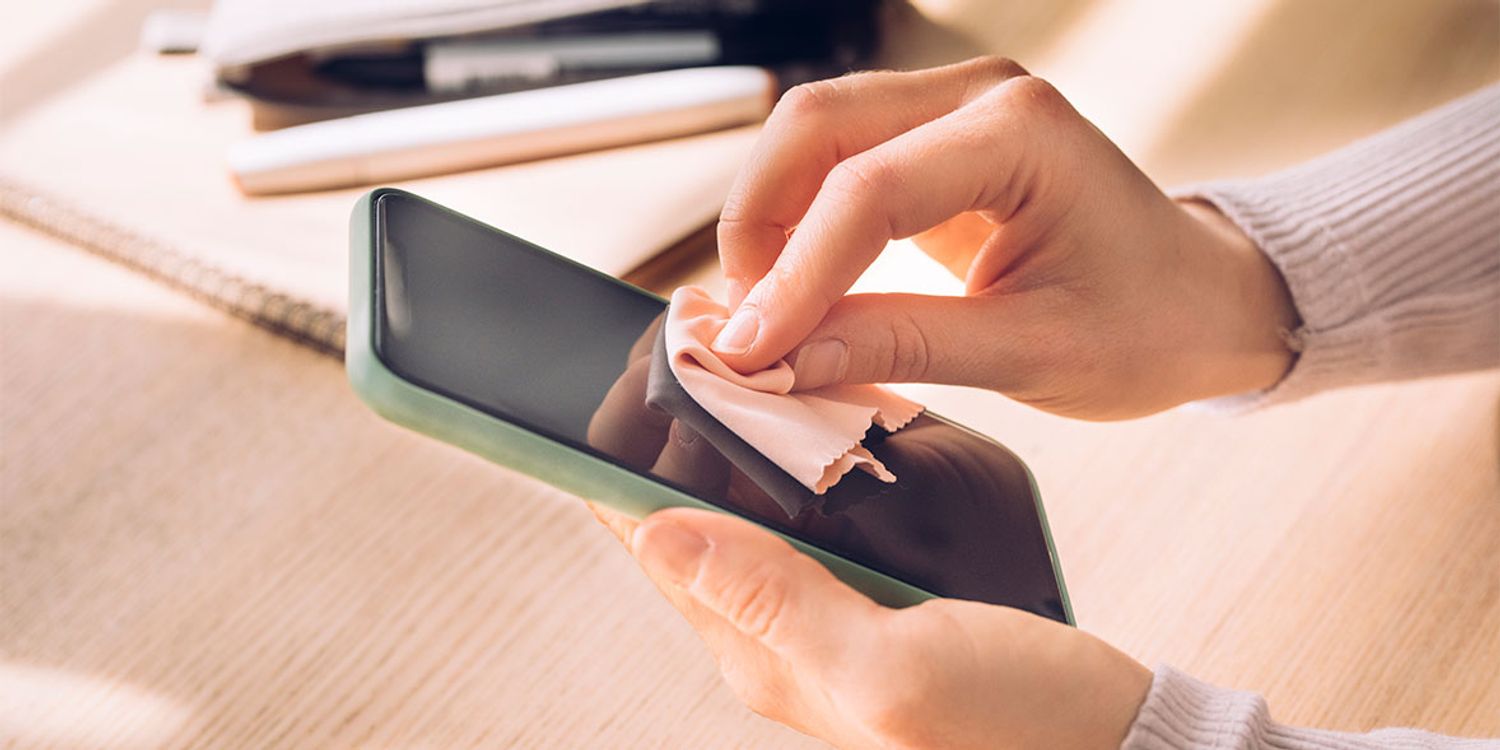
Now it’s time to tackle the front of your smartphone, which includes the screen, speaker, and home button (if present). Take your microfiber cloth and gently wipe down the entire surface in a circular motion. Repeat this process several times until you see significant improvement. If there are still stubborn stains or dirt buildup, you can dampen the cloth with warm water or use a specialized cleaning solution for smartphones.
Cleaning The Back of Your Smartphone
After completing the front part, it’s time to move on to the back cover and camera area. Repeat the same process as before, using your microfiber cloth to gently wipe away dirt, grime, and other substances.
Additional Tips And Resources
If you’re still unsure about how to clean your smartphone or need further guidance, consider watching video tutorials on YouTube or consulting your phone’s user manual.
Some additional resources that can help you in this process include:
- A specialized cleaning kit for smartphones
- A microfiber cloth with a built-in sanitizing solution
Conclusion
Cleaning your smartphone is an essential part of maintaining its overall health and longevity. By following the steps outlined above, you’ll be able to give your device a thorough cleaning that will leave it looking like new.
Faqs
- Q: How Often Should I Clean my Smartphone?
A: It’s recommended to clean your smartphone at least once a week, or more frequently if you use it extensively. - Q: Can I Use Regular Soap And Water to Clean my Smartphone?
A: No, it’s not recommended to use regular soap and water as they can damage the screen or other components of your device. - Q: What is The Best Way to Remove Stubborn Stains From my Smartphone?
A: For tough stains, you can try using a specialized cleaning solution or dampening a microfiber cloth with warm water before wiping it down. - Q: Can I Clean my Smartphone With Bleach or Other Harsh Chemicals?
A: No, never use bleach or other harsh chemicals to clean your smartphone as they can damage the screen, camera lens, or other components. - Q: How do I Prevent Germs And Bacteria From Accumulating on my Smartphone?
A: Regularly cleaning your smartphone, using a phone case with built-in antimicrobial properties, and washing your hands before handling your device are all effective ways to prevent germ buildup.
The Ultimate Smartphone Cleaning Checklist
Before we conclude, let’s recap the ultimate smartphone cleaning checklist:
- Prepare necessary materials (microfiber cloth, warm water, and specialized cleaning solution)
- Turn off and unplug phone
- Remove phone case or cover
- Gently lift up screen protector (if applicable)
- Clean front of smartphone with microfiber cloth
- Clean back of smartphone with microfiber cloth
By following these simple steps and tips, you’ll be able to keep your smartphone looking its best for years to come!


