
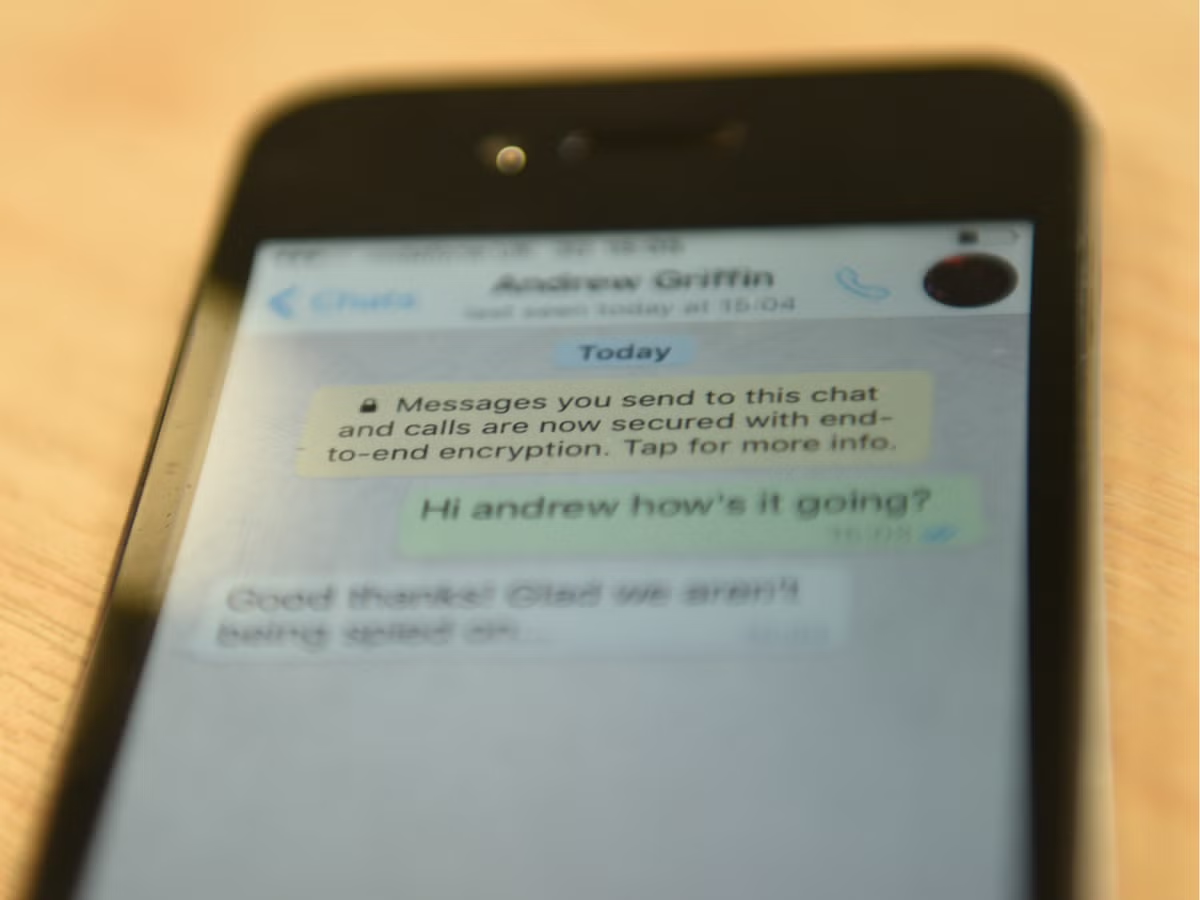
Understanding if Whatsapp Can Be Spied On
Are you worried that someone might be spying on your conversations on WhatsApp? You’re not alone! With the rise of online communication, concerns about privacy have become increasingly relevant. In this article, we’ll delve into the possibility of being spied on while using WhatsApp and provide you with practical tips to ensure your communications remain safe.
The Risks of Using Whatsapp
While WhatsApp is a popular messaging app, it’s not immune to security risks. As with any online platform, there are potential vulnerabilities that can be exploited by malicious individuals. These risks include:
- Unauthorized Access: Someone might gain unauthorized access to your WhatsApp account, allowing them to intercept your conversations.
- Data Breaches: Your personal data and conversation history could be compromised in the event of a data breach.
- Malware And Spyware: Malicious software can be installed on your device, giving hackers access to your WhatsApp activities.
How to Check if Whatsapp is Being Spied On
Fortunately, there are ways to detect and prevent unauthorized access to your WhatsApp account. Here’s how:
Checking Access on Whatsapp Web/desktop
- Open the settings app on your smartphone.
- Go to Account > WhatsApp Web/Desktop.
- Look for any suspicious sessions or devices connected to your WhatsApp account.
- If you notice anything unusual, disconnect the session immediately.
Verifying Presence of Spy Apps
- Check your device’s settings for any unfamiliar apps with admin permissions.
- On Android, go to Settings > Safety and privacy > Administrators of the device.
- On iOS, go to Settings > General > Profiles.
- If you find any suspicious apps, uninstall them immediately.
Monitoring Device Activity
- Use a device activity monitor to track any unusual behavior on your smartphone.
- On Android, use an app like Wakelock Detector to monitor your device’s performance.
- On iOS, check the Activity Monitor in Settings > General > Usage.
Tips For Staying Safe on Whatsapp
- Use a Strong Pin or Password: Enable two-factor authentication and set up a strong PIN or password to secure your account.
- Regularly Update Your App: Keep your WhatsApp app up-to-date to ensure you have the latest security patches.
- Be Cautious When Clicking Links: Avoid clicking suspicious links or downloading attachments from unknown sources.
- Use a Vpn: Consider using a virtual private network (VPN) to encrypt your internet traffic and protect your online activity.
Conclusion
While the possibility of being spied on while using WhatsApp exists, there are steps you can take to minimize this risk. By following these tips and staying vigilant, you can enjoy secure conversations with your friends and family on WhatsApp.


