
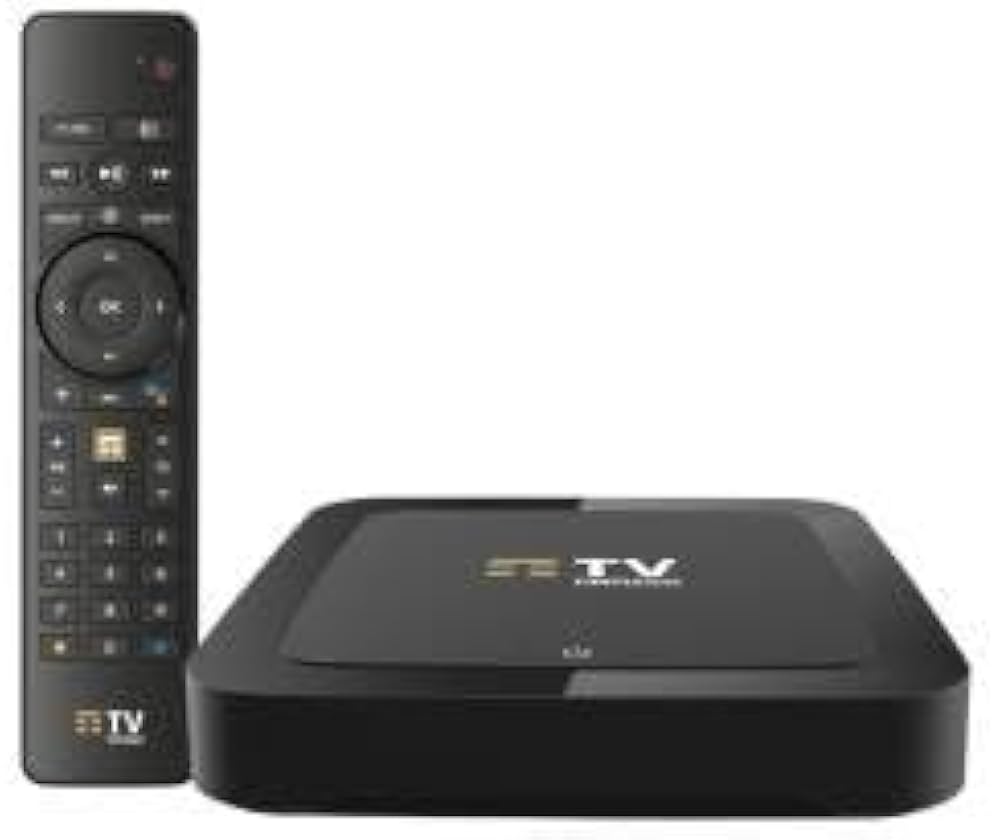
Installing Timvision Box: A Step-by-step Guide
Are you tired of missing out on your favorite TV shows and movies? Do you want to experience the best of Italian television without any hassle? Look no further than installing TIMVISION Box! In this article, we will guide you through the process of setting up your TIMVISION Box, from connecting it to your TV to installing new apps.
What is Timvision Box?
TIMVISION Box is a digital TV decoder that allows you to watch live and on-demand TV channels, as well as access other streaming services. With its Android TV operating system, you can enjoy a wide range of content, including movies, TV shows, and sports events.
Connecting Your Timvision Box to Your TV
To start using your TIMVISION Box, you need to connect it to your TV. Here’s how:
- Physical Connection: Connect the TIMVISION Box to your TV using an HDMI cable. Make sure to insert one end of the cable into the HDMI port on the back of the box and the other end into the corresponding port on the TV.
- Internet Connection: If you want to access internet-based content, connect the TIMVISION Box to your router using an Ethernet cable or Wi-Fi.
Configuring Your Timvision Box
Once connected, configure your TIMVISION Box by following these steps:
- Initial Setup: Press the power button on the remote control to turn on the box.
- Language Selection: Select your preferred language from the options provided.
- Time And Date Setting: Set the time and date according to your preferences.
- Network Configuration: Configure your network settings, including Wi-Fi or Ethernet connection.
Installing Apps on Your Timvision Box
With your TIMVISION Box configured, you can now install new apps to access additional content:
- Open App Store: Press the “App” button on the remote control to open the app store.
- Search For Apps: Search for the app you want to install by typing its name in the search bar or using the voice command feature.
- Download And Install: Select the app you want to download and follow the prompts to install it.
Accessing Timvision Content
To access TIMVISION content, follow these steps:
- Select Timvision Account: Select your TIMVISION account from the list of available accounts.
- Log In: Enter your login credentials to access the content.
Troubleshooting Common Issues
Encountering issues with your TIMVISION Box? Don’t worry! Here are some common problems and their solutions:
- No Signal: Check that the HDMI cable is securely connected to both the TV and the box.
- No Internet Connection: Ensure that the Ethernet or Wi-Fi connection is stable and working correctly.
Conclusion
Installing a TIMVISION Box is an easy process that requires minimal technical expertise. By following this step-by-step guide, you can enjoy a wide range of Italian television content without any hassle. If you have any further questions or concerns, don’t hesitate to reach out for assistance.
Frequently Asked Questions (FAQs)
-
What is Timvision Box?
- TIMVISION Box is a digital TV decoder that allows users to watch live and on-demand TV channels.
-
How do I Connect my Timvision Box to my Tv?
-
Connect the box to your TV using an HDMI cable, ensuring both ends are securely inserted into their respective ports.
-
Can I Use Wi-fi Instead of Ethernet?
-
Yes, you can connect your TIMVISION Box to the internet using Wi-Fi or Ethernet.
-
What Apps Can I Install on my Timvision Box?
-
You can download and install various streaming services like Netflix, DAZN, Disney+, and Prime Video from the app store.
Additional Resources
For further assistance, please refer to the official TIMVISION website or contact their customer support team for more information.


