
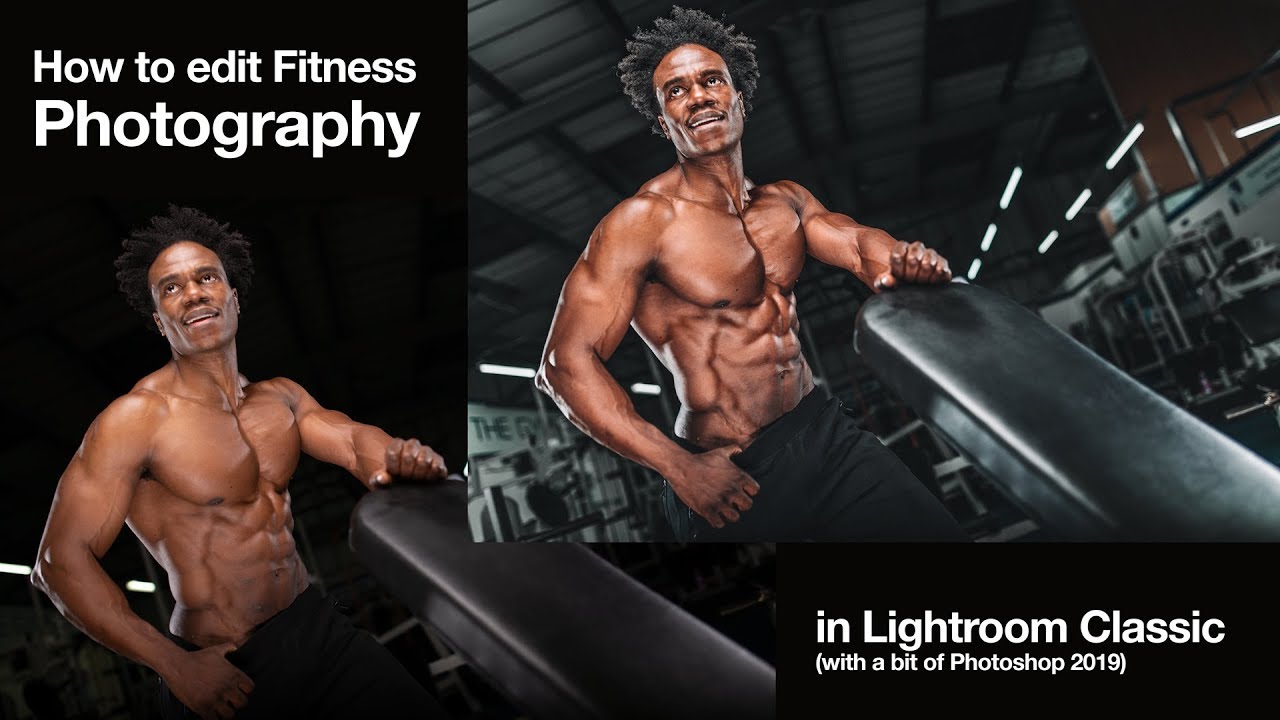
How to Modify Photos Like a Pro: A Comprehensive Guide
Are you tired of having mediocre photos that don’t quite capture the essence of your subject? Do you want to learn how to edit photos like a pro without spending hours in front of a computer screen? Look no further! In this article, we’ll take you on a journey through the world of photo editing, and show you how to modify photos like a pro using various software and apps.
Why Modify Photos?
Before we dive into the nitty-gritty details of photo editing, let’s talk about why it’s essential to modify photos in the first place. In today’s digital age, having high-quality photos is crucial for social media, marketing, and even personal use. A well-edited photo can make all the difference between a mediocre image and a stunning one that grabs attention.
Photoshop: The Industry Standard
We’ll start with the most popular and widely used photo editing software, Adobe Photoshop. As the industry standard, Photoshop is an indispensable tool for any photographer or graphic designer. With its vast array of features and tools, Photoshop allows you to edit photos like a pro, from basic adjustments to advanced effects.
How to Use Photoshop
To use Photoshop, follow these steps:
- Open Photoshop: Click on the “Open” button in the top-left corner of the screen.
- Choose Your Photo: Select the photo you want to edit and click “Open.”
- Adjust Basic Settings: Go to “Image” > “Mode” and select “RGB Color.” Then, go to “Image” > “Size” and adjust the resolution as needed.
- Use Editing Tools: Use the various editing tools available in Photoshop, such as the Crop Tool, Clone Stamp, and Healing Brush.
- Apply Filters And Effects: Go to “Filter” > “Other” and select the filter or effect you want to apply.
Free Alternatives to Photoshop
If you’re on a budget or don’t have the resources for Adobe Photoshop, there are plenty of free alternatives available. Here are some popular options:
- Gimp: A free and open-source photo editing software that offers many of the same features as Photoshop.
- Photo: A basic photo editor that comes pre-installed with Windows operating systems.
- Snapseed: A mobile app for Android and iOS devices that allows you to edit photos on-the-go.
Other Solutions For Photo Editing
If none of the above options appeal to you, there are still plenty of other solutions available. Here are a few more:
- Photopea: An online photo editor that offers many of the same features as Photoshop.
- Lightroom: A professional-grade photo editing software that’s part of Adobe’s Creative Cloud suite.
- Fotor: Another free online photo editor that offers a range of tools and effects.
How to Modify Photos For Instagram
If you’re looking to modify photos specifically for Instagram, here are some tips:
- Use the built-in editing tools available in the Instagram app to adjust brightness, contrast, and saturation.
- Experiment with different filters and effects to give your photo a unique look.
- Don’t over-edit your photo – sometimes less is more.
Conclusion
In conclusion, modifying photos like a pro doesn’t have to be rocket science. With these tips and tools, you can edit your photos like a pro without breaking the bank or spending hours in front of a computer screen. Whether you’re a professional photographer or just starting out, remember that practice makes perfect – so keep experimenting and practicing until you get the results you want!
Faqs
- What’s The Best Photo Editing Software?
Adobe Photoshop is generally considered the industry standard for photo editing. - Can I Edit Photos on my Phone?
Yes, there are plenty of mobile apps available that allow you to edit photos on-the-go, such as Snapseed and Photopea. - What’s The Difference Between Gimp And Photoshop?
While both software offer many similar features, GIMP is a free and open-source alternative to Adobe Photoshop. - How do I Modify Photos For Instagram?
Use the built-in editing tools available in the Instagram app, or experiment with different filters and effects using other photo editing software like Snapseed or Photopea.


