
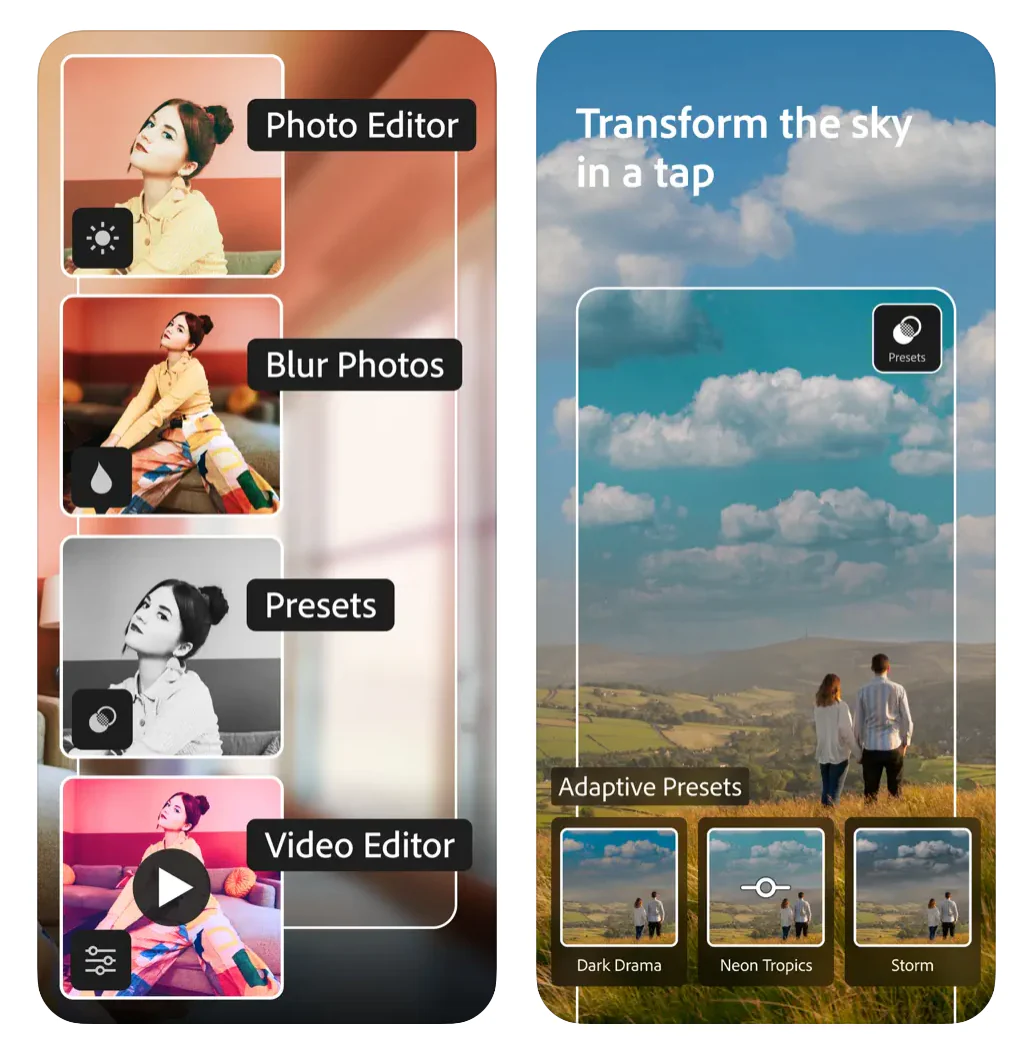
The Ultimate Guide to Photo Retouching Apps
Are you tired of taking selfies that don’t quite do justice to your beauty? Do you want to enhance the photos you take on your smartphone or tablet, but don’t know where to start? Look no further! In this article, we’ll explore the best photo retouching apps available for both Android and iOS devices.
Why You Need a Photo Retouching App
We’ve all been there – taking a selfie that’s just not quite right. Whether it’s a wonky smile, a double chin, or a pesky zit, there are plenty of things that can ruin an otherwise great photo. That’s where a good photo retouching app comes in.
These apps are designed to help you edit your photos with ease, without requiring any special software or expertise. From removing blemishes and wrinkles to adjusting brightness and contrast, these apps have got you covered.
The Best Photo Retouching Apps
So, which photo retouching app is right for you? Here are some of the top options:
Google Photos (Android/iOS/iPadOS)
First up is Google Photos, a free app that’s available on both Android and iOS devices. This app is more than just a photo editor – it’s also a cloud storage service that lets you back up all your photos to the cloud.
To use Google Photos as a photo retouching tool, simply open the app and select the photo you want to edit. From there, you can choose from a range of tools, including exposure adjustment, color correction, and more.
Snapseed (Android/iOS/iPadOS)
Next up is Snapseed, another free app that’s available on both Android and iOS devices. This app offers a range of advanced editing features, including noise reduction, exposure compensation, and more.
To use Snapseed as a photo retouching tool, simply open the app and select the photo you want to edit. From there, you can choose from a range of tools, including filters, adjustments, and more.
Photo (iOS/iPadOS)
If you’re an iPhone or iPad user, then Photo is the perfect choice for you. This app offers a range of editing features, including exposure adjustment, color correction, and more.
To use Photo as a photo retouching tool, simply open the app and select the photo you want to edit. From there, you can choose from a range of tools, including filters, adjustments, and more.
Other Great Options
If these apps aren’t quite right for you, then don’t worry – there are plenty of other great options available!
Here are some other photo retouching apps worth checking out:
- Pixlr: A free app that offers a range of editing features, including exposure adjustment, color correction, and more.
- VSCO: A popular app that lets you apply filters and effects to your photos with ease.
- Adobe Photoshop Express: A free version of Adobe’s famous photo editing software, which offers a range of advanced editing features.
- Prisma: An app that uses AI to transform your photos into works of art.
How to Use These Apps
So, how do you use these apps? Here are some tips to get you started:
- Choose Your App: First things first – choose the photo retouching app that’s right for you.
- Select Your Photo: Next, select the photo you want to edit.
- Choose Your Tool: From there, choose the tool you want to use to edit your photo.
- Make Your Adjustments: Once you’ve chosen your tool, make your adjustments as needed.
- Save Your Changes: Finally, save your changes and enjoy your edited photo!
Conclusion
In conclusion, photo retouching apps are a great way to enhance the photos you take on your smartphone or tablet. Whether you’re looking to remove blemishes and wrinkles or simply adjust brightness and contrast, these apps have got you covered.
So why not give one of these apps a try today? With a little practice, you’ll be editing like a pro in no time!
Frequently Asked Questions
Here are some frequently asked questions about photo retouching apps:
- What is The Best Photo Retouching App For Me?
There are many great options available – Google Photos, Snapseed, Photo, and more! Try out a few to see which one you like best. - How do I Use These Apps?
It’s easy! Choose your app, select your photo, choose your tool, make your adjustments, and save your changes. - Are These Apps Free?
Some of them are! Google Photos and Snapseed are both free to download and use. -
Can I Use These Apps on my Computer?
Most of the apps mentioned above have desktop versions available for Windows and macOS users. -
What Features Should I Look For in a Photo Retouching App?
When choosing a photo retouching app, consider the following features:
- Adjustments: Look for an app that allows you to adjust brightness, contrast, color balance, and more.
- Filters: Consider an app that offers a range of filters and effects to apply to your photos.
- Advanced Editing Tools: Some apps offer advanced editing tools like noise reduction, exposure compensation, and more.


