
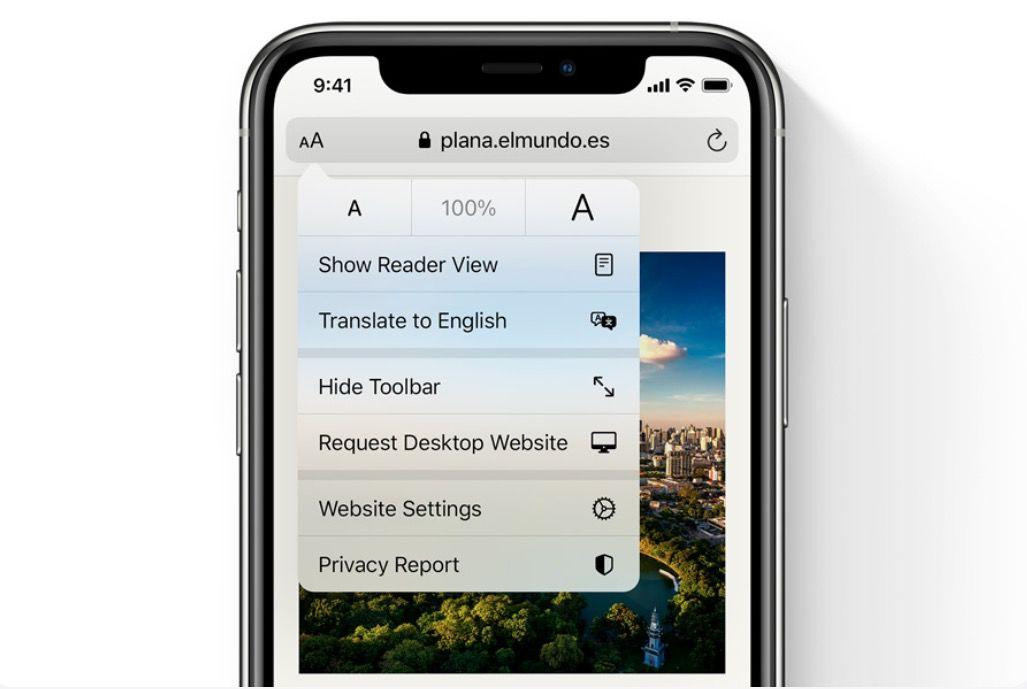
How to Translate a Photo Like Magic
Are you planning a trip abroad and want to understand the local language? Or perhaps you have an old photo that contains text in a foreign language, and you’d like to translate it? Look no further! In this article, we’ll explore how to translate a photo using various apps and online services.
The Problem of Language Barriers
When traveling or interacting with people from different cultures, language barriers can be a significant obstacle. Not being able to understand the local language can lead to misunderstandings, miscommunications, and even frustration. That’s why it’s essential to have tools that can help us overcome this barrier.
App And Online Services For Photo Translation
Fortunately, there are numerous apps and online services available that can translate images with ease. Some of these services include:
- Google Translate
- Apple Translate (for iPhone users)
- Yandex (a web-based service for translating texts, websites, documents, and images)
Google Translate: A Powerful Tool
Google Translate is one of the most popular and widely used translation apps available. It can translate text, speech, and even images. To use Google Translate to translate a photo on Android, follow these steps:
- Install the Google Translate app from the Play Store.
- Launch the app and tap on the camera icon in the bottom right corner.
- Select the language of origin (from which the text is written) and destination (into which you want to translate).
- Take a photo or select one from your gallery.
- The app will automatically detect and translate the text within the image.
Apple Translate: A Convenient Option
If you’re an iPhone user, Apple Translate is another excellent option for translating photos. To use Apple Translate:
- Open the Photos app and select the image containing the text to be translated.
- Tap on the three-dot icon in the bottom right corner.
- Select “Translate” from the menu.
- Choose the language of origin and destination.
Yandex: A Web-based Solution
For PC users, Yandex is a web-based service that can translate images as well as text, speech, and entire websites. To use Yandex to translate a photo:
- Open Yandex in your browser.
- Click on the “Translation Photo” box.
- Drag or upload the image containing the text you want to translate.
Conclusion
Translating a photo has never been easier! With these apps and online services, you can overcome language barriers with just a few taps on your smartphone or clicks on your computer. Whether you’re traveling abroad or trying to understand an old family heirloom, these tools will help you bridge the gap between languages.
Frequently Asked Questions
Here are some common questions about photo translation:
Q: What is the best app for translating photos?
A: Google Translate and Apple Translate are highly recommended for their ease of use and accuracy. Yandex is also a great option, especially if you’re on PC.
Q: Can I translate photos offline?
A: Yes, many apps allow you to download packs of languages beforehand, so you can translate even without an internet connection.
Q: How accurate are these translation services?
A: The accuracy varies depending on the app and service used. However, most modern translators use sophisticated algorithms that achieve remarkable accuracy.
Q: Can I translate photos in multiple languages at once?
A: Yes, some apps allow you to select multiple languages for translation.


