
Understanding Airdroid: A Comprehensive Guide
Are you tired of juggling multiple devices at once? Do you struggle to transfer files between your computer, smartphone, or tablet? Look no further than AirDroid, a revolutionary application that makes it easy and swift to share data across different devices.
In this article, we will delve into the world of AirDroid, exploring its features, functionality, and benefits. We will also provide step-by-step guides on how to use AirDroid on your computer, smartphone, or tablet, making it easy for you to get started with this powerful tool.
What is Airdroid?
AirDroid is a free application that allows you to access and manage your Android device from your computer. With AirDroid, you can transfer files, share documents, and even control your device remotely. This application is available on both Android and iOS devices, making it a versatile tool for anyone looking to streamline their digital life.
Key Features of Airdroid
- File Transfer: AirDroid enables seamless file transfer between your computer and smartphone or tablet. You can share documents, photos, videos, and more with ease.
- Sms And Notifications: Receive and respond to SMS messages directly from your computer, and view notifications from your device on your PC.
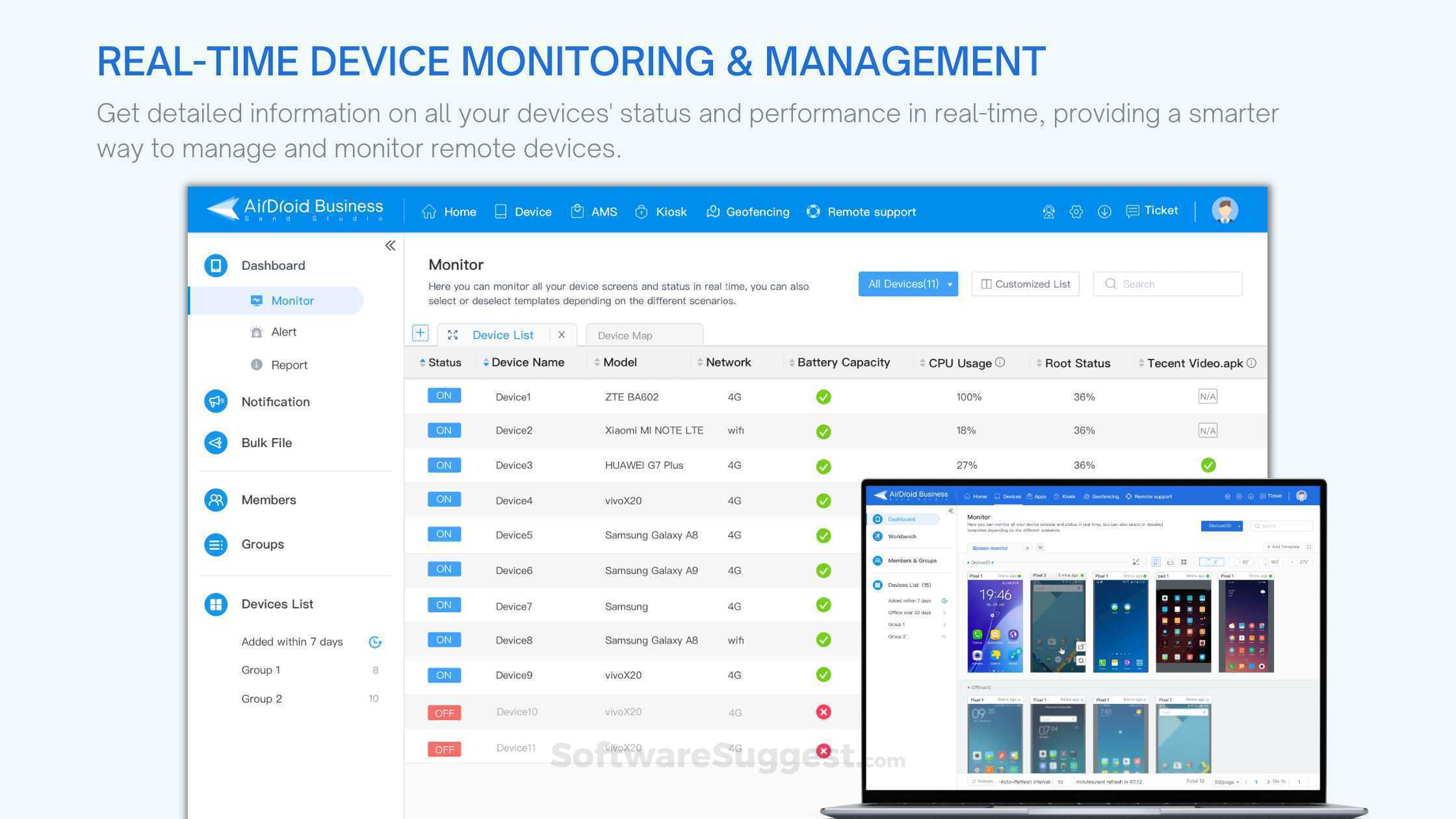
- Mirroring: Display your mobile device’s screen on your computer, allowing you to use your phone or tablet as a touchscreen for your computer.
- Remote Control: Control your Android device remotely using AirDroid’s remote control feature, which enables you to access and manage your device from anywhere.
How to Use Airdroid on Your Computer
- Download And Install: Download the AirDroid client for Windows or macOS, and follow the installation instructions.
- Sign In: Sign in to your AirDroid account using your Google, Facebook, or Twitter credentials.
- Connect Your Device: Connect your Android device to AirDroid by scanning a QR code on your computer screen using your phone’s camera.
- Transfer Files: Transfer files between your computer and smartphone or tablet using the file manager interface.
How to Use Airdroid on Your Smartphone or Tablet
- Download And Install: Download the AirDroid app from the Google Play Store (or Apple App Store for iOS devices).
- Sign In: Sign in to your AirDroid account using your Google, Facebook, or Twitter credentials.
- Connect Your Computer: Connect your computer to AirDroid by scanning a QR code on your phone’s screen using your computer’s camera.
- Transfer Files: Transfer files between your smartphone or tablet and computer using the file manager interface.
Benefits of Using Airdroid
- Convenience: AirDroid makes it easy to transfer files and share data across different devices, saving you time and effort.
- Security: AirDroid’s secure connection ensures that your data is protected when transferring files between devices.
- Flexibility: AirDroid is available on both Android and iOS devices, making it a versatile tool for anyone looking to streamline their digital life.
Frequently Asked Questions
- Q: What Devices Are Compatible With Airdroid?
A: AirDroid is compatible with Android and iOS devices. - Q: Can I Use Airdroid on my Tablet?
A: Yes, you can use AirDroid on your tablet as well as your smartphone. - Q: Is Airdroid Safe to Use?
A: Yes, AirDroid uses a secure connection to protect your data when transferring files between devices. - Q: Can I Use Airdroid For Remote Control of my Device?
A: Yes, AirDroid’s remote control feature allows you to access and manage your Android device remotely. - Q: Are There Any Limitations to Using Airdroid?
A: While AirDroid is a powerful tool, it does have some limitations. For example, the free version has limited file transfer capabilities. - Q: Can I Use Airdroid on Multiple Devices at Once?
A: Yes, you can use AirDroid on multiple devices simultaneously, making it easy to manage your digital life across different platforms. - Q: Is There a Fee For Using Airdroid?
A: While the basic version of AirDroid is free, there are some premium features that require a subscription. - Q: Can I Use Airdroid For Business Purposes?
A: Yes, AirDroid can be used for business purposes, such as sharing files and collaborating with colleagues.
Conclusion
In conclusion, AirDroid is a powerful tool that makes it easy to transfer files and share data across different devices. With its user-friendly interface and robust features, AirDroid is an essential application for anyone looking to streamline their digital life. Whether you’re using AirDroid on your computer, smartphone, or tablet, this guide has provided you with the knowledge needed to get started with this versatile tool.


