
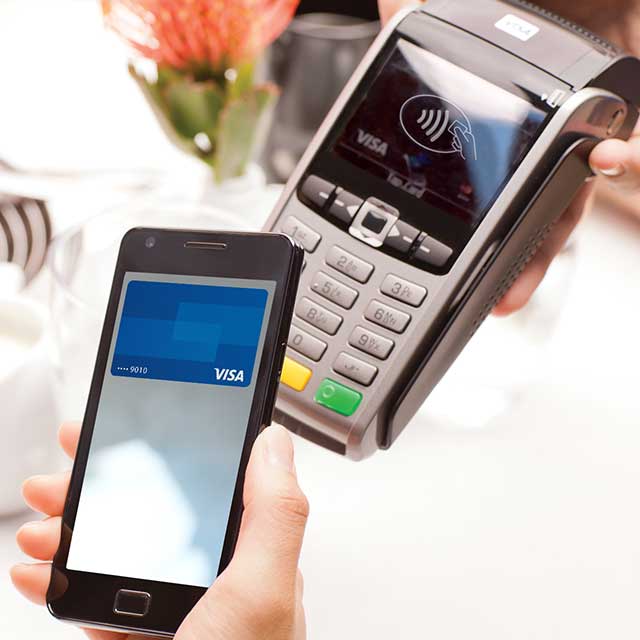
How to Transfer Money With Your Mobile Phone: A Guide to Instant Transfers
Are you tired of waiting for days or even weeks for your money transfers to clear? Do you want to send money to your friends or family without incurring any commissions or fees? Look no further! In this article, we will explore the best ways to transfer money with your mobile phone, and provide a detailed guide on how to use these services.
The Problem With Traditional Money Transfers
Traditional money transfers can be slow, expensive, and cumbersome. You often have to wait for days or even weeks for the funds to clear, and you may incur significant fees along the way. This can be frustrating, especially when you need access to your money quickly.
Satispay: The Ultimate Solution For Instant Transfers
One of the best solutions for instant transfers is Satispay. This Italian platform allows you to send and receive money instantly, without any commissions or fees. With Satispay, you can forward pence with just a few taps on your phone.
Revolut: Another Popular Solution For Instant Transfers
Another popular solution for instant transfers is Revolut, a true online bank that offers versatile services with almost no commissions. With Revolut, you can send and receive money instantly, as well as make international transactions without any fees.
Other Solutions For Instant Transfers
There are several other solutions for instant transfers that you may want to consider:
- Western Union: A well-known system for international money transfers.
- PayPal: A popular service for buying and selling online, as well as sending and receiving money instantly.
- Binance: A platform for cryptocurrency transactions.
Conclusion
Instant transfers with your mobile phone are no longer a fantasy. With Satispay, Revolut, and other solutions, you can send and receive money quickly and easily, without any commissions or fees. Whether you’re paying bills, sending gifts to loved ones, or just need access to your funds, these services offer a convenient and secure way to manage your finances.
Faqs
Q: How do I sign up for Satispay?
A: To sign up for Satispay, simply download the app for Android or iOS devices, enter your phone number, accept the terms of service, and insert a mail address.
Q: What is the process for using Revolut?
A: The process for using Revolut involves downloading the app for Android or iOS devices, entering your phone number, accepting the terms of service, and inserting a mail address. You’ll also need to link your IBAN (International Bank Account Number) to complete the procedure.
Q: Are there any fees associated with instant transfers?
A: With Satispay and Revolut, there are no commissions or fees for sending and receiving money instantly.
Q: Can I use these services internationally?
A: Yes, you can use Satispay and Revolut internationally, making it easy to send and receive money across borders.
Q: What is the best solution for instant transfers?
A: The best solution for instant transfers depends on your specific needs. However, Satispay and Revolut are both popular options that offer convenient and secure services.
Q: How do I know if my friend has Satispay or Revolut?
A: You can check with your friend to see if they have Satispay or Revolut installed on their phone.
Q: Can I send money using PayPal or Binance?
A: Yes, you can send money using PayPal and Binance. However, these services may incur fees for international transactions.
The Benefits of Using Satispay And Revolut
- Instant transfers without commissions or fees
- Secure and convenient service
- Easy to use on Android and iOS devices
- International compatibility
- No need for physical currency exchanges
Common Mistakes to Avoid When Using Satispay And Revolut
- Not verifying your account before sending or receiving money
- Not linking your IBAN (International Bank Account Number) correctly
- Not reading the terms of service carefully
- Not keeping track of your balance and transactions
By following this guide, you’ll be able to use Satispay and Revolut with confidence. Remember to always verify your account before sending or receiving money, link your IBAN correctly, and keep track of your balance and transactions.


