
Unlocking The Power of Spid: A Comprehensive Guide to Digital Identity in Italy
Are you tired of dealing with tedious and slow access procedures to public offices? Do you want to enjoy a seamless experience when interacting with online services provided by the Public Administration? Look no further! In this article, we will delve into the world of SPID (Public System of Digital Identity), a revolutionary system that guarantees safe and efficient access to various online services.
What is Spid?
SPID is an Italian system that enables citizens and companies to access telematic services provided by the Public Administration with unprecedented ease. This digital identity system ensures that each individual or entity has a unique and verified identity, eliminating the need for multiple usernames and passwords.
How Does Spid Work?
To create a SPID account, you must choose an authorized provider (entity certifier) from a list of accredited companies. These providers include Aruba, InfoCert, Intesa, Lepida, Namirial, Poste Italiane, Sielte, SpidItalia/ Register, and TIM.
The Benefits of Spid
SPID offers numerous benefits, including:
- Convenience: With a single set of credentials, you can access multiple online services without worrying about remembering different usernames and passwords.
- Security: SPID ensures that your identity is verified through robust authentication procedures, safeguarding your sensitive information.
- Efficiency: By using SPID, you can avoid tedious login processes, saving time and streamlining your experience.
Levels of Safety in Spid
SPID provides three levels of safety to cater to different needs:
- Spid Level 1: This is the most basic level, requiring only a username and password for access.
- Spid Level 2: This level adds an additional security feature, such as a temporary code sent via SMS or app, to enhance protection.
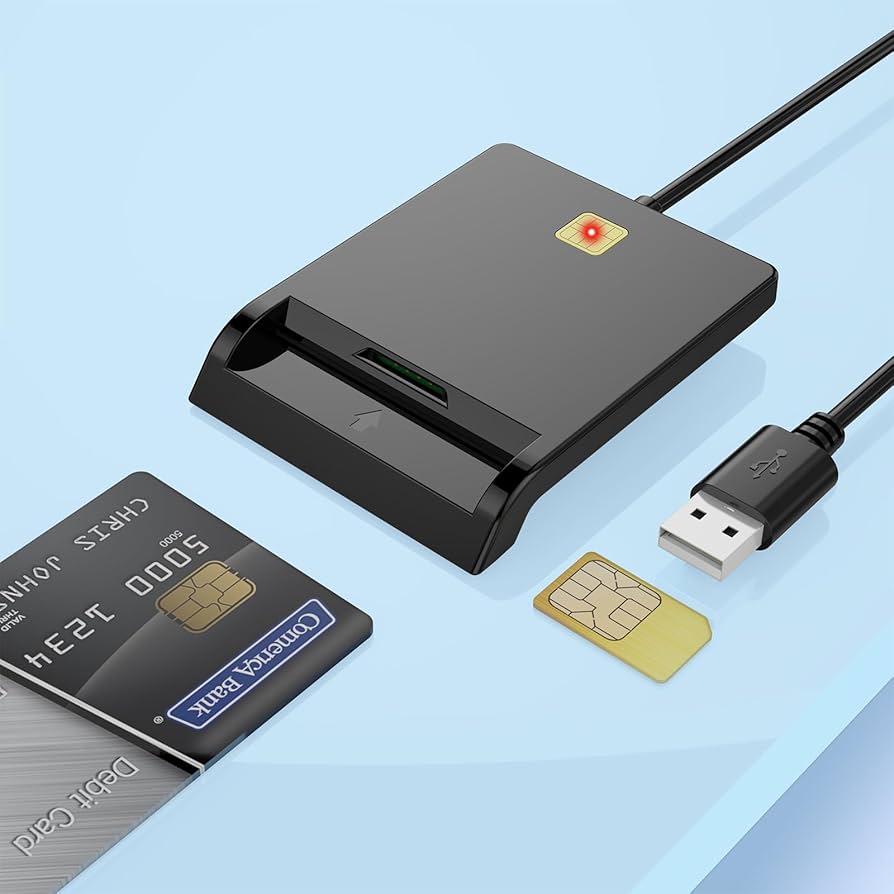
- Spid Level 3: This is the highest level of safety, which requires the use of a personal certificate on a smart card or token, providing maximum security.
How to Create a Spid Account
To create a SPID account:
- Choose an authorized provider (entity certifier) from the list of accredited companies.
- Register on the provider’s website, specifying your personal data and uploading required documents.
- Complete the identity check using the chosen authentication method (e.G., CIE 3.0, Webcam, or digital signature).
- Activate your SPID account by following the instructions provided by the entity certifier.
Poste ID And Inps Access
For those who need to access services provided by Poste Italiane (INPS) online, you can follow the same procedure outlined above. The process is straightforward:
- Register on the website dedicated to the provider.
- Select your identity provider from the menu.
- Follow the instructions for authentication and authorization.
Conclusion
SPID represents a significant step forward in digital identity management, ensuring safe, efficient, and convenient access to online services provided by the Public Administration. By understanding how SPID works and the benefits it offers, you can unlock a more streamlined experience when interacting with public offices and other online services.
Faqs
- What is The Purpose of Spid?
The primary goal of SPID is to provide a secure and efficient way for citizens and companies to access telematic services provided by the Public Administration. - How do I Create a Spid Account?
To create a SPID account, you need to choose an authorized provider (entity certifier) from a list of accredited companies, register on their website, and complete the identity check using the chosen authentication method. - What Are The Benefits of Spid?
SPID offers convenience, security, and efficiency in accessing online services provided by the Public Administration. - How do I Access Inps Services With my Spid Account?
To access INPS services online, you can follow the same procedure outlined above for creating a SPID account and using it to access Poste Italiane services. - What Are The Three Levels of Safety in Spid?
The three levels of safety provided by SPID are: Level 1 (username and password), Level 2 (temporary code sent via SMS or app), and Level 3 (personal certificate on a smart card or token). - How do I Activate my Spid Account?
To activate your SPID account, you need to follow the instructions provided by the entity certifier after completing the identity check. - What is The Role of Authorized Providers in Spid?
Authorized providers (entity certifiers) are responsible for verifying identities and providing access to online services using the SPID system. - Can I Use my Existing Digital Identity to Create a Spid Account?
Yes, you can use your existing digital identity to create a SPID account by following the instructions provided by the entity certifier.
Important Reminders
- Always choose an authorized provider (entity certifier) from the list of accredited companies.
- Register on the provider’s website using accurate personal data and required documents.
- Complete the identity check using the chosen authentication method to ensure security and efficiency.
- Follow the instructions provided by the entity certifier for activating your SPID account.
By understanding how SPID works and the benefits it offers, you can unlock a more streamlined experience when interacting with public offices and other online services.


