
How to Enhance Image Resolution: A Comprehensive Guide
Are you tired of low-quality images? Do you want to take your photography game to the next level? Look no further! In this article, we’ll explore the best ways to enhance image resolution using various software and online tools.
What is Image Enhancement?
Image enhancement is the process of improving the quality of an image by increasing its resolution, reducing noise, and correcting color issues. This can be done using software programs or online tools that employ advanced algorithms and techniques to analyze and refine the image.
Why Enhance Image Resolution?
Enhancing image resolution can have numerous benefits, including:
- Improved Visual Clarity: Enhanced images appear sharper and more detailed, making them ideal for printing, sharing on social media, or using in presentations.
- Increased Flexibility: Higher-resolution images can be easily resized without losing quality, making them perfect for various applications such as web design, advertising, or photography projects.
- Enhanced Creativity: By manipulating image resolution, you can create stunning visual effects, experiment with different styles, and push the boundaries of your artistic expression.
Best Software to Enhance Image Resolution
Here are some top-notch software programs that can help you achieve incredible results:
- Gimp (Windows/Mac/Linux): A free and open-source image editing software that offers advanced features like layers, filters, and effects. Its user-friendly interface makes it perfect for beginners.
- Smillaenlarger (Windows/Mac): A dedicated program designed specifically for image enhancement, offering a range of tools and filters to refine your images.
- Adobe Photoshop: Industry-standard software that’s packed with advanced features and tools for editing and manipulating images.
Online Tools For Image Enhancement
If you prefer not to install software or want to access image enhancement tools from anywhere, online platforms are an excellent option. Here are a few popular ones:
- Let’s Enhance: A web-based service that uses AI-powered algorithms to enhance image resolution without compromising quality.
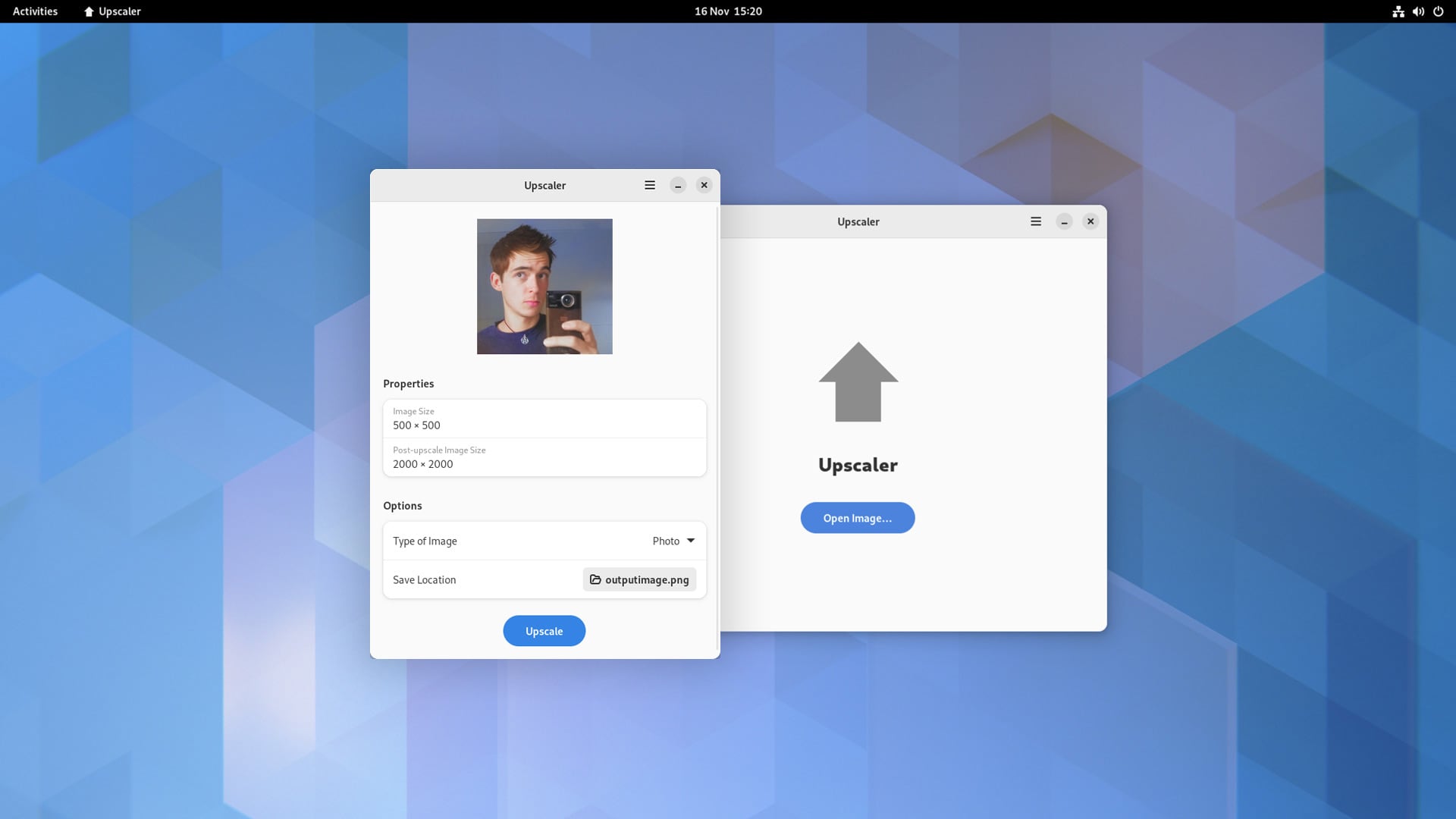
- Image Upscaler: Another online tool that employs AI technology to upscale images while maintaining their original detail and texture.
- The Image Enlarger: A simple yet effective online platform that allows you to enlarge images using advanced algorithms.
Mobile Apps For Image Enhancement
If you’re always on-the-go, mobile apps can be a great way to enhance image resolution directly from your smartphone. Here are some popular options:
- Bigjpg (Android/iOS/iPadOS): A user-friendly app that uses AI technology to upscale images without compromising quality.
- Remini (Android/iOS/iPadOS): An app that not only upscales images but also improves their overall quality and reduces noise.
Tips For Image Enhancement
Before diving into image enhancement, keep the following tips in mind:
- Start With a High-quality Original Image: The better your starting material, the more impressive your enhanced image will be.
- Understand The Limitations of Image Enhancement: Be realistic about what can be achieved and avoid over-processing images that are already compromised.
- Experiment With Different Tools And Techniques: Find the right balance between enhancing resolution and maintaining image quality.
Conclusion
Enhancing image resolution is a simple yet effective way to breathe new life into your photographs. With the right software, online tools, or mobile apps, you can unlock incredible detail and visual clarity in your images. Remember to always start with high-quality originals, understand the limitations of image enhancement, and experiment with different techniques to achieve stunning results.
Frequently Asked Questions
Here are some additional questions and answers related to image enhancement:
- Q: What is the best software for image enhancement?
A: The best software depends on your specific needs and preferences. GIMP, SmillaEnlarger, and Adobe Photoshop are all excellent options. - Q: Can I use online tools for image enhancement?
A: Yes, there are many online platforms that offer advanced image enhancement capabilities using AI technology. - Q: How do I choose the right mobile app for image enhancement?
A: Consider factors like user-friendliness, performance, and features offered by different apps to find the best fit for your needs.
I hope this article has provided you with a comprehensive guide on how to enhance image resolution. Happy editing!


