
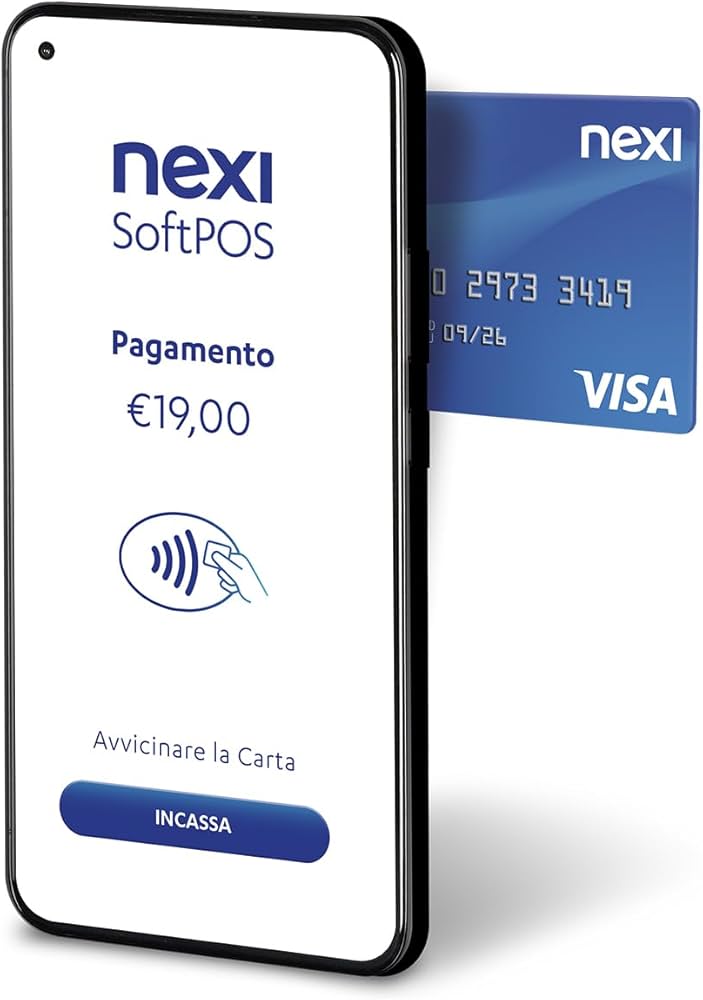
The Ultimate Guide to Using Nexi Pay: A Safe And Convenient Way to Make Payments
Are you tired of carrying cash or using multiple cards for payments? Do you want a safe and convenient way to make transactions online or offline? Look no further than Nexi Pay, the innovative payment solution that’s revolutionizing the way we shop and pay. In this article, we’ll guide you through the process of using Nexi Pay, from recording your card to making payments online and offline.
Why Choose Nexi Pay?
Nexi Pay is a secure and convenient payment method that allows you to make transactions without carrying cash or multiple cards. With Nexi Pay, you can:
- Make payments online and offline with ease
- Use your smartphone or tablet to pay contactless
- Enjoy enhanced security and protection for your transactions
- Monitor your account balance and transaction history in real-time
How to Record Your Card on Nexi Pay
Recording your card on Nexi Pay is a straightforward process that can be completed online or through the app. To record your card:
- Visit the official Nexi Pay website and sign up for an account.
- Enter your personal details and add your card information.
- Confirm your registration and create a 6-digit code to authorize transactions.
How to Make Payments With Nexi Pay
With your card recorded, you can now make payments online or offline using the Nexi Pay app. Here’s how:
Payments Using Smartphones And Tablets
To make contactless payments using your smartphone or tablet:
- Open the Nexi Pay app and enter your password.
- Tap on the “Add to G Pay” button (on Android devices) or use biometric authentication (on iOS devices).
- Confirm your identity by entering a code sent via SMS.
- Select the card you want to use for payment and confirm the transaction.
Payments Using Apps
To make payments using an app:
- Open the app and select the “Pay” option.
- Choose the card you want to use for payment and enter the CVC code.
- Confirm the transaction and wait for the payment to be processed.
Authorizing Payments Online
When making online payments, you’ll receive a notification on your device requesting authorization. To confirm:
- Tap on the notification to access the app.
- Use biometric authentication or enter your password to confirm the transaction.
- Enter the 6-digit code sent via SMS and confirm the payment.
Tips For Using Nexi Pay
To get the most out of Nexi Pay, here are some tips:
- Make sure you have a stable internet connection when using the app.
- Always use biometric authentication or password protection to secure your transactions.
- Monitor your account balance and transaction history regularly.
- Use the NFC function on your device for contactless payments.
Frequently Asked Questions
Q: What is Nexi Pay?
A: Nexi Pay is a secure payment solution that allows you to make transactions online or offline using your smartphone, tablet, or app.
Q: How do I record my card on Nexi Pay?
A: You can record your card by visiting the official Nexi Pay website and signing up for an account. Follow the prompts to add your card information and confirm your registration.
Q: Can I make payments contactless using Nexi Pay?
A: Yes, you can use the Nexi Pay app to make contactless payments using your smartphone or tablet.
Q: Is my data secure with Nexi Pay?
A: Yes, Nexi Pay uses advanced security measures to protect your transactions and account information.
Q: Can I use Nexi Pay for online purchases?
A: Yes, you can use Nexi Pay to make online purchases through the app or website.
Conclusion
Using Nexi Pay is a safe and convenient way to make payments online or offline. By following these simple steps and tips, you can enjoy a seamless payment experience without worrying about security or convenience. Remember to always monitor your account balance and transaction history regularly and use biometric authentication or password protection to secure your transactions.


