
How to Use Tor: A Step-by-step Guide
Are you looking for a way to browse the internet privately and securely? Look no further than Tor, a powerful tool that can help you maintain your anonymity online.
In this article, we’ll take a closer look at how to use Tor on various devices, including computers, smartphones, and tablets. We’ll also explore the differences between using Tor and other virtual private network (VPN) services.
What is Tor?
Tor, short for “The Onion Router,” is a free and open-source software that enables users to browse the internet anonymously. By routing your internet traffic through multiple servers, Tor makes it difficult for anyone to track your online activities.
Why Use Tor?
There are many reasons why you might want to use Tor:
- Anonymity: With Tor, you can browse the internet without revealing your IP address or location.
- Security: Tor encrypts your internet traffic, protecting you from eavesdropping and interception by hackers or other malicious actors.
- Censorship Circumvention: In countries where online censorship is prevalent, Tor can help you access blocked websites and services.
How to Use Tor on a Computer
Using Tor on a computer is relatively straightforward:
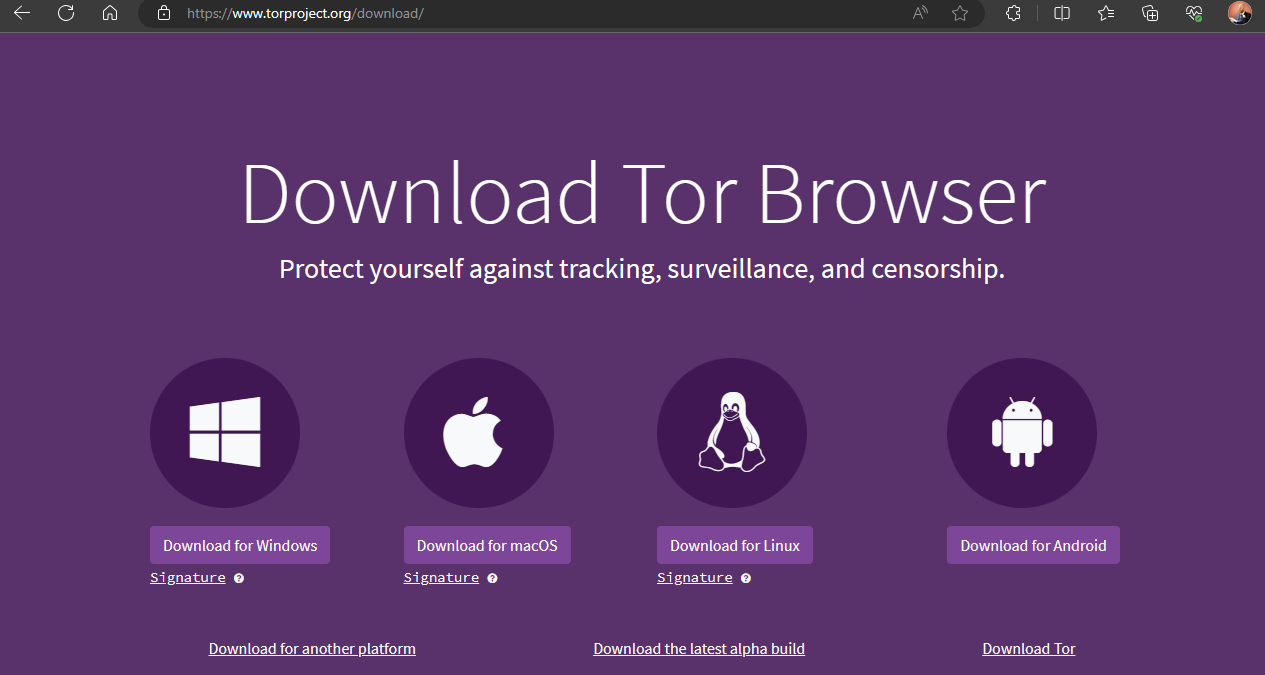
- Download the Tor Browser from the official website (www.Torproject.Org).
- Install the browser on your computer.
- Launch the Tor Browser and click the “Connect” button to establish an anonymous connection.
- Browse the internet as usual, but remember that you’re using a virtual private network (VPN) to protect your identity.
How to Use Tor on a Smartphone or Tablet
Using Tor on a smartphone or tablet is just as easy:
- Download the Tor Browser from the official website (www.Torproject.Org) and install it on your device.
- Launch the Tor Browser and tap the “Connect” button to establish an anonymous connection.
- Browse the internet using the Tor Browser, but remember that you’re still vulnerable to other risks like malware or phishing attacks.
Tor Vs. Vpn: What’s The Difference?
While both Tor and VPNs offer anonymity and security features, there are some key differences:
- Speed: VPNs typically provide faster speeds than Tor, as they don’t involve multiple servers.
- Security: Tor is generally considered more secure than most VPNs, thanks to its layered encryption system.
Conclusion
Tor is a powerful tool for maintaining online anonymity and security. By following these simple steps, you can use Tor on various devices and stay safe while browsing the internet.
But remember that using Tor doesn’t make you completely anonymous; other factors like your browser history or device fingerprinting can still reveal some information about you.
Frequently Asked Questions
- Q: Is Tor Free?
A: Yes, Tor is entirely free and open-source. - Q: How Fast is Tor?
A: Tor speeds vary depending on the number of hops and your internet connection; it’s generally slower than VPNs. - Q: Can I Use Tor With Other Browsers?
A: While Tor provides its own browser, you can also use other browsers like Firefox or Chrome with a Tor plugin.
Final Thoughts
In conclusion, using Tor is an excellent way to protect your online identity and maintain anonymity. By following these simple steps, you can stay safe while browsing the internet.
However, remember that there are risks associated with using Tor, such as slower speeds or potential conflicts with other services.
Keep exploring, and don’t hesitate to ask questions if you’re unsure about anything!


