
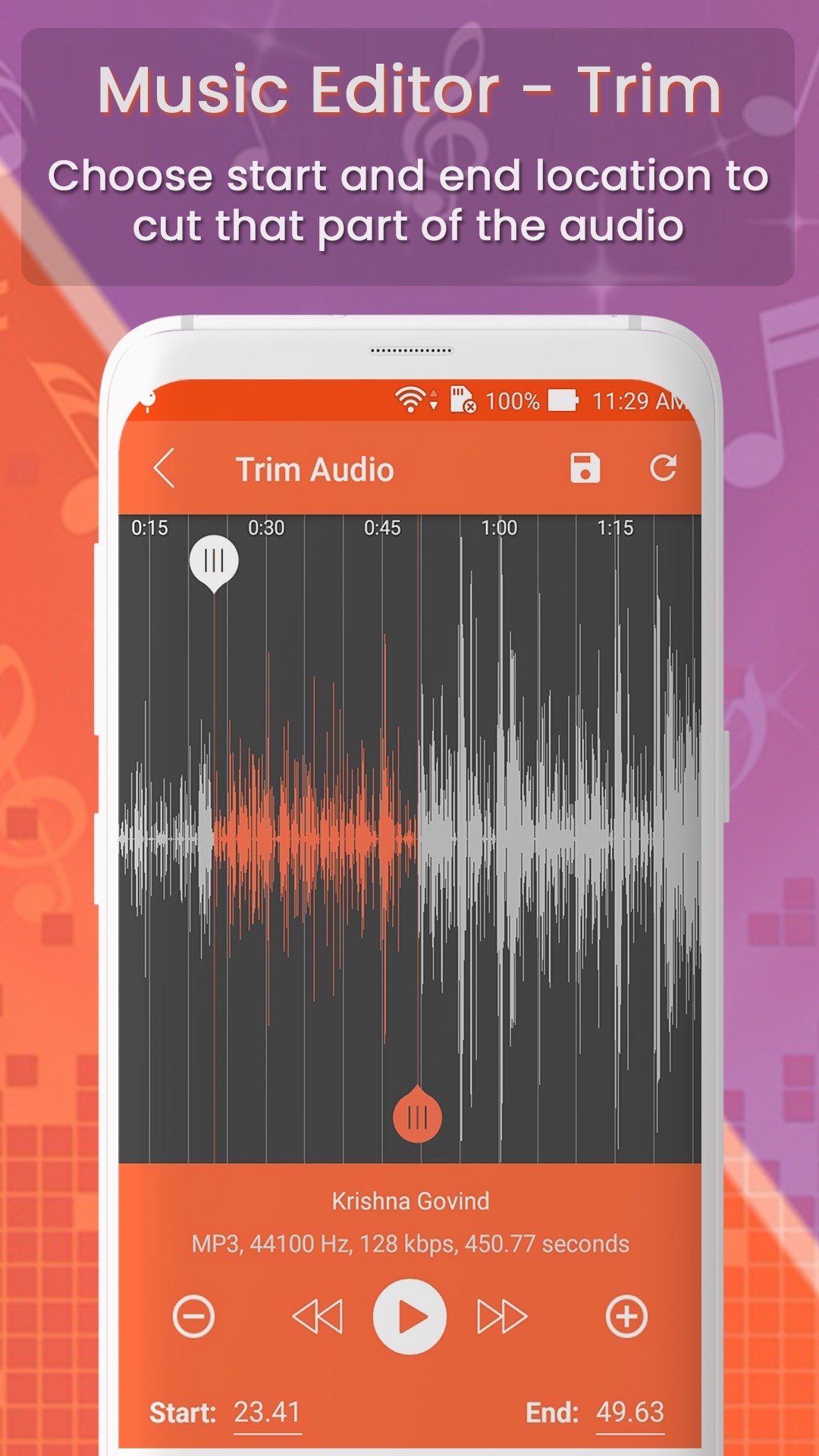
Cutting Music Made Easy: A Guide to The Best Apps
Are you tired of having a music piece that’s too long or boring? Do you want to create a unique ringtone or notification sound without breaking out your computer? Look no further! In this article, we’ll explore the best apps for cutting music on both Android and iOS devices.
Why Cut Music?
Cutting music is an excellent way to create a personalized soundtrack for your mobile device. Whether you want to make a custom ringtone or notification sound, cutting music allows you to get creative with your audio content. With the right app, you can easily trim unwanted parts of a song and save it as a new file.
Best Apps For Cutting Music on Android
If you’re an Android user, there are plenty of apps available that can help you cut music. Here are some of the best options:
- Mp3 Cutter: This free app is one of the most popular choices among Android users. With MP3 Cutter, you can easily trim unwanted parts of a song and save it as a new file.
- Cerchi Music: This app offers a range of features that make cutting music easy and fun. You can trim songs, create custom ringtones, and even add effects to your audio content.
- Ringtone Maker: If you want to create a custom ringtone without using a computer, Ringtone Maker is an excellent choice. This app allows you to cut music, add effects, and save it as a new file.
Best Apps For Cutting Music on Ios
If you’re an iOS user, there are also plenty of apps available that can help you cut music. Here are some of the best options:
- Garageband: This free app is one of the most popular choices among iOS users. With GarageBand, you can easily trim unwanted parts of a song and save it as a new file.
- Hokusai Audio Editor: This app offers a range of features that make cutting music easy and fun. You can trim songs, add effects, and even export your audio content in various formats.
Best Apps For Cutting Music Online
If you don’t want to download an app on your device, there are also plenty of online options available. Here are some of the best apps:
- Cut Audio: This web-based app allows you to cut music without downloading any software. You can trim songs, add effects, and even export your audio content in various formats.
- Mp3cutter: This online app offers a range of features that make cutting music easy and fun. You can trim songs, create custom ringtones, and even add effects to your audio content.
Tips And Tricks
Here are some tips and tricks to keep in mind when cutting music:
- Make sure to choose the right format for your audio content.
- Use the right app for your device (Android or iOS).
- Experiment with different effects and filters to enhance your audio content.
- Save your edited files in a safe location.
Conclusion
Cutting music is an excellent way to create personalized soundtracks for your mobile device. With the right app, you can easily trim unwanted parts of a song and save it as a new file. Whether you’re an Android or iOS user, there are plenty of options available that can help you cut music with ease. So why wait? Start experimenting today and create unique audio content that reflects your personality!
Frequently Asked Questions
Q: What is the best app for cutting music on Android?
A: MP3 Cutter is one of the most popular choices among Android users.
Q: Can I use an online app to cut music?
A: Yes, there are plenty of web-based apps available that allow you to cut music without downloading any software.
Q: How do I add effects to my audio content?
A: You can experiment with different effects and filters using the right app for your device (Android or iOS).
Q: What is the best app for cutting music on iOS?
A: GarageBand is one of the most popular choices among iOS users.
Q: Can I cut music without downloading an app?
A: Yes, there are plenty of online options available that allow you to cut music without downloading any software.
Q: How do I save my edited files in a safe location?
A: Make sure to choose the right format for your audio content and save it in a secure location on your device or cloud storage.
Q: Can I use an app to create a custom ringtone?
A: Yes, many apps allow you to cut music and create custom ringtones without using a computer.


