
How to Sign Documents Digitally: A Comprehensive Guide
As we navigate our increasingly digital lives, the need to sign documents electronically has become more pressing than ever. Whether it’s a contract, an agreement, or simply a receipt, having the ability to digitally sign documents is a game-changer. In this article, we’ll explore the various ways to sign documents digitally, including using apps and online services.
What Are Digital Signatures?
Before diving into the nitty-gritty of digital signatures, let’s understand what they are. A digital signature is an electronic equivalent of a handwritten signature that uses cryptography to ensure authenticity and integrity. Unlike a simple click-to-agree button, a digital signature provides a secure and legally binding way to sign documents.
Types of Digital Signatures
There are two main types of digital signatures:
- Facile Electronic Signature: This type of signature is not as secure as a digital signature but can still be used for internal purposes or when speed is more important than security.
- Digital Signature: A true digital signature, which uses cryptography to ensure authenticity and integrity.
Choosing The Right App
With numerous apps available on the market, selecting the right one can be daunting. Here are some popular options:
Adobe Fill & Sign
Adobe’s Fill & Sign is a user-friendly app that allows you to create, edit, and fill out PDF documents, including signatures. The app is free for Android, iOS, and iPadOS devices.
Digital Signature Aruba
Aruba offers a digital signature kit that can be used on smartphones and tablets. The kit includes a remote certificate that ensures the authenticity of the document.
Docusign
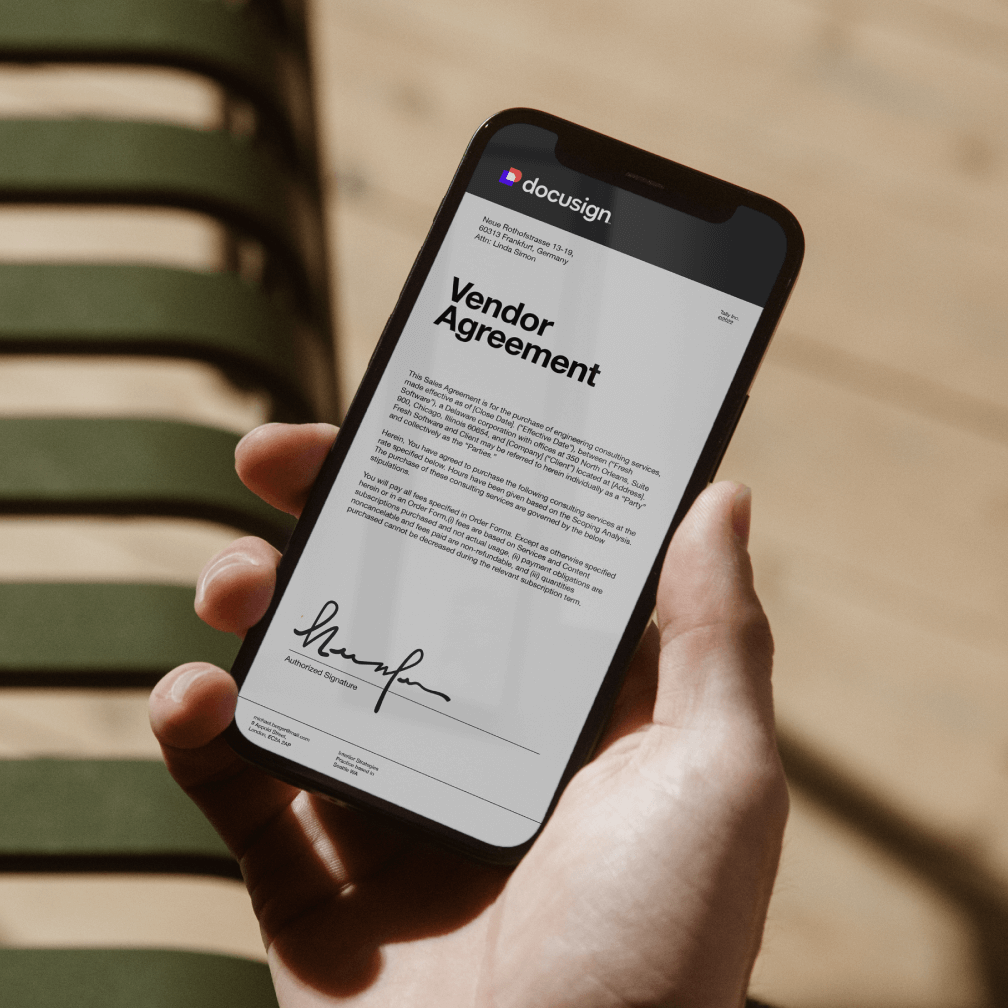
Another popular option is DocuSign, which offers a free app for Android and iOS devices. DocuSign allows you to sign documents quickly and easily using your smartphone or tablet.
Signing Documents With Microsoft Word
If you’re already familiar with Microsoft Word, you can use its official app on Android, iOS, and iPadOS devices to insert signatures into documents.
Online Services: Ilovepdf And Word Online
For those who prefer not to download an app, online services like iLovePDF and Word Online offer a convenient way to sign documents digitally. These services are free and accessible through your web browser.
Digital Signatures in Italy
In Italy, digital signatures have been widely adopted, with many companies using them for internal purposes. The Italian government has also implemented regulations to ensure the security and integrity of digital signatures.
Security Considerations
While digital signatures offer numerous benefits, it’s essential to consider security when signing documents digitally. Ensure that you’re using a reputable app or service, and always verify the authenticity of the document before signing.
Conclusion
Signing documents digitally has become an essential aspect of our increasingly digital lives. With various apps and online services available, choosing the right one can be overwhelming. By understanding the different types of digital signatures and selecting the most suitable option for your needs, you’ll be able to sign documents securely and efficiently.
Frequently Asked Questions
- What is a Facile Electronic Signature?
A facile electronic signature is an insecure type of signature that can be used for internal purposes or when speed is more important than security. - How do I Create a Digital Signature?
To create a digital signature, you’ll need to acquire a certificate from an authorized entity and use it with the Aruba app. - What Are Some Popular Apps For Signing Documents Digitally?
Adobe Fill & Sign, Digital Signature Aruba, DocuSign, and Microsoft Word are popular options for signing documents digitally. - Can I Sign Documents Digitally Using my Browser?
Yes, you can use online services like iLovePDF and Word Online to sign documents digitally through your web browser. - What Are The Security Considerations When Signing Documents Digitally?
Ensure that you’re using a reputable app or service, and always verify the authenticity of the document before signing. - Are Digital Signatures Legally Binding in Italy?
Yes, digital signatures have been widely adopted in Italy, with many companies using them for internal purposes, and the Italian government has implemented regulations to ensure their security and integrity. - Can I Sign Documents Digitally Using Microsoft Word?
Yes, you can use the official Microsoft Word app on Android, iOS, and iPadOS devices to insert signatures into documents. - What Are Some Benefits of Signing Documents Digitally?
Signing documents digitally offers numerous benefits, including increased efficiency, reduced paperwork, and enhanced security.


