
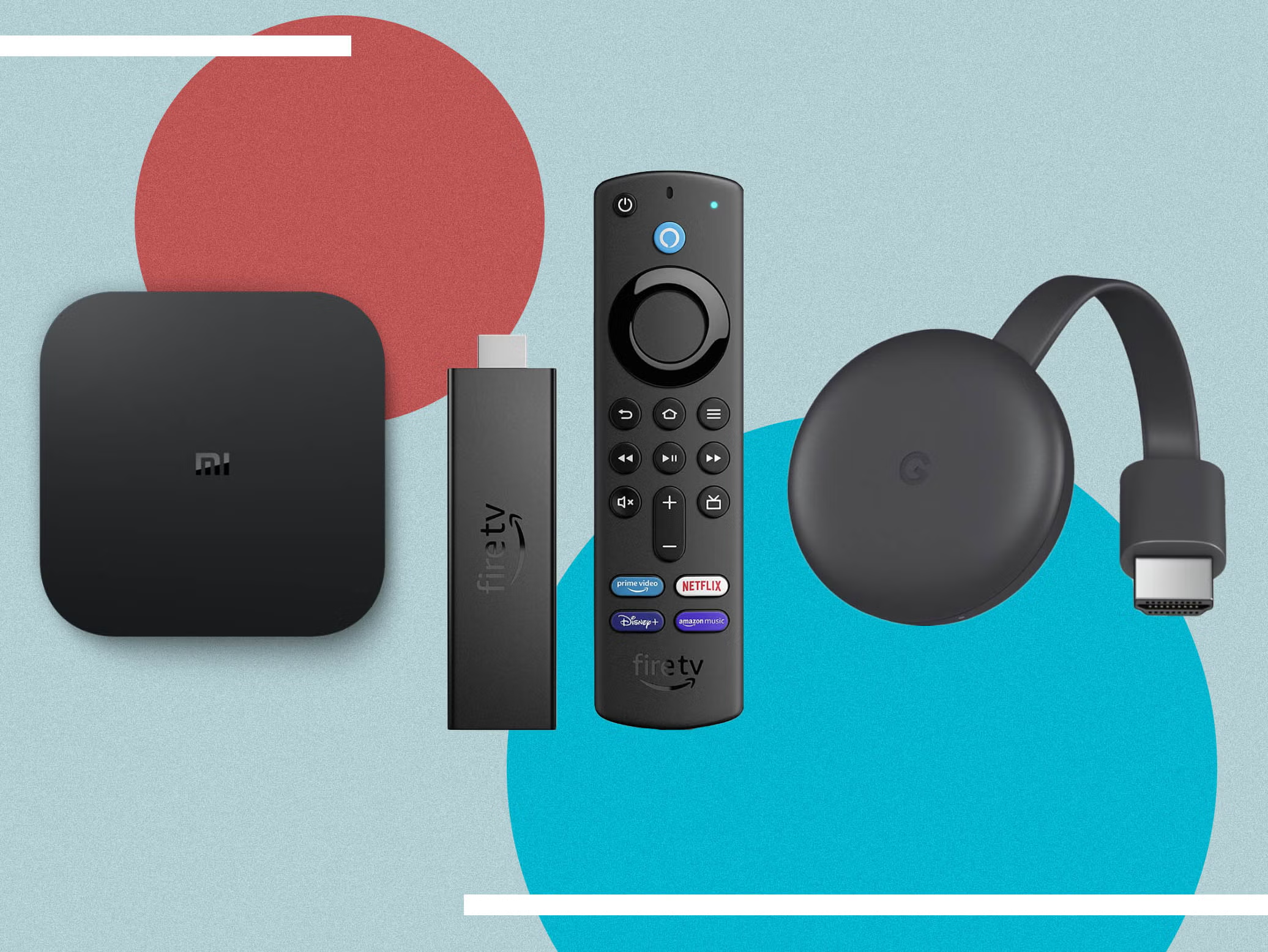
TV Box Android: A Comprehensive Guide
Are you tired of watching TV on a traditional screen? Do you want to upgrade your viewing experience without breaking the bank? Look no further than a TV Box Android! In this article, we’ll explore what a TV Box Android is, how it works, and what features you can expect from these compact devices.
What is a TV Box Android?
A TV Box Android is essentially a small, compact device that allows you to transform your traditional TV into a smart TV. It’s like a miniature computer that plugs into your TV via HDMI and brings the world of Android to your living room. With a TV Box Android, you can access a wide range of apps, stream content from the internet, play games, and more – all on a much larger screen than your smartphone or tablet.
Characteristics Hardware
A TV Box Android is essentially a small computer that consists of several key components:
- Chipset: The chipset is the brain of the operation, containing the processor, graphics processing unit (GPU), and other essential components.
- Memory: The amount of memory, also known as RAM, affects how many apps can run simultaneously and how smoothly they’ll perform.
- Storage: The storage capacity determines how many apps you can install and how much content you can store on the device.
When choosing a TV Box Android, consider the following:
- Chipset: Look for devices with powerful chipsets like Amlogic, Rockchip, Realtek, or Intel Atom.
- Memory: Opt for devices with at least 2GB of RAM for smooth performance.
- Storage: Choose devices with sufficient storage capacity to store your favorite apps and content.
Characteristics Software
A TV Box Android runs on the Android operating system, just like your smartphone or tablet. This means you can access a wide range of apps, including popular streaming services like Netflix, Hulu, and Amazon Prime Video.
Some important software features to consider:
- Operating System: Ensure the device runs on the latest version of Android for optimal performance.
- App Support: Choose devices with support for popular apps like Google Play Store, Kodi, and more.
- Root Access: Some devices offer root access, which can be useful for advanced users who want to customize their experience.
TV Box Android Features
A TV Box Android offers a wide range of features that enhance your viewing experience:
- Video Streaming: Stream content from popular services like Netflix, Hulu, and Amazon Prime Video.
- Gameplay: Enjoy games on a much larger screen than your smartphone or tablet.
- Photo And Music Viewing: Display photos and listen to music with ease.
- Internet Browsing: Surf the web and access online content directly on your TV.
Which TV Box Android to Buy
With so many options available, it can be challenging to choose the right TV Box Android for you. Consider the following:
- Budget: Opt for devices that fit your budget, ranging from affordable options to high-end models.
- Features: Choose devices with the features you need, such as 4K resolution, HDR support, or Wi-Fi connectivity.
- Reviews: Read reviews and compare different models to find the best one for your needs.
Conclusion
A TV Box Android is an excellent way to upgrade your viewing experience without breaking the bank. With a wide range of features, affordable prices, and compact designs, these devices are perfect for anyone looking to transform their traditional TV into a smart TV. By considering the characteristics hardware, software, and features outlined in this article, you’ll be well on your way to finding the perfect TV Box Android for your needs.
Frequently Asked Questions
- Q: What is a TV Box Android?
A: A TV Box Android is a compact device that transforms your traditional TV into a smart TV. - Q: How Does it Work?
A: It plugs into your TV via HDMI and runs on the Android operating system, allowing you to access apps, stream content, and more. - Q: What Features Should I Look For in a TV Box Android?
A: Consider chipset power, memory, storage capacity, app support, and root access when choosing the right device. - Q: Can I Use my TV Box Android With Other Devices?
A: Yes, most TV Box Androids can connect to other devices via Wi-Fi or Bluetooth for seamless streaming and gaming experiences. - Q: Are There Any Differences Between TV Box Androids?
A: Yes, consider budget, features, reviews, and compatibility when choosing the best device for your needs. - Q: Can I Use my TV Box Android to Watch Live Tv?
A: Some devices offer support for live TV streaming services like DTT or satellite decoders. - Q: Can I Install Apps on my TV Box Android?
A: Yes, most devices come with Google Play Store pre-installed, allowing you to download and install a wide range of apps.
Best TV Box Android Models
- Nvidia Shield: A high-end device with powerful features and Android TV certification.
- Xiaomi Mi Box S: An affordable option with 4K resolution support and a user-friendly interface.
- Tcl Roku Box: A budget-friendly device that integrates seamlessly with your TCL TV for a hassle-free viewing experience.
I hope this comprehensive guide has helped you understand the world of TV Box Androids!


