
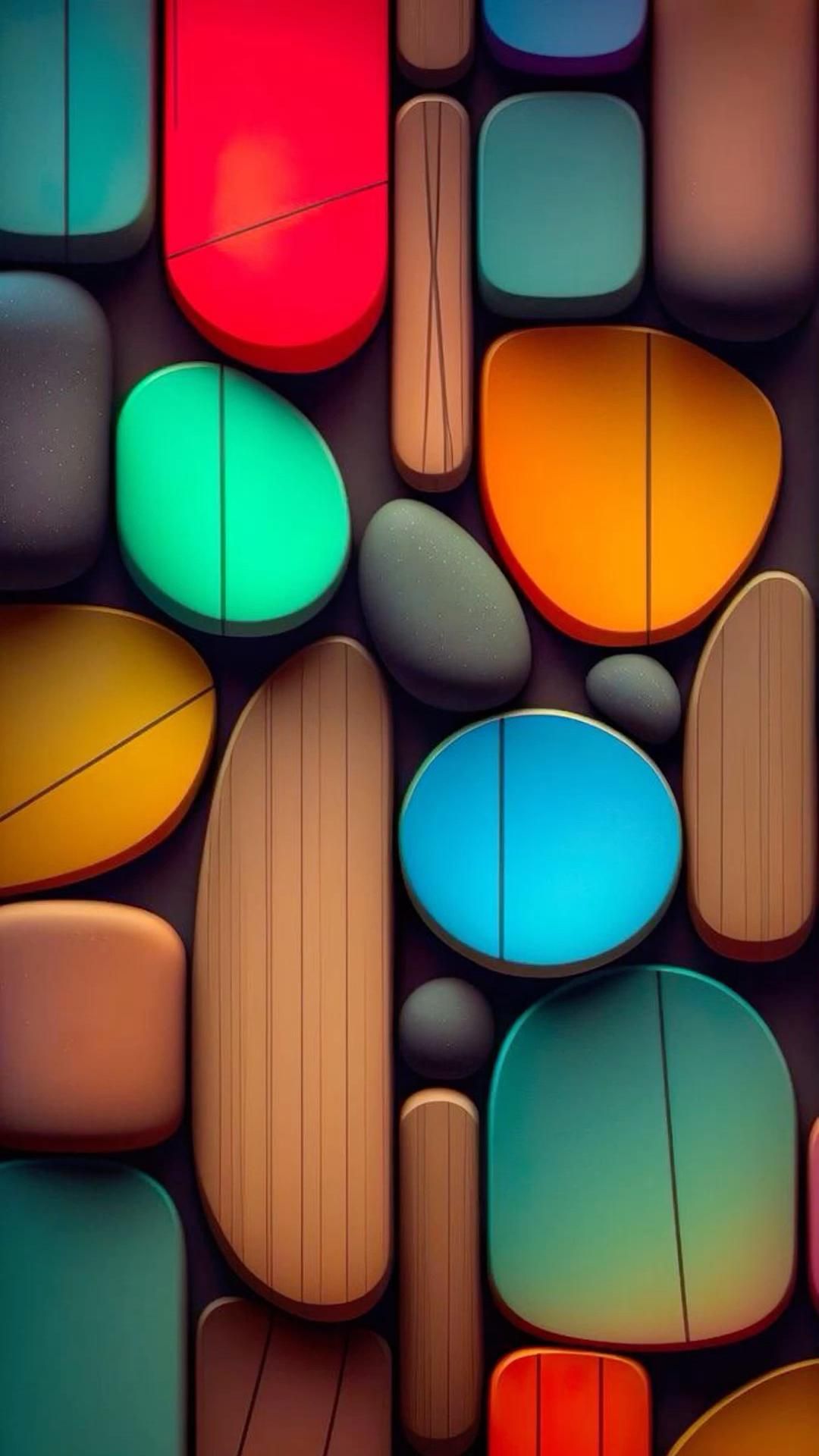
The Ultimate Guide to Android Wallpapers: Boosting Your Device’s Visual Appeal
Are you tired of the same old look on your Android device? Do you want to give it a fresh new appearance that reflects your personality? Look no further! In this article, we’ll explore the world of Android wallpapers and provide you with the best options to enhance your device’s visual appeal.
What Are Android Wallpapers?
Android wallpapers are images or videos that serve as the background for your device’s screen. They can be static or dynamic, and come in various resolutions to ensure optimal display on different devices.
Why Use Android Wallpapers?
Using android wallpapers can have a significant impact on your device’s overall look and feel. Here are some reasons why you should consider using them:
- Personalization: With thousands of available options, you can choose a wallpaper that reflects your personality, interests, or hobbies.
- Aesthetic Appeal: Android wallpapers can elevate the visual appeal of your device, making it stand out from others.
- Customization: You can choose from various resolutions and sizes to ensure optimal display on your device.
Best Android Wallpapers For 2023
Here are some of the best android wallpapers for 2023:
- Google Wallpapers: Google offers a wide range of high-quality wallpapers that are optimized for different devices.
- Pixel 4D: This app provides dynamic wallpapers that can be customized to fit your device’s screen size and resolution.
- Very Beautiful 4K Wallpapers: This app offers stunning 4K wallpapers in various resolutions, making it perfect for high-end devices.
How to Choose The Best Android Wallpaper
When choosing an android wallpaper, consider the following factors:
- Resolution: Ensure that the wallpaper is optimized for your device’s screen size and resolution.
- Theme: Choose a wallpaper that matches your device’s theme or personal style.
- Quality: Opt for high-quality wallpapers with crisp images and vibrant colors.
Tips For Using Android Wallpapers
Here are some tips to keep in mind when using android wallpapers:
- Experiment With Different Resolutions: Try out various resolutions to find the perfect fit for your device.
- Choose a Wallpaper That Complements Your Device’s Theme: Ensure that the wallpaper matches your device’s style and aesthetic appeal.
- Use High-quality Wallpapers: Opt for wallpapers with crisp images and vibrant colors to enhance your device’s visual appeal.
Conclusion
In conclusion, android wallpapers are an excellent way to personalize and customize your device’s look and feel. With thousands of available options, you can choose a wallpaper that reflects your personality, interests, or hobbies. Remember to consider the resolution, theme, and quality of the wallpaper when making your selection.
Frequently Asked Questions
Here are some frequently asked questions about android wallpapers:
- Q: What is The Best Way to Choose an Android Wallpaper?
A: Experiment with different resolutions, themes, and qualities to find the perfect fit for your device. - Q: How do I Install an Android Wallpaper?
A: Simply tap on the download link or navigate to the settings menu on your device. - Q: Can I Use Android Wallpapers on Other Devices?
A: Yes, most android wallpapers are compatible with other devices, but ensure that they match the screen size and resolution.
Conclusion
In conclusion, android wallpapers are an excellent way to personalize and customize your device’s look and feel. With thousands of available options, you can choose a wallpaper that reflects your personality, interests, or hobbies. Remember to consider the resolution, theme, and quality of the wallpaper when making your selection.
Step 1: Choose The Perfect Wallpaper
Select a wallpaper that resonates with your style and device’s theme. Ensure it’s optimized for your screen size and resolution.
Step 2: Install The Wallpaper
Tap on the download link or navigate to the settings menu on your device. Follow the prompts to install the wallpaper.
Step 3: Personalize Your Device
Customize your device by adjusting the wallpaper’s position, size, and resolution. Experiment with different themes to find the perfect fit for your style.
Additional Tips And Tricks
- Experiment With Different Resolutions: Try out various resolutions to find the perfect fit for your device.
- Choose a Wallpaper That Complements Your Device’s Theme: Ensure that the wallpaper matches your device’s style and aesthetic appeal.
- Use High-quality Wallpapers: Opt for wallpapers with crisp images and vibrant colors to enhance your device’s visual appeal.
Conclusion
In conclusion, android wallpapers are an excellent way to personalize and customize your device’s look and feel. With thousands of available options, you can choose a wallpaper that reflects your personality, interests, or hobbies. Remember to consider the resolution, theme, and quality of the wallpaper when making your selection.


