
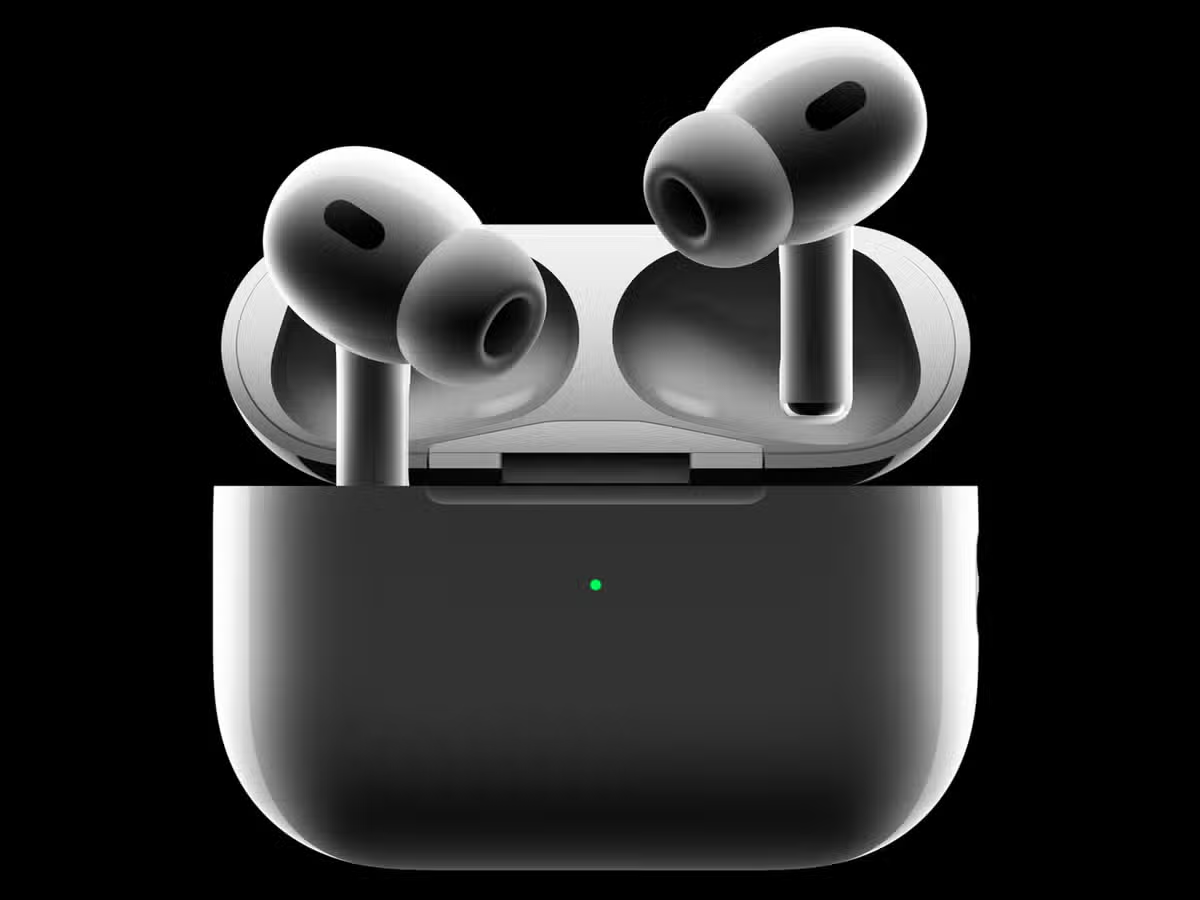
The Ultimate Guide to Enhancing Your Airpods Experience
Are you an AirPods enthusiast looking to take your wireless earbuds to the next level? Look no further! In this comprehensive guide, we’ll explore the best apps for AirPods on both iPhone and Android devices.
Why Use Apps For Airpods?
While Apple’s iOS operating system offers a seamless experience with AirPods, there are still many features that can be enhanced using third-party apps. These apps can help you customize your listening experience, monitor battery levels, and even locate lost earbuds. Let’s dive in!
Apps For Airpods: Iphone
If you’re an iPhone user, here are some of the top apps to consider:
1. Settings For Airpods
Before we dive into third-party apps, it’s essential to understand how to configure your AirPods settings on iOS. This will give you a solid foundation to work with.
- Step 1: Open the Settings app and go to Bluetooth.
- Step 2: Tap on the “i” icon next to your AirPods name.
- Step 3: Configure your preferences, such as Siri integration, volume control, and more.
2. Widget For Airpods
Having a widget to monitor your AirPods battery level can be super convenient. Here’s how to add one:
- Step 1: Open the Settings app and go to Today View.
- Step 2: Tap on the “+” icon at the bottom right corner.
- Step 3: Search for “Batteries” and select it.
- Step 4: Configure your preferences, such as showing AirPods battery levels.
Apps For Airpods: Android
If you’re an Android user, here are some of the top apps to consider:
1. Where’s My Device?
This app allows you to locate your AirPods on a map and even play a sound to help you find them if they’re lost or misplaced.
- Step 1: Download and install the app from the Google Play Store.
- Step 2: Follow the setup process to link your device with Where’s My Device?
- Step 3: Use the app to locate your AirPods on a map or play a sound to help you find them.
2. Material Pods
This app offers customizable notifications and alerts for your AirPods battery level, making it an excellent choice for those who want more control over their listening experience.
- Step 1: Download and install the app from the Google Play Store.
- Step 2: Follow the setup process to link your device with Material Pods.
- Step 3: Configure your preferences, such as notification types and frequencies.
Additional Apps For Airpods
While not exclusively designed for AirPods, these apps can still enhance your listening experience:
1. Andropods
This app offers real-time battery level monitoring for your AirPods, making it an excellent choice for those who want to keep track of their earbuds’ power.
- Step 1: Download and install the app from the Google Play Store.
- Step 2: Follow the setup process to link your device with AndroPods.
- Step 3: Configure your preferences, such as notification types and frequencies.
2. Wunderfind
This app provides geolocation services for your AirPods, allowing you to track their location on a map if they’re lost or misplaced.
- Step 1: Download and install the app from the Google Play Store.
- Step 2: Follow the setup process to link your device with Wunderfind.
- Step 3: Use the app to locate your AirPods on a map or play a sound to help you find them.
Conclusion
Enhancing your AirPods experience is easier than ever, thanks to these amazing apps. Whether you’re an iPhone or Android user, there’s something here for everyone. So go ahead, explore these options, and take your wireless earbuds to the next level!
Here are 8 unique FAQs based on the article:
Frequently Asked Questions
Q: What is the best app for AirPods?
A: The best app for AirPods depends on individual preferences, but some popular options include Settings for AirPods, Widget for AirPods, and Material Pods.
Q: Can I use my AirPods with an Android device?
A: Yes, you can use your AirPods with an Android device by pairing them via Bluetooth.
Q: How do I customize my AirPods settings on iOS?
A: To customize your AirPods settings on iOS, go to Settings > Bluetooth and tap on the “i” icon next to your AirPods name.
Q: Can I add a widget to monitor my AirPods battery level?
A: Yes, you can add a widget to monitor your AirPods battery level by going to Settings > Today View and tapping on the “+” icon at the bottom right corner.
Q: What is the best app for monitoring my AirPods battery level on Android?
A: The best app for monitoring your AirPods battery level on Android depends on individual preferences, but some popular options include Material Pods and AndroPods.
Q: Can I use Wunderfind to locate my lost AirPods?
A: Yes, you can use Wunderfind to locate your lost AirPods by downloading the app from the Google Play Store and following the setup process.
Q: What is the difference between Where’s My Device? and Wunderfind?
A: Where’s My Device? and Wunderfind are both geolocation services that allow you to track the location of your AirPods on a map. However, Where’s My Device? also allows you to play a sound to help you find your lost AirPods.
Q: Can I customize my notifications and alerts for my AirPods battery level?
A: Yes, you can customize your notifications and alerts for your AirPods battery level by using apps like Material Pods and AndroPods.


