
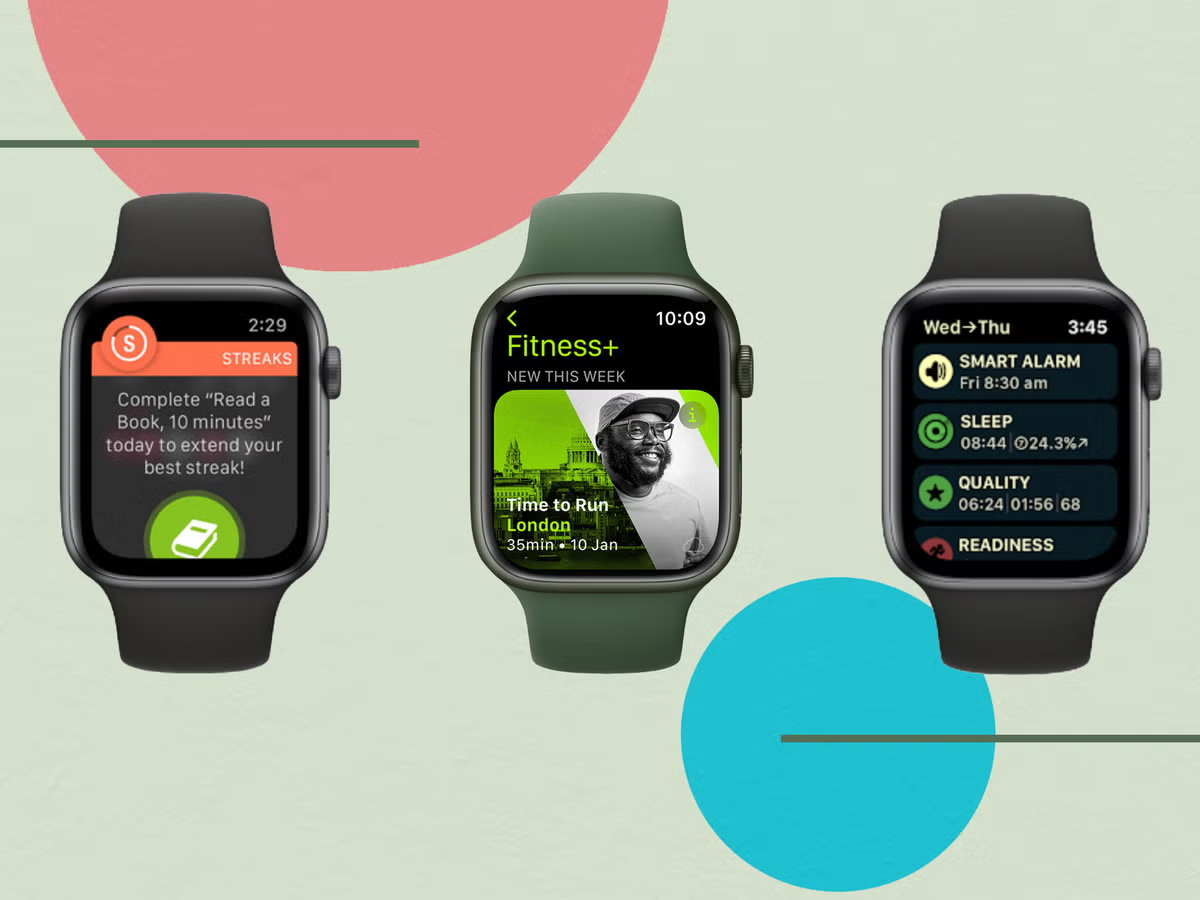
The Ultimate Guide to Apple Watch Apps
Are you looking to get the most out of your Apple Watch? With its sleek design and numerous features, it’s no wonder why millions of people have fallen in love with this smartwatch. But did you know that there are countless apps available for download on the App Store that can enhance your Apple Watch experience?
In this comprehensive guide, we’ll take you through the best Apple Watch apps, categorized by function. From fitness and health to productivity and multimedia, we’ve got you covered.
Best Fitness And Health Apps
- Nike Run Club: This app is designed for runners and provides a variety of training plans, guided workouts, and challenges to help you reach your goals.
- Smartgym: Track your workouts, exercises, and progress with this comprehensive fitness app that includes over 620 pre-installed exercises.
- Stepsapp Contapassi: Monitor your daily step count, distance traveled, and other health metrics with this user-friendly app.
- Streaks Workout: Train anywhere, anytime with this app that allows you to create customized workouts and track your progress.
Best Internet And Communication Apps
- Facebook Messenger: Stay connected with friends and family using this popular messaging app on your Apple Watch.
- Telegram: A secure and private messaging app that’s gaining popularity worldwide.
- Flipboard: Get the latest news and updates from your favorite sources, all in one place.
Best Productivity Apps
- Todoist: Stay organized and on top of your tasks with this feature-rich task management app.
- Hours Time Tracking: Manage your time effectively with this intuitive app that allows you to track appointments and events.
- Drafts: Create drafts and notes directly from your Apple Watch, with seamless synchronization across all devices.
Best Multimedia Apps
- Shazam: Identify songs playing around you using this popular music recognition app.
- Spotify: Stream your favorite music and podcasts directly to your Apple Watch.
- Youtube Music: Access a vast library of music videos and podcasts on the go.
Other Notable Mentions
- Superguidatv: Get instant access to TV programming and schedule reminders for your favorite shows.
- Google Maps: Navigate unfamiliar territories with this powerful mapping app.
- Moovit: Plan your public transportation routes with ease using this user-friendly app.
- Night Sky: Explore the wonders of the universe with this interactive planetarium app.
Conclusion
The Apple Watch is an incredible device that can be further enhanced by downloading and installing various apps. Whether you’re looking to improve your fitness, stay connected with loved ones, or boost productivity, we’ve got the perfect guide for you. Remember to explore the App Store and discover more amazing apps tailored to your needs.
Frequently Asked Questions (FAQs)
- Q: How do I Download Apps on my Apple Watch?
A: To download apps, go to the App Store on your iPhone, select the “App Store” app, search for the desired app, and tap the “Install” button. - Q: Can I Install Apps Directly on my Apple Watch?
A: Yes, you can install apps directly from the App Store on your Apple Watch by going to the “App Store” app, searching for the desired app, and tapping the “Install” button. - Q: Are All Apple Watch Apps Free?
A: No, some apps may offer in-app purchases or subscription models to access premium features or content. - Q: How do I Update my Apple Watch Apps?
A: To update your Apple Watch apps, go to the App Store on your iPhone, select the “Update” tab, and tap the “Update All” button.
Hope this helps!


