
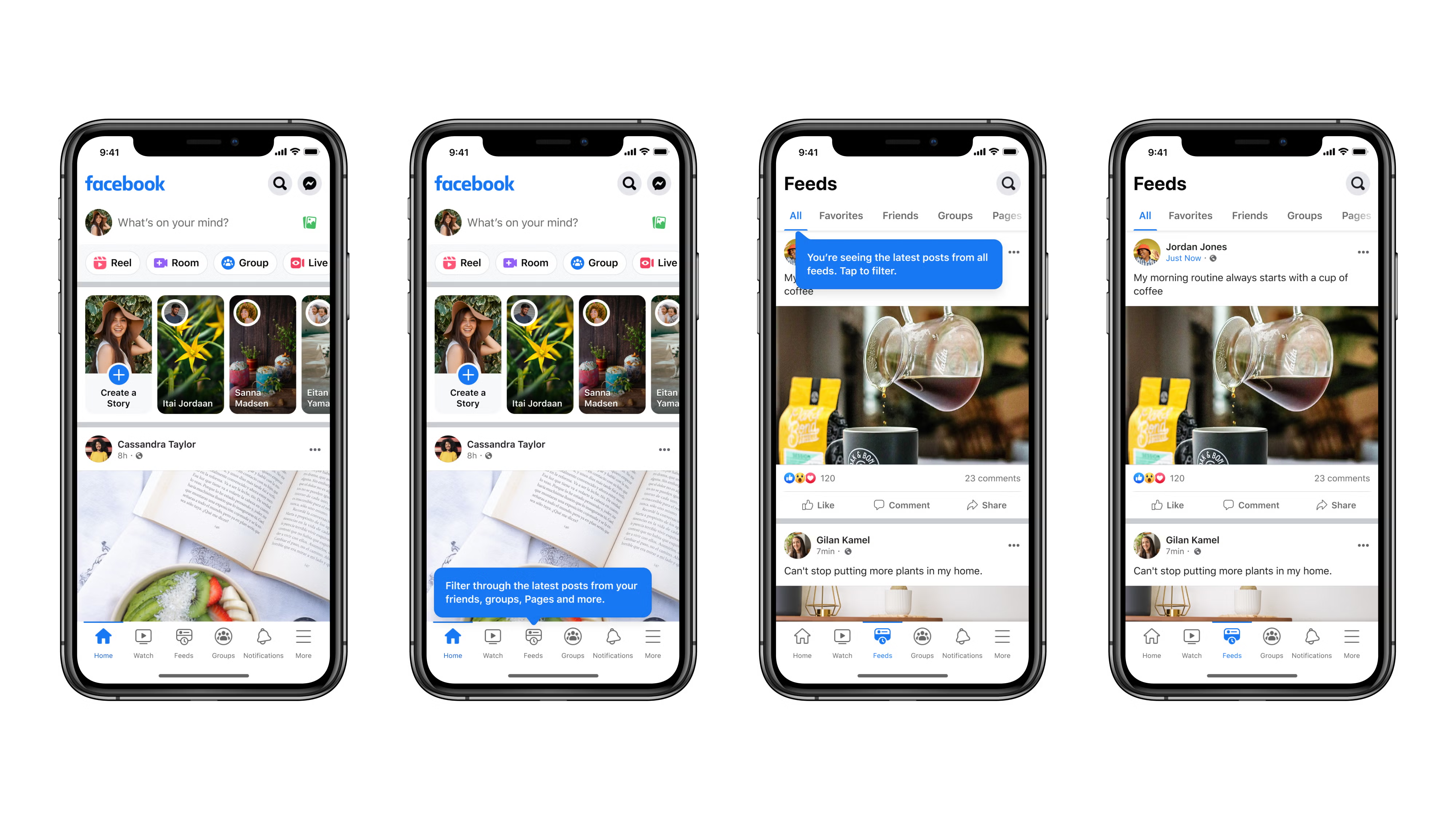
The Ultimate Guide to Using Facebook: Top Apps to Enhance Your Experience
As a social media enthusiast, you’re likely no stranger to the world of Facebook. With over 2.7 Billion monthly active users, it’s one of the most popular social networking platforms out there. However, with so many features and functionalities, it can be overwhelming to navigate and get the most out of your experience.
In this article, we’ll explore the top apps that can enhance your Facebook experience. From official apps to third-party tools, we’ve got you covered.
What Are Facebook Apps?
Facebook apps are software programs that integrate with the Facebook platform, allowing users to access and interact with their accounts in new and innovative ways. These apps can range from simple tools like messaging and photo-sharing to more complex features like content creation and management.
Top Facebook Apps You Should Try
1. Messenger
Facebook Messenger is an official app that allows users to send messages, make voice and video calls, and share photos and videos with friends and family. With over 1 billion active users, it’s one of the most widely used messaging apps in the world.
- Availability: Android, iOS
- Features: Messaging, voice and video calls, photo-sharing
2. Meta Business Suite
The Meta Business Suite is a comprehensive tool that helps businesses manage their Facebook presence across multiple platforms, including Facebook, Instagram, and WhatsApp. With this app, you can create and schedule posts, engage with customers, and track your performance.
- Availability: Android, iOS
- Features: Content creation, scheduling, engagement tracking
3. Workplace by Meta
Workplace by Meta is a collaboration platform that allows teams to work together more efficiently. With this app, you can create and manage projects, share files and documents, and communicate with team members in real-time.
- Availability: Android, iOS
- Features: Project management, file sharing, communication
4. Instagram
Instagram is a popular social media platform that allows users to share photos and videos with friends and family. With over 1 billion active users, it’s one of the most widely used photo-sharing apps in the world.
- Availability: Android, iOS
- Features: Photo-sharing, video-sharing
5. Creator Studio
Creator Studio is a content creation tool that allows creators to manage their Facebook presence across multiple platforms. With this app, you can create and schedule posts, engage with your audience, and track your performance.
- Availability: Android, iOS
- Features: Content creation, scheduling, engagement tracking
6. Management Insights by Meta
Management Insights by Meta is a comprehensive tool that helps businesses manage their Facebook presence across multiple platforms. With this app, you can create and schedule posts, engage with customers, and track your performance.
- Availability: Android, iOS
- Features: Content creation, scheduling, engagement tracking
How to Use These Apps
Using these apps is relatively straightforward. Here’s a step-by-step guide:
- Download The App: Download the app from the Google Play Store (for Android) or the Apple App Store (for iOS).
- Log In: Log in to your Facebook account using your email address and password.
- Explore Features: Explore the features of each app, such as messaging, photo-sharing, content creation, and more.
Tips And Tricks
- Use multiple apps together to enhance your Facebook experience.
- Experiment with different features and functionalities to find what works best for you.
- Stay up-to-date with the latest updates and releases from Facebook.
By following these tips and tricks, you can take your Facebook experience to the next level. Whether you’re a casual user or an avid enthusiast, there’s something for everyone in the world of Facebook apps.
Conclusion
In conclusion, Facebook apps offer a wide range of features and functionalities that can enhance your social media experience. From official apps like Messenger and Instagram to third-party tools like Meta Business Suite and Creator Studio, there’s something for everyone.
Whether you’re looking to improve your messaging experience, create and schedule content, or track your performance, these apps have got you covered. So why not give them a try today?
Faqs
Here are some frequently asked questions about Facebook apps:
Q: What are Facebook apps?
A: Facebook apps are software programs that integrate with the Facebook platform, allowing users to access and interact with their accounts in new and innovative ways.
Q: Which Facebook app should I use first?
A: The official Messenger app is a great place to start. It’s easy to use and offers a wide range of features like messaging, voice and video calls, and photo-sharing.
Q: How do I download and install Facebook apps?
A: To download and install Facebook apps, visit the Google Play Store (for Android) or the Apple App Store (for iOS).
Q: Can I use multiple Facebook apps together?
A: Yes, you can use multiple Facebook apps together to enhance your experience. For example, you could use Messenger for messaging and Instagram for photo-sharing.
Q: Are Facebook apps free to download and use?
A: Most Facebook apps are free to download and use. However, some may offer in-app purchases or subscriptions.
Q: How do I update my Facebook apps?
A: To update your Facebook apps, visit the Google Play Store (for Android) or the Apple App Store (for iOS).
Q: Can I contact Facebook support for help with their apps?
A: Yes, you can contact Facebook support for help with their apps. They offer a wide range of resources and support options to get you back up and running in no time.
By following these tips and tricks, you can take your Facebook experience to the next level. Whether you’re a casual user or an avid enthusiast, there’s something for everyone in the world of Facebook apps.


