
Unlocking The Full Potential of Your Mi Band: A Guide to Apps
Are you tired of using your Mi Band only for basic features like tracking your fitness goals and monitoring your heart rate? Do you want to explore more advanced functionalities that can enhance your overall experience with this smart device?
Look no further! In this article, we’ll delve into the world of apps designed specifically for your Mi Band. From official apps to third-party tools, we’ll cover everything you need to know to unlock the full potential of your Mi Band.
Preliminary Information
Before diving into the world of Mi Band apps, it’s essential to understand the basics of connecting your device to a smartphone. Make sure your Mi Band is lit and within range of your smartphone’s Bluetooth signal. Only then can you proceed with downloading and installing the desired app.
If you’re new to using the Mi Band, we recommend starting with the official Zepp Life app available for both Android and iOS devices. This app provides an intuitive interface for managing your device and offers a seamless experience.
Official App: Zepp Life
The Zepp Life app is the official companion app for your Mi Band. It’s designed to provide a comprehensive experience, allowing you to track your fitness goals, monitor your heart rate, and even receive notifications on your wrist.
Here’s how to get started with Zepp Life:
- Download and install the app from the Google Play Store (for Android) or the App Store (for iOS).
- Launch the app and sign in to your existing account or create a new one.
- Allow Zepp Life access to your device’s Bluetooth, camera, and location services.
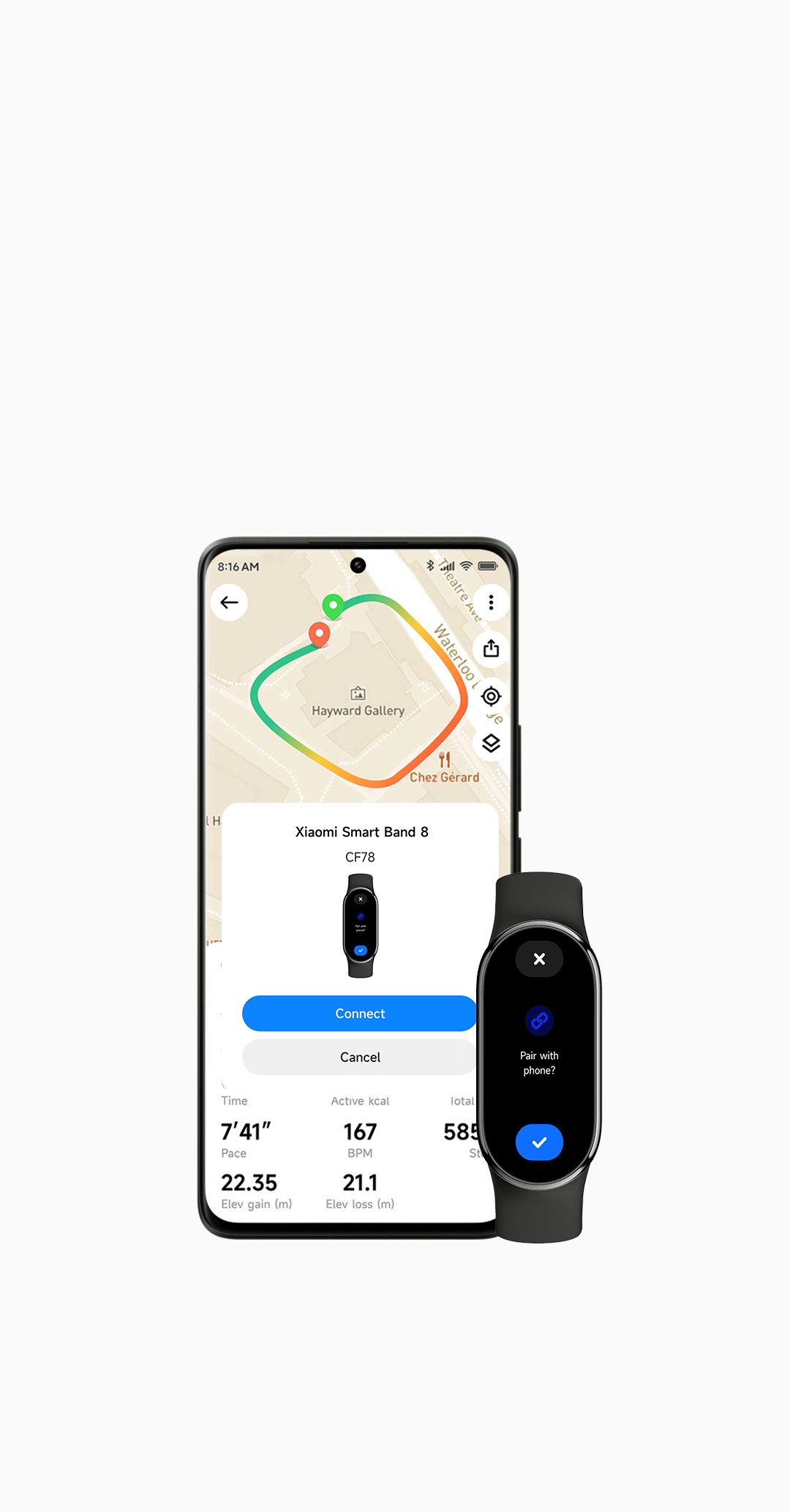
- Connect your Mi Band to the app by following the on-screen instructions.
Configuring Your Mi Band
Once you’ve connected your Mi Band to Zepp Life, it’s time to configure your device. Here are some essential settings to familiarize yourself with:
- Notifications: Configure notifications for calls, messages, and app updates directly on your wrist.
- Reminders: Set reminders for upcoming events or appointments using the built-in calendar feature.
- Vibration: Adjust the vibration intensity on your Mi Band to suit your preferences.
- Health Monitoring: Enable continuous heart rate monitoring, sleep tracking, and stress analysis features.
Exploring Other Apps
While Zepp Life is an excellent starting point, there are other apps that can further enhance your Mi Band experience. Here are some popular alternatives:
- Notify For Mi Band (Android): A feature-rich app that allows you to customize notification settings, unlock your phone with a single tap, and even receive smartwatch-style notifications.
- Google Fit (Android/iOS): Synchronize your Mi Band data with Google Fit to track your fitness goals and monitor your health metrics in real-time.
- Apple Health (iOS): Link your Mi Band to Apple Health to access advanced features like heart rate monitoring, activity tracking, and more.
- Tools & Mi Band (Android): A comprehensive app that provides detailed analytics for your physical activity, stress levels, and other health metrics.
Choosing The Right App
With so many options available, selecting the perfect app can be daunting. Consider the following factors:
- Ease of Use: Opt for apps with user-friendly interfaces and minimal setup requirements.
- Customization: Choose apps that allow you to tailor settings to your preferences.
- Compatibility: Ensure the app is compatible with your device and operating system.
Tips And Tricks
To get the most out of your Mi Band, keep these tips in mind:
- Update Regularly: Keep your Mi Band firmware up-to-date for optimal performance.
- Customize Settings: Experiment with different notification settings to find your ideal balance between functionality and peace of mind.
- Explore Features: Familiarize yourself with the various features offered by your app, such as stress analysis or sleep tracking.
Conclusion
Unlocking the full potential of your Mi Band requires more than just basic usage. With this guide, you’ve learned how to explore a wide range of apps designed specifically for your device. From official companion apps like Zepp Life to third-party tools and integrations with popular services like Google Fit and Apple Health, there’s an abundance of features waiting to be discovered.
Frequently Asked Questions (FAQs)
- Q: What is The Best App For my Mi Band?
A: The best app for your Mi Band depends on your specific needs and preferences. - Q: Can I Use Multiple Apps at Once With my Mi Band?
A: Yes, you can install and use multiple apps simultaneously with your Mi Band. - Q: How do I Update The Firmware on my Mi Band?
A: Update your Mi Band firmware through the official Zepp Life app or by visiting the Xiaomi website. - Q: Can I Customize Notification Settings For Specific Apps?
A: Yes, most apps allow you to tailor notification settings for individual applications. - Q: How do I Link my Mi Band With Google Fit or Apple Health?
A: Follow the in-app instructions to link your Mi Band with Google Fit or Apple Health.
Stay ahead of the curve and unlock the full potential of your Mi Band by exploring these apps and features!


