
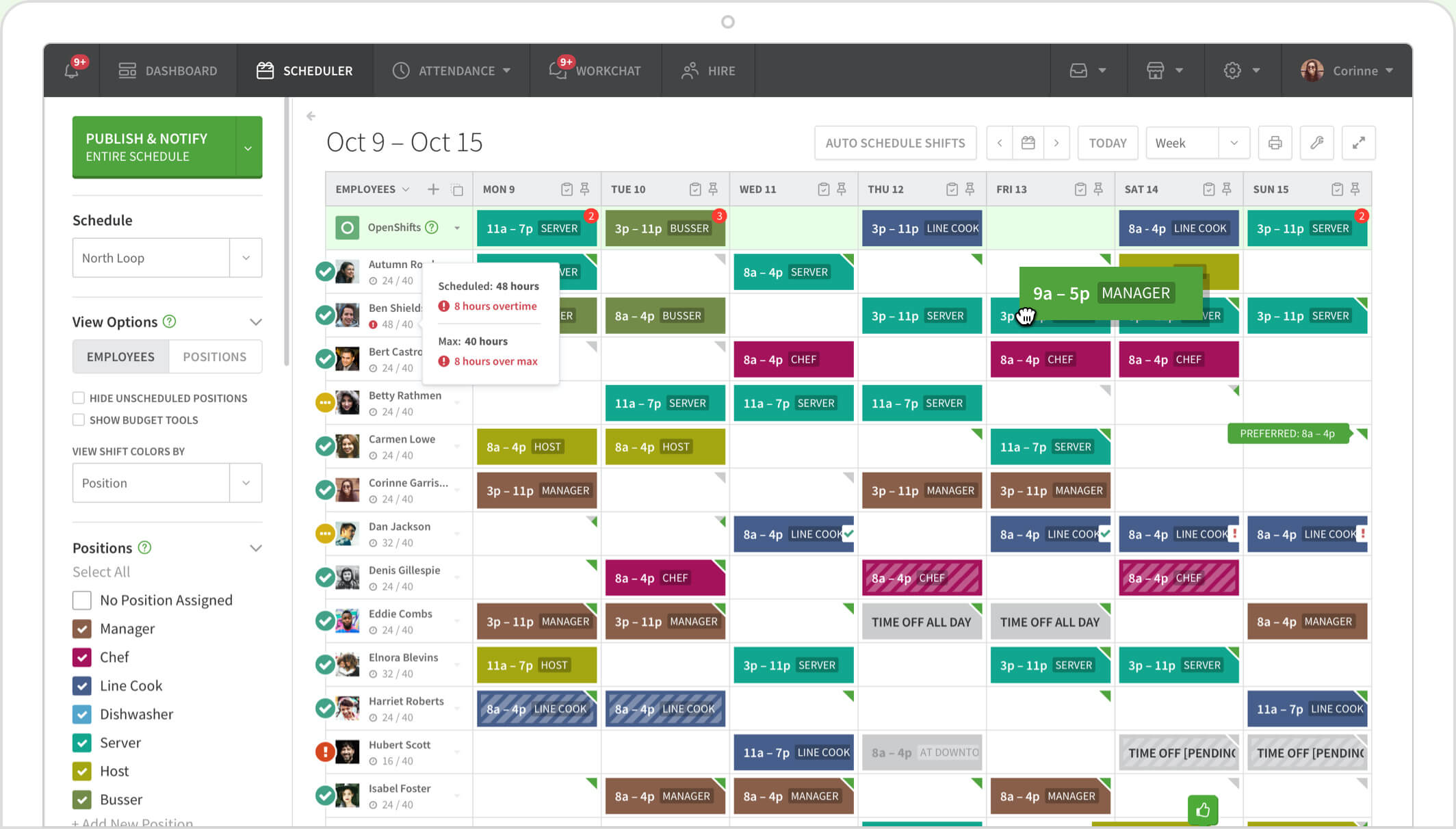
The Ultimate Guide to Remote Work: Top Apps For Productivity
Are you ready to take your work to the next level? With the rise of remote work, it’s essential to have the right tools to stay productive and connected with your team. In this article, we’ll explore the top apps for remote work, helping you choose the best ones for your needs.
The Benefits of Remote Work
Remote work offers numerous benefits, including:
- Increased flexibility and work-life balance
- Reduced commuting time and expenses
- Improved productivity and focus
- Enhanced job satisfaction and engagement
However, to make remote work a success, it’s crucial to have the right tools and strategies in place.
Top Apps For Remote Work
Here are some of the top apps for remote work, categorized by their primary functions:
Organization And Collaboration
- Slack: A popular communication platform for teams, allowing you to create channels, share files, and collaborate with ease.
- Trello: A visual project management tool that helps you organize tasks, track progress, and assign responsibilities.
- Asana: A task and project management app that enables you to create and assign tasks, set deadlines, and track progress.
Video Conferencing
- Zoom: A leading video conferencing platform for remote meetings, allowing you to connect with up to 100 participants.
- Google Meet: A simple and intuitive video conferencing solution for team meetings and collaborations.
- Microsoft Teams: A comprehensive communication and collaboration platform that includes video conferencing capabilities.
Productivity And Time Management
- Any.Do: A task management app that helps you create to-do lists, set reminders, and prioritize tasks.
- Podium: A free app for creating and sharing blueprints of work, assigning tasks, and tracking progress.
Additional Tools
- Microsoft To Do: A task management app that integrates with other Microsoft tools, such as Outlook and Teams.
- Anylist: A list-making app that helps you organize your thoughts and ideas.
- Focus@will: An music service designed to help you stay focused and productive.
The Best App For You
So, which app is the best fit for your remote work needs? Here are some key factors to consider:
- Team Size And Structure: If you have a small team or work independently, Slack or Trello might be suitable. For larger teams, Asana or Microsoft Teams could be more effective.
- Video Conferencing Requirements: Zoom is ideal for large meetings, while Google Meet is perfect for smaller teams. Microsoft Teams offers comprehensive communication features.
- Productivity And Time Management Needs: Any.Do, Podium, or Focus@Will can help you stay organized and focused.
Conclusion
Remote work offers numerous benefits, but it requires the right tools to succeed. By choosing the top apps for remote work, you’ll be able to increase productivity, collaboration, and job satisfaction. Experiment with different apps to find the best fit for your needs, and don’t hesitate to reach out if you have any questions or need further guidance.
Frequently Asked Questions
- What Are The Benefits of Remote Work?
Remote work offers increased flexibility, reduced commuting time and expenses, improved productivity and focus, and enhanced job satisfaction and engagement. - Which App is Best For Team Collaboration?
Slack, Trello, or Asana can be effective tools for team collaboration, depending on your specific needs and team size. - What’s The Difference Between Video Conferencing Apps?
Zoom offers large meeting capabilities, Google Meet is ideal for smaller teams, and Microsoft Teams provides comprehensive communication features. - How do I Choose The Best App For my Productivity Needs?
Consider factors such as task management requirements, time management needs, and focus-enhancing tools to select the most suitable app for your productivity goals. - Can I Use Multiple Apps Simultaneously?
Yes, you can integrate multiple apps to create a customized remote work setup that suits your specific needs.
I hope this article has provided valuable insights into the world of remote work and helped you choose the top apps for your productivity needs!


