
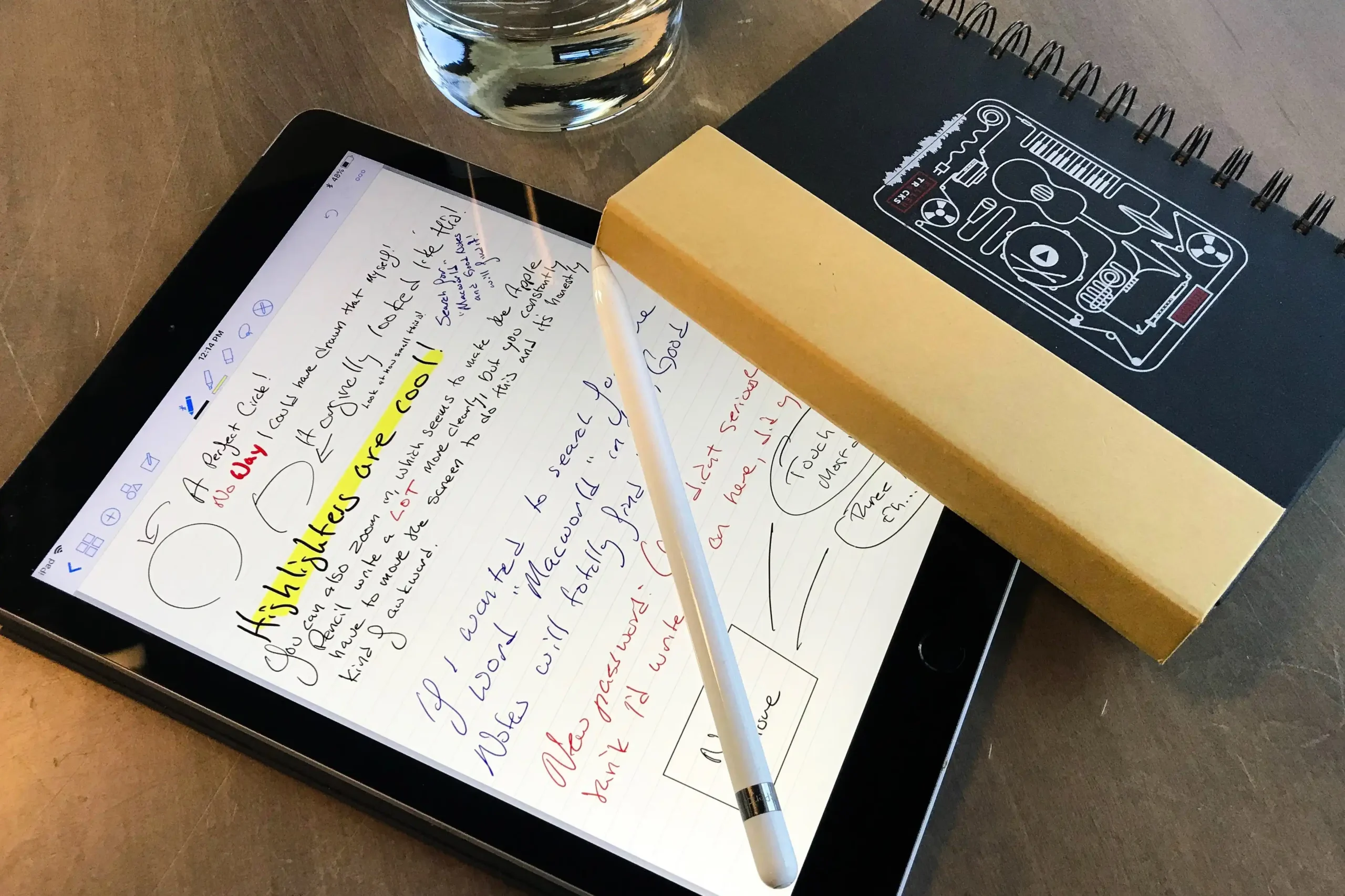
The Ultimate Guide to Typing on a Tablet With a Pen
Are you tired of using keyboards and typing on small screens? Do you want to experience the thrill of writing directly on your tablet or iPad with a pen? Look no further! In this article, we will explore the world of digital note-taking and show you how to type on a tablet with a pen like a pro.
What Are The Best Apps For Typing on a Tablet With a Pen?
There are many great apps available that allow you to type on a tablet with a pen. Here are some of the most popular ones:
- Inkredible: This app is available for both Android and iOS devices and allows you to take notes, mark up PDFs, and even create digital art.
- Squid: Take Notes, Markup Pdfs: This app is designed specifically for Android devices and offers a range of features, including note-taking, PDF annotation, and more.
- Notability: This app is available for iOS and iPadOS devices and offers a range of features, including note-taking, audio recording, and document scanning.
- Goodnotes: This app is designed for both Android and iOS devices and allows you to take notes, create digital art, and even collaborate with others in real-time.
- Notewise: This app is available for both Android and iOS devices and offers a range of features, including note-taking, image annotation, and more.
How to Choose The Best App For Typing on a Tablet With a Pen
With so many great apps available, choosing the right one can be overwhelming. Here are some factors to consider:
- Ease of Use: Look for an app that is easy to navigate and use.
- Features: Consider what features you need, such as note-taking, PDF annotation, or digital art creation.
- Compatibility: Make sure the app is compatible with your device and operating system.
- Cost: Some apps offer a free version, while others require a subscription or purchase.
How to Use Inkredible
INKredible is one of the most popular apps for typing on a tablet with a pen. Here’s how to use it:
- Download And Install: Download and install INKredible from the Google Play Store or App Store.
- Launch The App: Launch the app and select the type of document you want to create, such as a note or PDF.
- Choose Your Pen: Choose your pen from the toolbar and start writing directly on the screen.
- Use Gestures: Use gestures to zoom in and out, switch between pens, and more.
How to Use Notability
Notability is another popular app for typing on a tablet with a pen. Here’s how to use it:
- Download And Install: Download and install Notability from the App Store.
- Launch The App: Launch the app and select the type of document you want to create, such as a note or PDF.
- Choose Your Pen: Choose your pen from the toolbar and start writing directly on the screen.
- Use Gestures: Use gestures to zoom in and out, switch between pens, and more.
Conclusion
Typing on a tablet with a pen is a game-changer for anyone who wants to experience the thrill of digital note-taking. With so many great apps available, choosing the right one can be overwhelming. By considering factors such as ease of use, features, compatibility, and cost, you can find the perfect app for your needs.
Faqs
- What is The Best App For Typing on a Tablet With a Pen?
The best app for typing on a tablet with a pen depends on your specific needs and preferences. Some popular options include INKredible, Squid: Take Notes, Markup PDFs, Notability, Goodnotes, and Notewise. - How do I Choose The Right App For my Device?
To choose the right app for your device, consider factors such as ease of use, features, compatibility, and cost. Make sure to read reviews and try out a few options before making a final decision. - Can I Use a Pen With Any Tablet or Ipad?
Not all tablets or iPads support pen input. Make sure to check the specifications of your device to see if it supports pen input. - What Are Some Additional Features I Can Expect From Digital Note-taking Apps?
Some popular additional features of digital note-taking apps include audio recording, document scanning, collaboration tools, and more. - Are There Any Free Versions Available For Digital Note-taking Apps?
Yes, many digital note-taking apps offer a free version or trial period. Some popular options include INKredible, Notability, Goodnotes, and Notewise.
Best Apps to Type on Tablet With Pen
| App | Platform | Features |
|---|---|---|
| Inkredible | Android, iOS | Note-taking, PDF annotation, digital art creation |
| Squid: Take Notes, Markup Pdfs | Android | Note-taking, PDF annotation |
| Notability | iOS, iPadOS | Note-taking, audio recording, document scanning |
| Goodnotes | Android, iOS | Note-taking, digital art creation, collaboration tools |
| Notewise | Android, iOS | Note-taking, image annotation |


