
The Ultimate Guide to Creating Videos on Your Smartphone or Tablet: Top Apps For a Seamless Video Editing Experience
Are you tired of spending hours editing videos on your computer? Do you want to create stunning videos directly on your smartphone or tablet without breaking the bank? Look no further! In this article, we’ll explore the best video editing apps available for both Android and iOS devices, as well as some fantastic options for PC users.
The Best Video Editing Apps For Android
- Youcut: This free app is a game-changer for anyone looking to edit videos on their Android device. With its intuitive interface and range of features, YouCut makes it easy to cut, merge, and add music to your videos.
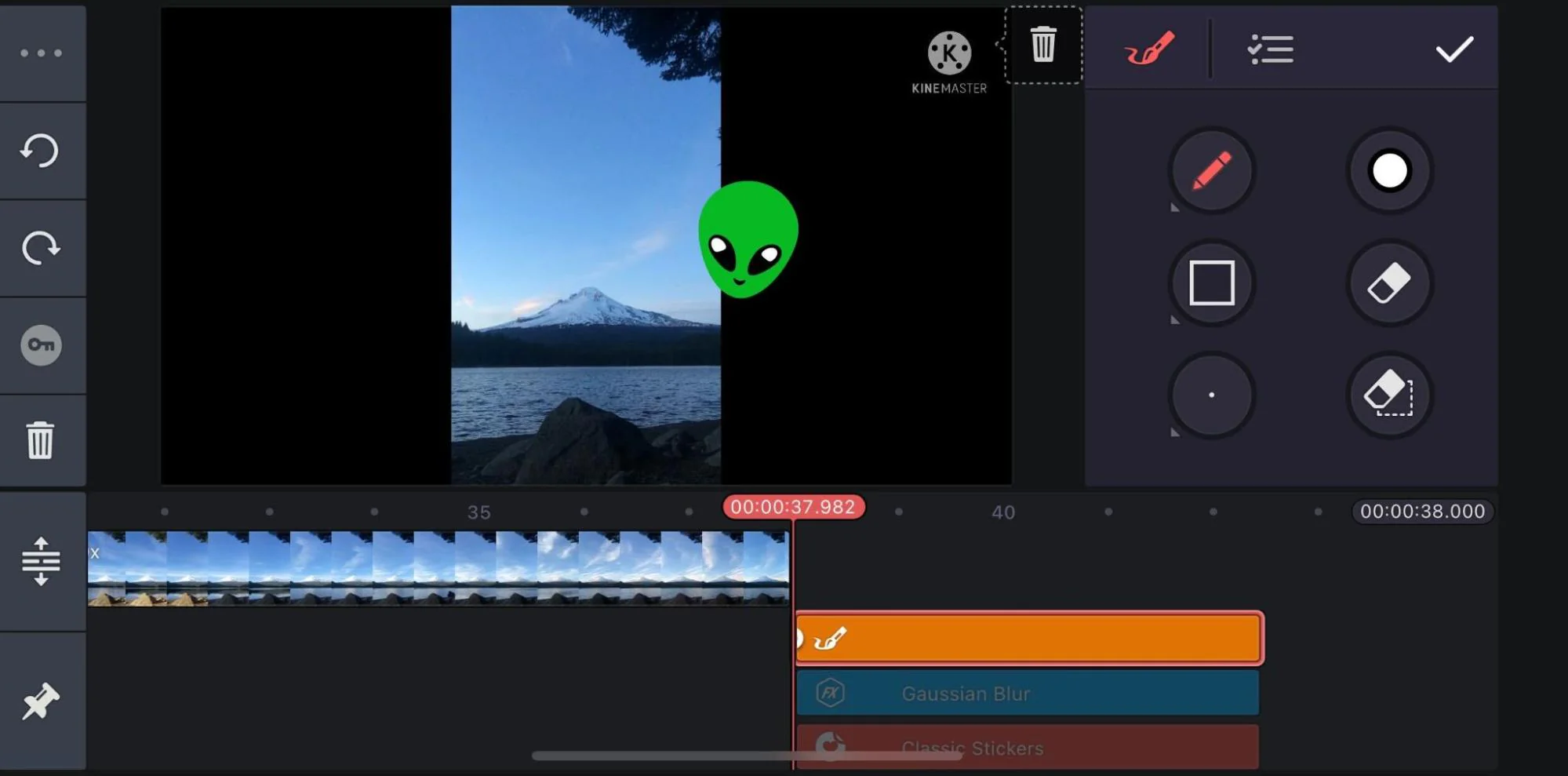
- Kinemaster: Another popular choice among Android users, KineMaster offers advanced editing tools, including chroma keying and multi-track audio support. The free version is a great option for those who want to try out the app without committing to a paid subscription.
- Powerdirector: This powerful video editor is available for both Android and iOS devices, making it a great choice for users who want to edit videos across multiple platforms.
The Best Video Editing Apps For Iphone
- Imovie: Apple’s iMovie app is the go-to choice for anyone looking to edit videos on their iPhone or iPad. With its user-friendly interface and range of features, including trailer mode and music effects, iMovie makes it easy to create stunning videos.
- Quik: Developed by GoPro, Quik is a fantastic option for users who want to create short, engaging videos without spending too much time editing.
- Clips: Another Apple-developed app, Clips offers a range of creative tools and effects, making it perfect for users who want to add a personal touch to their videos.
The Best Video Editing Apps For PC
- Davinci Resolve: This professional-grade video editor is available for Windows, macOS, and Linux, making it the perfect choice for anyone looking to edit high-quality videos on their PC.
- Avidemux: A free, open-source video editor that’s perfect for users who want a simple, user-friendly interface without breaking the bank.
- Wondershare Filmora: This user-friendly video editor offers a range of features, including color correction and audio ducking, making it ideal for users who want to create professional-grade videos.
How to Create Videos With Photos
- Gallery (Android): The built-in Gallery app on Android devices allows you to create stunning slideshow videos directly from your photo library.
- Photo (iOS): Apple’s Photo app offers a range of features, including video editing and color correction, making it perfect for users who want to create high-quality videos with their photos.
Conclusion
In conclusion, creating videos on your smartphone or tablet has never been easier! With these top-notch apps available for both Android and iOS devices, as well as some fantastic options for PC users, you can edit and share your videos in no time. Whether you’re a seasoned videographer or just starting out, there’s an app out there that suits your needs.
Frequently Asked Questions
- Q: What is The Best Video Editing App For Android?
A: YouCut is a great option for users who want a user-friendly interface and range of features. - Q: Can I Edit Videos on my Iphone Without Using Imovie?
A: Yes, there are other apps available, such as Quik and Clips, that offer a range of creative tools and effects. - Q: What is The Best Video Editing App For Pc?
A: DaVinci Resolve is a professional-grade option that’s perfect for users who want to edit high-quality videos on their PC. - Q: Can I Create Videos With Photos Using my Smartphone or Tablet?
A: Yes, there are apps available, such as Gallery and Photo, that allow you to create stunning slideshow videos directly from your photo library. - Q: Are These Video Editing Apps Free?
A: Some of the apps mentioned are free, while others offer a free trial period or a paid subscription. - Q: Can I Export my Edited Videos in High Definition?
A: Yes, many of the apps mentioned allow you to export your edited videos in HD quality. - Q: Are These Video Editing Apps Compatible With Multiple Platforms?
A: Some of the apps mentioned are available for both Android and iOS devices, while others are exclusive to one platform or another. - Q: Can I Create Videos Directly From my Phone’s Camera App?
A: Yes, many smartphones and tablets allow you to record and edit video directly from their camera app.


