
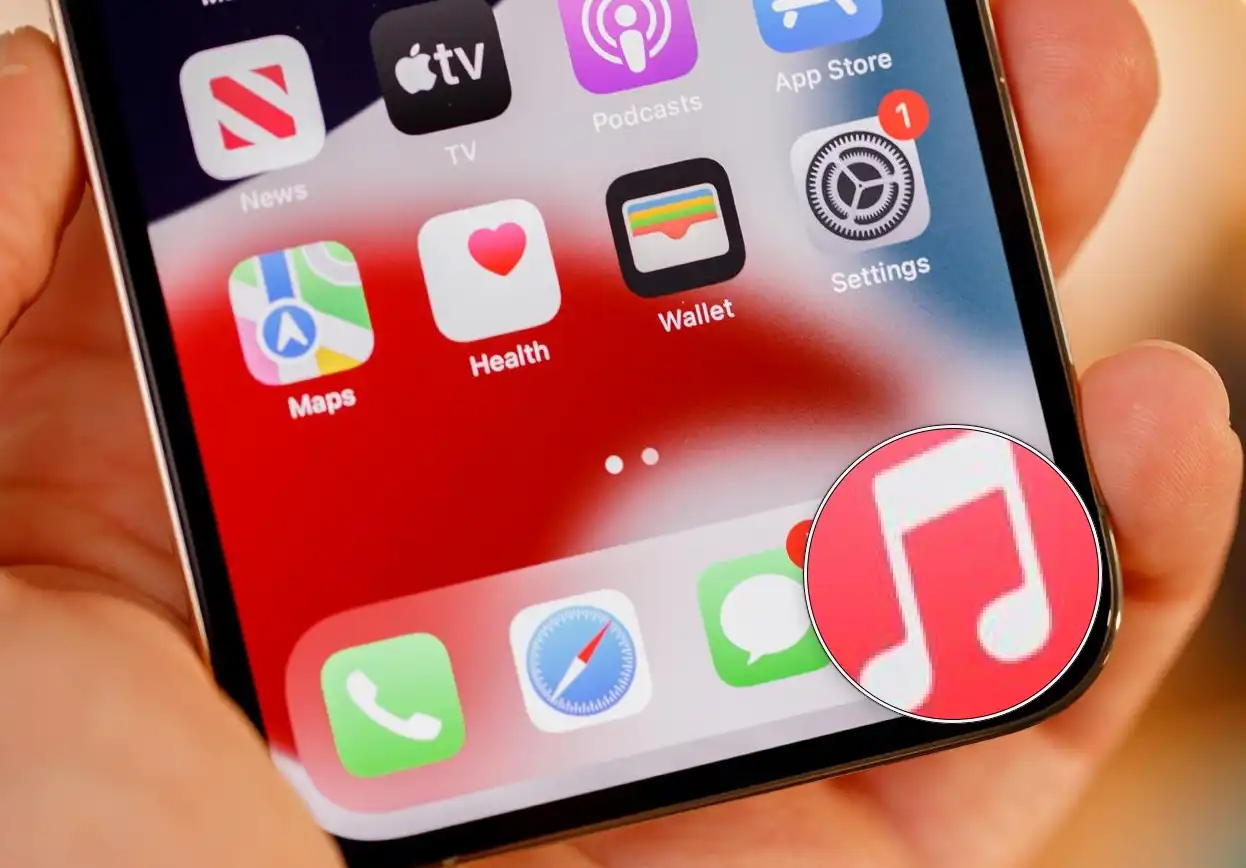
The Ultimate Guide to Downloading Music on Iphone
Are you tired of relying on internet connectivity to listen to your favorite music? Look no further! With the vast array of apps available on the App Store, downloading music on your iPhone has never been easier. In this comprehensive guide, we will explore the best apps for downloading music on iPhone without internet, and how to use them effectively.
Understanding Music Downloading Apps
Music downloading apps are designed to allow users to download music files from the internet and store them locally on their device. This way, you can listen to your favorite tunes offline, without relying on a stable internet connection. These apps usually come with features like file management, streaming capabilities, and even cloud storage integration.
Top Music Downloading Apps For Iphone
- Apple Music
Apple Music is one of the most popular music streaming services available today. With over 60 million tracks in its catalog, it’s an ideal choice for those looking to explore new music or revisit old favorites. Apple Music offers a subscription-based model, with plans starting at $9.99/Month.
How to Use Apple Music
To get started with Apple Music on your iPhone:
- Download and install the Apple Music app from the App Store.
- Sign up for an account or log in if you already have one.
- Browse through the Discover section, which features curated playlists and trending music.
- Search for specific artists, albums, or songs using the search bar.
- Select a song, album, or playlist to download.
Spotify
Spotify is another well-known music streaming service that offers an extensive library of tracks. Its free version allows users to listen to music offline, but with limited features and ads. To access premium features like ad-free listening and offline downloads, upgrade to Spotify Premium for $9.99/Month.
How to Use Spotify
To get started with Spotify on your iPhone:
- Download and install the Spotify app from the App Store.
- Sign up for an account or log in if you already have one.
- Browse through the Home section, which features curated playlists and trending music.
- Search for specific artists, albums, or songs using the search bar.
- Select a song, album, or playlist to download.
Amazon Music
Amazon Music is another popular music streaming service that offers a vast library of tracks. Its free version allows users to listen to music offline, but with limited features and ads. To access premium features like ad-free listening and offline downloads, upgrade to Amazon Music Unlimited for $9.99/Month or Amazon Prime Music for included in an Amazon Prime membership.
How to Use Amazon Music
To get started with Amazon Music on your iPhone:
- Download and install the Amazon Music app from the App Store.
- Sign up for an account or log in if you already have one.
- Browse through the Home section, which features curated playlists and trending music.
- Search for specific artists, albums, or songs using the search bar.
- Select a song, album, or playlist to download.
Youtube Music
YouTube Music is a relatively new music streaming service that offers an extensive library of tracks. Its free version allows users to listen to music offline, but with limited features and ads. To access premium features like ad-free listening and offline downloads, upgrade to YouTube Music Premium for $9.99/Month.
How to Use Youtube Music
To get started with YouTube Music on your iPhone:
- Download and install the YouTube Music app from the App Store.
- Sign up for an account or log in if you already have one.
- Browse through the Home section, which features curated playlists and trending music.
- Search for specific artists, albums, or songs using the search bar.
- Select a song, album, or playlist to download.
Total Files
Total Files is another music downloading app that allows users to search and download files from the internet. Its free version comes with ads and limited features, while the paid version offers more advanced features like file management and cloud storage integration.
How to Use Total Files
To get started with Total Files on your iPhone:
- Download and install the Total Files app from the App Store.
- Browse through the library of available files using the search bar or web interface.
- Select a song, album, or playlist to download.
- Choose where to save the downloaded file.
Other Music Downloading Apps
There are several other music downloading apps available on the App Store, including Documents-Download Music+Video, Amerigo Rows Manager, and Browser & Documents Manager.
Conclusion
Downloading music on your iPhone has never been easier. With a range of music streaming services and downloading apps available, you can now access millions of tracks without relying on internet connectivity. Remember to always check the terms and conditions of each app before using it, and happy listening!
Faqs
Q: Which music downloading app is best for me?
A: The best music downloading app depends on your personal preferences and needs. Consider factors like pricing, features, and user interface when making a decision.
Q: Can I download music without an internet connection?
A: Yes, most music downloading apps allow you to download music without an internet connection.
Q: Are there any free music downloading apps available?
A: Yes, several music downloading apps offer a free version with limited features and ads. Consider upgrading to premium features for better performance.
Q: Can I use multiple music streaming services at once?
A: Yes, many music streaming services allow you to link your accounts or access them simultaneously on your iPhone.
Q: What is the best way to organize my downloaded music files?
A: Consider using a file manager app like Documents-Download Music+Video or Amerigo Rows Manager to keep track of your downloaded files.
Conclusion
Downloading music on your iPhone has never been easier. With a range of music streaming services and downloading apps available, you can now access millions of tracks without relying on internet connectivity.


