
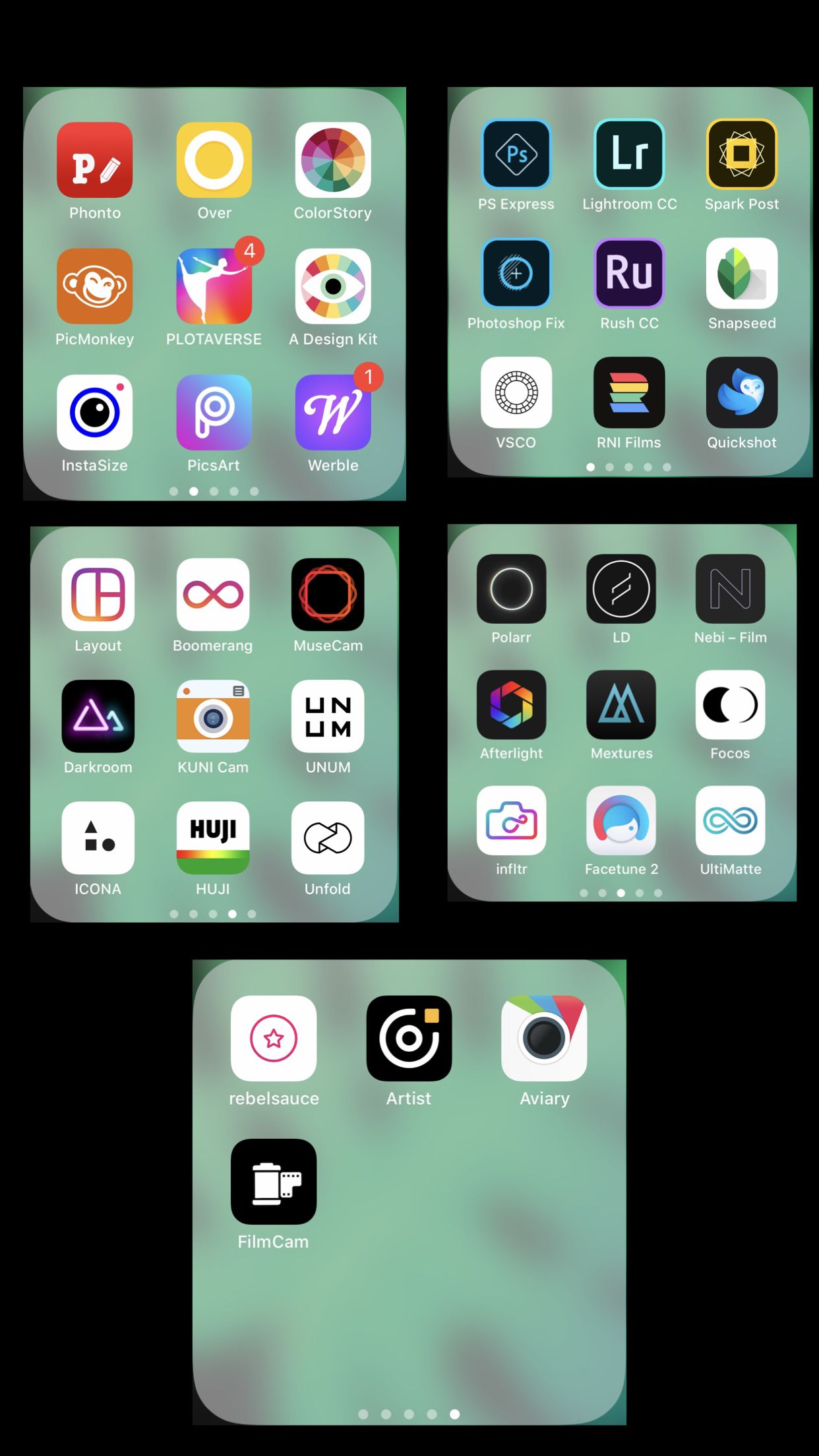
The Ultimate Guide to Photo Editing Apps For Iphone
Are you looking for ways to enhance your photos on your iPhone? Look no further! In this article, we’ll explore the best photo editing apps for iPhone that will take your photography skills to the next level.
Why Edit Photos on Your Iphone?
Editing photos on your iPhone is a great way to improve the quality of your images and make them look more professional. With the right apps, you can correct exposure issues, remove blemishes, and even add some creative flair to your photos.
Top Photo Editing Apps For Iphone
Here are some of the best photo editing apps for iPhone that you should try:
1. Snapseed
Snapseed is a powerful photo editing app developed by Google. It offers a range of tools and filters that can be used to enhance your photos, including exposure correction, color balance, and noise reduction.
Key Features:
- Advanced exposure and color adjustment tools
- Noise reduction and grain removal
- Filter and effect library
2. Afterlight
Afterlight is another popular photo editing app for iPhone that offers a range of features and filters to enhance your photos. It’s free to download, but some features require a subscription.
Key Features:
- Advanced exposure and color adjustment tools
- Noise reduction and grain removal
- Filter and effect library
3. Vsco
VSCO is a popular photo editing app for iPhone that offers a range of filters and effects to enhance your photos. It’s free to download, but some features require a subscription.
Key Features:
- Advanced filter and effect library
- Noise reduction and grain removal
- Exposure and color adjustment tools
4. Pixlr
Pixlr is another popular photo editing app for iPhone that offers a range of features and filters to enhance your photos. It’s free to download, but some features require a subscription.
Key Features:
- Advanced exposure and color adjustment tools
- Noise reduction and grain removal
- Filter and effect library
5. Superimpose Studio
Superimpose Studio is a powerful photo editing app for iPhone that offers advanced features like layer blending and masking. It’s free to download, but some features require a subscription.
Key Features:
- Advanced layer blending and masking tools
- Noise reduction and grain removal
- Filter and effect library
6. Youcam Perfect
YouCam Perfect is a popular photo editing app for iPhone that offers advanced features like skin smoothing and teeth whitening. It’s free to download, but some features require a subscription.
Key Features:
- Advanced skin smoothing and teeth whitening tools
- Noise reduction and grain removal
- Filter and effect library
7. Perfect365
Perfect365 is another popular photo editing app for iPhone that offers advanced features like face sculpting and body shaping. It’s free to download, but some features require a subscription.
Key Features:
- Advanced face sculpting and body shaping tools
- Noise reduction and grain removal
- Filter and effect library
8. Fotorus
FotoRus is another popular photo editing app for iPhone that offers advanced features like watermark removal and object cloning. It’s free to download, but some features require a subscription.
Key Features:
- Advanced watermark removal tools
- Noise reduction and grain removal
- Filter and effect library
How to Use Photo Editing Apps on Your Iphone
Using photo editing apps on your iPhone is easy! Here are the basic steps:
- Download and install the app from the App Store.
- Launch the app and select the photo you want to edit.
- Choose the editing tools and filters you want to use.
- Adjust the settings as needed to achieve the desired effect.
- Save your edited photo or share it with friends and family.
Tips And Tricks For Photo Editing
Here are some tips and tricks to keep in mind when using photo editing apps on your iPhone:
- Use natural light whenever possible to ensure the best results.
- Experiment with different filters and effects to find the one that works best for you.
- Pay attention to exposure and color balance when editing photos.
- Don’t over-edit – sometimes less is more!
Conclusion
Editing photos on your iPhone can be a fun and creative way to enhance your photography skills. With the right apps, you can achieve professional-looking results without breaking the bank. Try out some of the top photo editing apps for iPhone mentioned in this article, and don’t forget to experiment with different filters and effects to find the one that works best for you!
Frequently Asked Questions
Q: What are the best photo editing apps for iPhone?
A: Some of the top photo editing apps for iPhone include Snapseed, Afterlight, VSCO, Pixlr, Superimpose Studio, YouCam Perfect, Perfect365, and FotoRus.
Q: How do I use photo editing apps on my iPhone?
A: To use photo editing apps on your iPhone, simply download and install the app from the App Store, launch the app, select the photo you want to edit, choose the editing tools and filters you want to use, adjust the settings as needed, and save your edited photo or share it with friends and family.
Q: What are some tips and tricks for photo editing?
A: Some tips and tricks to keep in mind when using photo editing apps on your iPhone include using natural light whenever possible, experimenting with different filters and effects, paying attention to exposure and color balance, and not over-editing – sometimes less is more!
Q: Can I use photo editing apps on my iPad or Mac?
A: Yes! Many of the top photo editing apps for iPhone also work on iPad and Mac.
Q: Are photo editing apps free or do they cost money?
A: Some photo editing apps are free, while others require a subscription to access certain features.


