
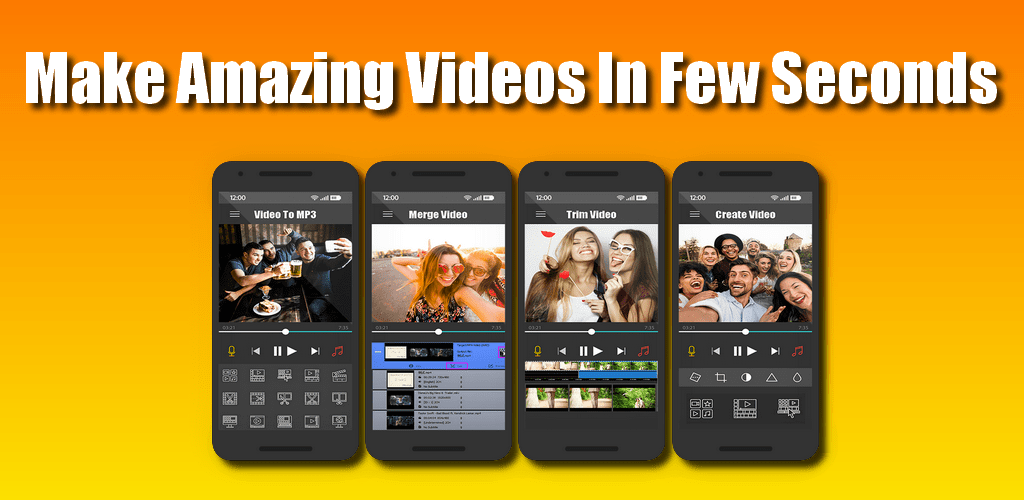
App To Do Video With Music: A Comprehensive Guide
Are you looking for a way to express your creativity and passion for video-making? Look no further! In this article, we’ll explore the world of apps that allow you to create videos with music, perfect for social media enthusiasts and videomakers alike.
The Ultimate List of Apps To Do Video With Music
In today’s digital age, there are numerous apps available that can help you create stunning videos with music. Here are some of the best ones:
- Inshot: A powerful video editor app that allows you to add music, effects, and stickers to your videos.
- Adobe Premiere Rush: A user-friendly video editing app that offers advanced features like color grading and audio ducking.
- Clips: An Apple-exclusive app that lets you create short videos with music and filters.
- Tiktok: A social media platform that allows you to create short-form videos with music, effects, and duets.
- Videoshow: A video editing app that offers advanced features like color correction and audio enhancement.
- Quik: A user-friendly video editing app that allows you to create stunning videos with music and filters.
How To Use Each App
Each of these apps has its unique features and interface. Here’s a brief guide on how to use each one:
Inshot
To get started with InShot, simply download the app from the Google Play Store or Apple App Store. Once installed, follow these steps:
- Open the app and select the “Video” tab.
- Choose your video file from your gallery or record a new video.
- Trim and edit your video as needed.
- Add music to your video by selecting the “Music” tab.
- Apply effects, stickers, and filters to enhance your video.
Adobe Premiere Rush
To use Adobe Premiere Rush, follow these steps:
- Download the app from the Google Play Store or Apple App Store.
- Open the app and select the “New Project” button.
- Choose your video file or record a new one.
- Trim and edit your video as needed.
- Add music to your video by selecting the “Audio” tab.
- Apply effects, color grading, and audio ducking to enhance your video.
Clips
To use Clips, follow these steps:
- Download the app from the Apple App Store.
- Open the app and select the “New Project” button.
- Choose your video file or record a new one.
- Trim and edit your video as needed.
- Add music to your video by selecting the “Audio” tab.
Tiktok
To use TikTok, follow these steps:
- Download the app from the Google Play Store or Apple App Store.
- Open the app and select the “+” icon to create a new video.
- Choose your video file or record a new one.
- Trim and edit your video as needed.
- Add music, effects, and filters to enhance your video.
Videoshow
To use VideoShow, follow these steps:
- Download the app from the Google Play Store or Apple App Store.
- Open the app and select the “Video” tab.
- Choose your video file from your gallery or record a new video.
- Trim and edit your video as needed.
- Add music to your video by selecting the “Music” tab.
Quik
To use Quik, follow these steps:
- Download the app from the Google Play Store or Apple App Store.
- Open the app and select the “New Project” button.
- Choose your video file or record a new one.
- Trim and edit your video as needed.
- Add music to your video by selecting the “Audio” tab.
Tips And Tricks
Here are some tips and tricks to help you create stunning videos with these apps:
- Experiment With Different Effects And Filters: Each app has a wide range of effects and filters that can enhance your video. Experiment with different combinations to find what works best for you.
- Use High-quality Music: Music is an essential part of any video. Choose high-quality music that complements the tone and style of your video.
- Pay Attention to Color Correction: Color correction can make a huge difference in the overall look and feel of your video. Experiment with different color correction tools to find what works best for you.
- Edit With Precision: Editing is an art form. Take your time, and edit with precision to create a smooth and seamless video.
Conclusion
Creating videos with music has never been easier! With these apps, you can express your creativity, share your passion with the world, and have fun while doing it. Whether you’re a social media enthusiast or a videomaker, there’s an app out there that suits your needs.


