
The Ultimate Guide to Merging Pdf Files: Top Apps And Tools
Are you tired of dealing with multiple PDF files that need to be merged into one? Look no further! In this article, we’ll explore the top apps and tools for merging PDF files on various platforms, including Android, iOS, Windows, and Mac.
What is a Pdf Merger App?
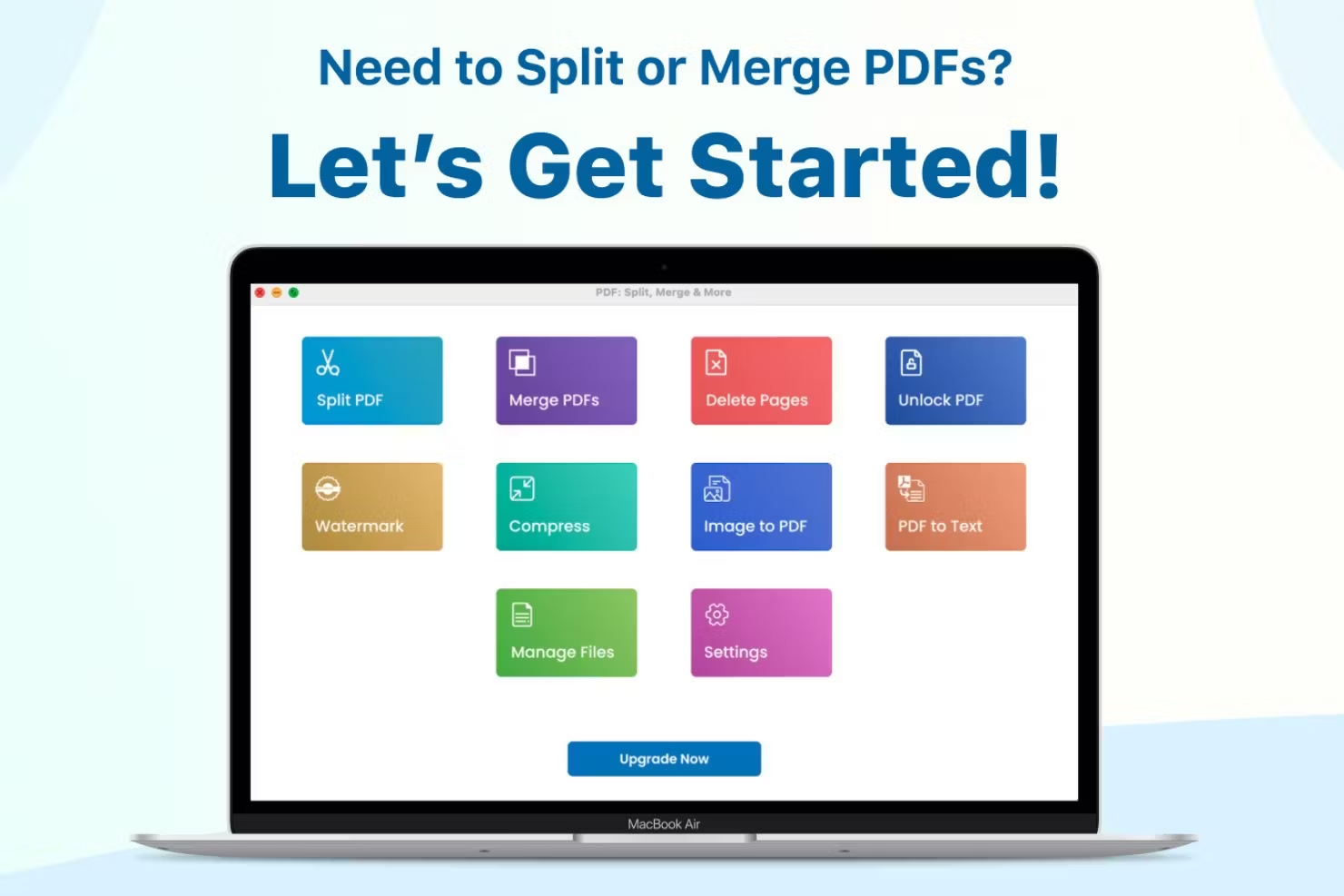
A PDF merger app is a software program that allows you to combine multiple PDF files into a single document. These apps are incredibly useful when you need to merge reports, documents, or any other type of file in the PDF format.
Top Pdf Merger Apps For Android
- Ilovepdf: This app is a true Swiss Army knife for PDFs. Not only can it merge multiple files, but it also allows you to split, rotate, and convert PDFs.
- Pdf Merge: This app is simple to use and offers a free version with limited features. However, it’s perfect for merging small PDF files quickly.
Top Pdf Merger Apps For Ios
- Ilovepdf: Yes, this app is available on both Android and iOS platforms! It’s a great option if you need to merge PDFs on your iPhone or iPad.
- Pdf Merge: This app is also available on iOS and offers a user-friendly interface for merging PDF files.
Top Pdf Merger Apps For Windows
- Pdfill Pdf Tools: This app is an all-in-one solution for working with PDF files, including merging, splitting, and deleting pages.
- Adobe Acrobat Pro: While not specifically designed as a merger tool, Adobe Acrobat Pro offers advanced features for modifying PDFs, including merging.
Top Pdf Merger Apps For Mac
- Preview: This app is the default image viewer on Mac, but it also has a built-in feature for merging PDF files.
- Updf: This app is a user-friendly option that allows you to merge, modify, and convert PDFs with ease.
Top Online Pdf Merger Tools
- Smallpdf: This web-based tool offers a simple and fast way to merge PDF files without the need for any software installation.
- Free Pdf Converter: This online platform provides tools for merging, converting, and splitting PDF files.
Conclusion
Merging PDF files doesn’t have to be a tedious task anymore! With these top apps and tools, you can easily combine multiple files into one, making it perfect for presentations, reports, or any other type of document. Whether you’re using an Android, iOS, Windows, or Mac device, there’s a solution available for you.
Frequently Asked Questions (FAQs)
- Q: Can I Merge Pdf Files on my Phone?
A: Yes! There are many apps available for both Android and iOS devices that allow you to merge PDF files. - Q: Do I Need to Install Any Software to Use a Pdf Merger App?
A: Most apps can be installed directly from the app store, but some may require a one-time download or installation process. - Q: Can I Convert Pdf Files to Other Formats Using a Pdf Merger App?
A: Some apps offer additional features like conversion and splitting, while others are specifically designed for merging only. - Q: Are These Apps Free?
A: Some apps offer free versions with limited features, while others require a subscription or one-time payment for full functionality. - Q: Can I Merge Pdf Files Online Without Installing Any Software?
A: Yes! There are many web-based tools available that allow you to merge PDF files directly from your browser.
Bonus Tip
Don’t forget to explore the additional features offered by these apps, such as splitting, rotating, and converting PDFs. These can be incredibly useful for streamlining your workflow and making document management a breeze.


