
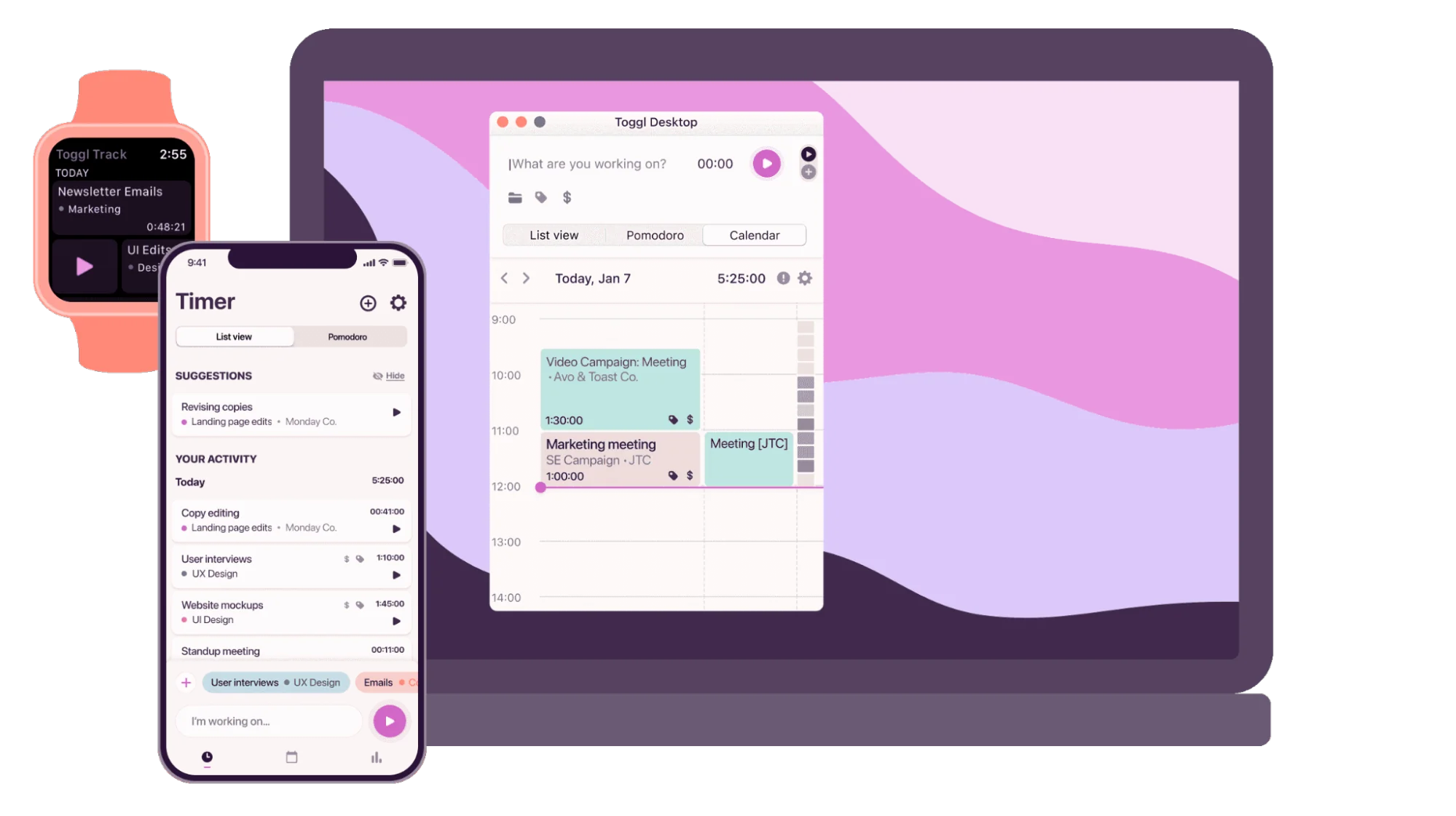
Organizing Your Day: The Ultimate Guide
Are you tired of feeling overwhelmed by your daily tasks? Do you struggle to stay on top of your schedule and achieve your goals? You’re not alone! With the right tools and strategies, anyone can become more productive and organized.
In this article, we’ll explore the best apps to help you organize your day, week, and even month. We’ll also discuss how to use these tools effectively and make them a part of your daily routine.
Why Organize Your Day?
Before we dive into the apps, let’s talk about why organizing your day is essential. When you’re organized, you:
- Increase productivity: By prioritizing tasks and focusing on what needs to be done, you can accomplish more in less time.
- Reduce stress: Feeling overwhelmed by a long to-do list can be anxiety-provoking. Organizing your tasks helps break them down into manageable chunks.
- Improve time management: By scheduling tasks and allocating specific times for each activity, you’ll become more efficient with your time.
- Enhance creativity: With a clear mind and organized schedule, you’ll have more space to think creatively and explore new ideas.
The Best Apps to Organize Your Day
Here are the top apps to help you stay on track:
- Todoist: This app allows you to create and manage your to-do lists, set deadlines, and collaborate with others. It’s available for Android, iOS, iPadOS, Windows, macOS, Linux, Gmail, Outlook, and more.
- Atracker: ATracker is a time management app that helps you track how much time you spend on tasks. It’s available for Android, iOS, iPadOS, and Windows.
- Goal Meter: This app lets you set goals and track your progress towards achieving them. It’s available for Android and has a premium version that offers additional features.
- Doodle: Doodle is an event planning app that helps you schedule meetings with others. It’s available for Android, iOS, iPadOS, Windows, and more.
How to Use These Apps Effectively
To get the most out of these apps, follow these tips:
- Set clear goals: Before using any app, define what you want to achieve. This will help you stay focused on your objectives.
- Prioritize tasks: Make a list of tasks to be done and prioritize them based on importance and deadlines.
- Break tasks into smaller chunks: Large tasks can feel overwhelming. Break them down into smaller, manageable pieces to make progress easier.
- Use reminders: Set reminders for upcoming events or deadlines to stay on track.
- Review and adjust regularly: Regularly review your progress and adjust your schedule as needed.
Other Apps to Organize Your Day
In addition to the apps mentioned above, there are many more tools available to help you stay organized. Some other popular options include:
- Timetune: A productivity app that helps you manage your time and prioritize tasks.
- Microsoft To Do: A task management app that integrates with Outlook and allows for collaboration.
- Things: A task manager that lets you organize your to-do list, set reminders, and collaborate with others.
Conclusion
Organizing your day is a simple yet powerful way to boost productivity, reduce stress, and improve time management. By using the right apps and strategies, anyone can achieve their goals and live a more fulfilling life. Remember to stay focused on your objectives, prioritize tasks, break them down into manageable chunks, use reminders, and review and adjust regularly.
Faqs
Here are some frequently asked questions about organizing your day:
- What is the best app for organizing my day?
- The answer depends on personal preferences and needs. Some popular options include Todoist, ATracker, Goal Meter, and Doodle.
- How do I use these apps effectively?
- To get the most out of these apps, set clear goals, prioritize tasks, break them down into smaller chunks, use reminders, and review and adjust regularly.
- What other apps can help me stay organized?
- Some additional options include TimeTune, Microsoft To Do, and Things.
By following these tips and using the right tools, you’ll be well on your way to achieving your goals and living a more organized life.


