
The Ultimate Guide to Reading Pdf Files on Your Smartphone or Tablet
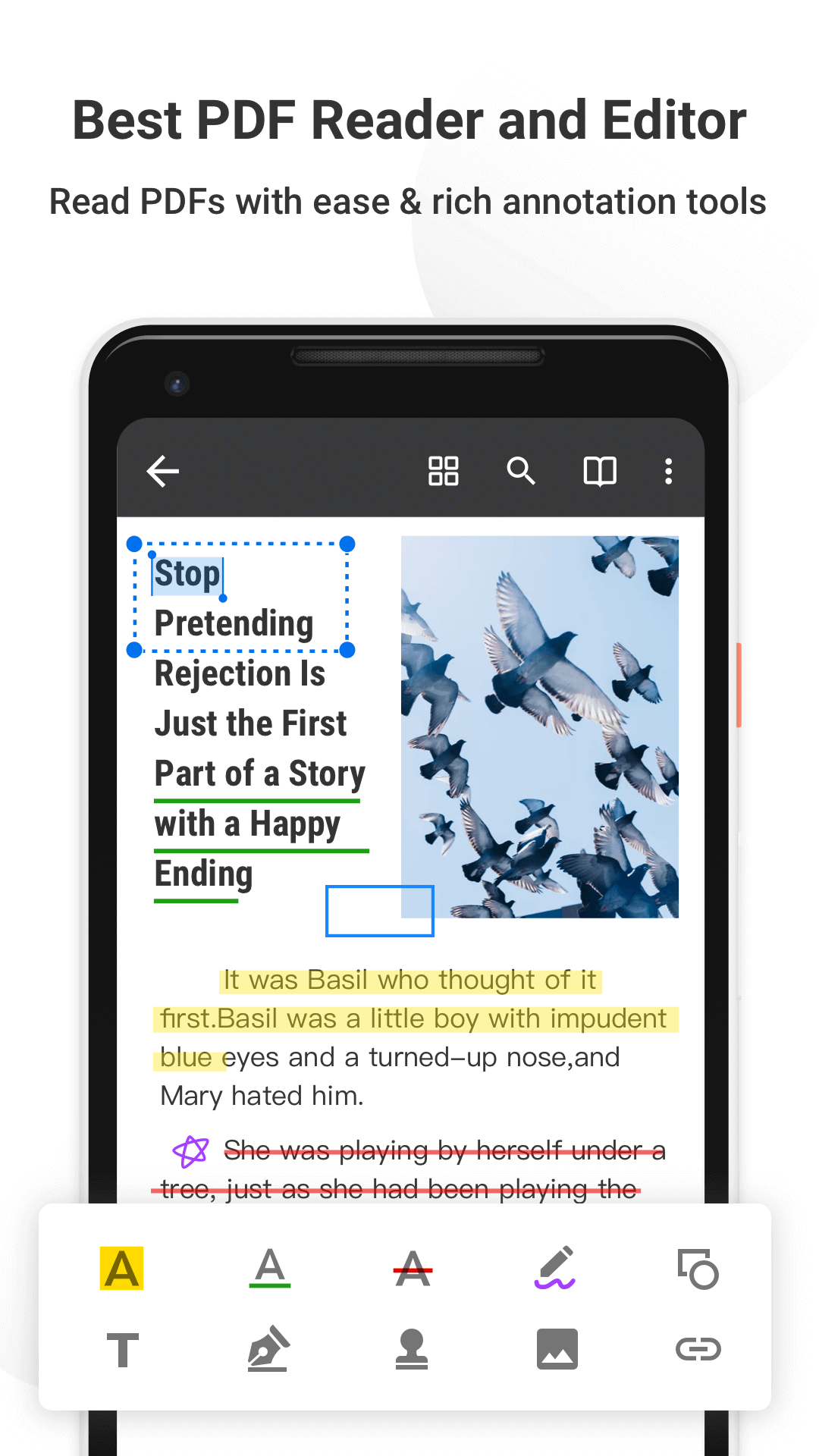
Are you tired of struggling to read PDF files on your smartphone or tablet? Do you find yourself scrolling through multiple apps just to find the right tool to view and edit your documents? Look no further! In this article, we will explore the best apps to read PDF files on both Android and iOS devices.
Why Read Pdf Files on Your Smartphone or Tablet?
Reading PDF files on your smartphone or tablet is a convenient and practical way to access and manage your documents. With the rise of digital documentation, it’s essential to have an efficient and user-friendly tool to view, edit, and share your files. Whether you’re a student, professional, or simply someone who likes to stay organized, reading PDF files on your device can save you time and effort.
The Best Apps to Read Pdf Files on Android Devices
- Google’s Pdf Viewer: This app is a must-have for any Android user. It allows you to view, search, and print PDF files directly from the Google Drive or other cloud storage services.
- Adobe Acrobat Reader: A powerful tool that enables you to read, edit, and annotate PDF files. You can also add text, images, and signatures to your documents.
- Foxit Pdf: Another excellent app that offers advanced features like password protection, digital signatures, and text search.
The Best Apps to Read Pdf Files on Ios Devices
- Books: A built-in app on iOS devices that allows you to read and annotate PDF files. It also integrates seamlessly with iCloud, making it easy to access your documents across all your Apple devices.
- Pdf Expert: A feature-rich app that lets you view, edit, and manage PDF files. You can also add annotations, signatures, and comments to your documents.
Other Noteworthy Apps
- Xodo Pdf: A free app that offers advanced features like editing, annotating, and collaborating on PDF files.
- Ereader Prestige: A dedicated e-book reader app that supports multiple formats, including EPUB, MOBI, and PDF.
How to Read Pdf Files With Voice Assistance
- @Voice Aloud Reader (Android): This app allows you to read PDF files aloud using natural-sounding voices.
- Speak Selection (iOS): A built-in feature on iOS devices that enables you to select a portion of text and have it read aloud.
Tips And Tricks
- Always check the compatibility of an app with your device’s operating system before downloading.
- Use the cloud storage services like Google Drive or iCloud to access your PDF files from anywhere.
- Experiment with different apps to find the one that suits your needs best.
Conclusion
Reading PDF files on your smartphone or tablet has never been easier. With these top-notch apps, you can view, edit, and manage your documents with ease. Whether you’re a beginner or an experienced user, there’s an app for everyone. So go ahead, explore the options, and find the perfect tool to make your life more organized and efficient!
Frequently Asked Questions
- Q: What is The Best App to Read Pdf Files on Android Devices?
A: Google’s PDF Viewer and Adobe Acrobat Reader are excellent choices. - Q: Can I Read Pdf Files With Voice Assistance on my Ios Device?
A: Yes, you can use Speak Selection or Contained Read to High Voice. - Q: Are There Any Free Apps to Read Pdf Files on Android Devices?
A: Yes, Foxit PDF and Xodo PDF are excellent free options. - Q: Can I Edit Pdf Files Using an App on my Ios Device?
A: Yes, PDF Expert is a great option for editing PDF files. - Q: How do I Access my Pdf Files From Anywhere?
A: Use cloud storage services like Google Drive or iCloud to access your documents remotely.


