
Unlocking The Power of QR Codes: A Comprehensive Guide
Are you ready to take your mobile experience to the next level? Look no further than QR codes, those mysterious black-and-white squares that have been popping up everywhere from street signs to product packaging. In this article, we’ll delve into the world of QR codes, exploring what they are, how they work, and most importantly, how to read them using your smartphone.
What is a QR Code?
A QR code (Quick Response code) is a type of two-dimensional barcode that contains information such as text, URLs, or even contact details. Unlike traditional barcodes, which can only be scanned horizontally, QR codes can be scanned vertically and horizontally, making them more efficient and user-friendly.
Why Use QR Codes?
QR codes offer numerous benefits, from enhancing customer engagement to streamlining business operations. Here are just a few reasons why businesses and individuals alike should consider incorporating QR codes into their mobile strategy:
- Increased Brand Awareness: By adding a QR code to your marketing materials or products, you can create an engaging experience for customers that sets you apart from the competition.
- Improved Customer Service: QR codes can be used to provide customers with quick access to important information such as product instructions, warranty details, or customer support contact numbers.
- Streamlined Business Operations: QR codes can help streamline business processes by providing employees with easy access to relevant information and policies.
How to Read QR Codes on Android Devices
If you’re using an Android device, reading QR codes is a breeze. Here’s how:
- Open the Google Lens app (if available) or download and install a third-party QR code scanner.
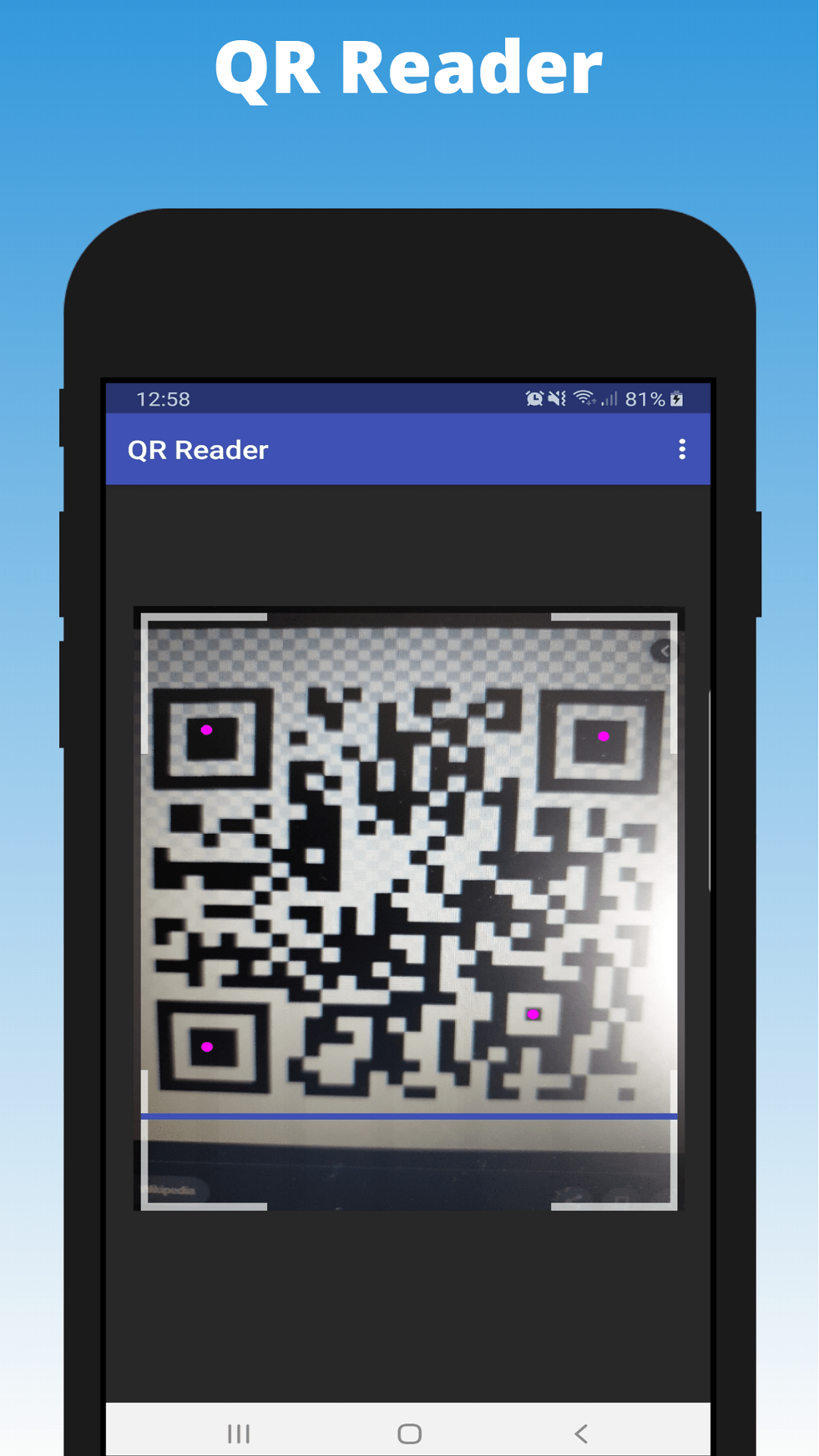
- Point your camera at the QR code and wait for it to scan.
- The information contained in the QR code will be displayed on screen.
Top 5 QR Code Scanners For Android Devices
Here are some of the best QR code scanners available for Android devices:
- QR & Barcode Scanner: A simple and intuitive app that allows you to scan QR codes with ease.
- Google Lens: A powerful visual search engine that can recognize QR codes, as well as other visual elements like text and images.
- Binary Eye: A free and open-source QR code scanner that’s available on the Play Store.
- QR Scan (Privacy Friendly): A QR code scanner that prioritizes user privacy by not collecting any data.
- Barcode Scanner: A simple app that allows you to scan QR codes, as well as other barcodes.
How to Read QR Codes on Iphone Devices
If you’re using an iPhone device, reading QR codes is just as easy. Here’s how:
- Open the Camera app and point it at the QR code.
- The information contained in the QR code will be displayed on screen.
- You can also use third-party apps like Google Lens or Scan to scan QR codes.
Top 5 QR Code Scanners For Iphone Devices
Here are some of the best QR code scanners available for iPhone devices:
- Google Lens: A powerful visual search engine that can recognize QR codes, as well as other visual elements like text and images.
- Scan: A simple app that allows you to scan QR codes with ease.
- QR Code Reader: An intuitive app that provides quick access to the information contained in a QR code.
- Barcode Scanner: A simple app that allows you to scan QR codes, as well as other barcodes.
- QR Scan (Privacy Friendly): A QR code scanner that prioritizes user privacy by not collecting any data.
QR Code Security And Safety
While QR codes are generally safe to use, there are some potential security risks to be aware of:
- Malicious QR Codes: Some malicious individuals may create QR codes that, when scanned, can compromise your device or steal sensitive information.
- Data Collection: Some QR code scanners may collect data on the users who scan them.
Conclusion
QR codes offer a powerful and versatile way to enhance customer engagement, streamline business operations, and provide quick access to relevant information. By understanding how to read and use QR codes effectively, you can unlock their full potential and take your mobile experience to the next level.
Frequently Asked Questions (FAQs)
- What is a QR Code?
A QR code (Quick Response code) is a type of two-dimensional barcode that contains information such as text, URLs, or even contact details. - How do I Read a QR Code on my Android Device?
To read a QR code on your Android device, open the Google Lens app (if available) or download and install a third-party QR code scanner. - What Are Some Popular QR Code Scanners For Android Devices?
Some popular QR code scanners for Android devices include QR & Barcode Scanner, Google Lens, Binary Eye, QR Scan (Privacy Friendly), and Barcode Scanner. - How do I Read a QR Code on my Iphone Device?
To read a QR code on your iPhone device, open the Camera app and point it at the QR code. - What Are Some Potential Security Risks Associated With Using QR Codes?
Some potential security risks associated with using QR codes include malicious QR codes that can compromise your device or steal sensitive information, as well as data collection by some QR code scanners.
I hope this comprehensive guide has provided you with a better understanding of the world of QR codes and how to use them effectively. Happy scanning!


