
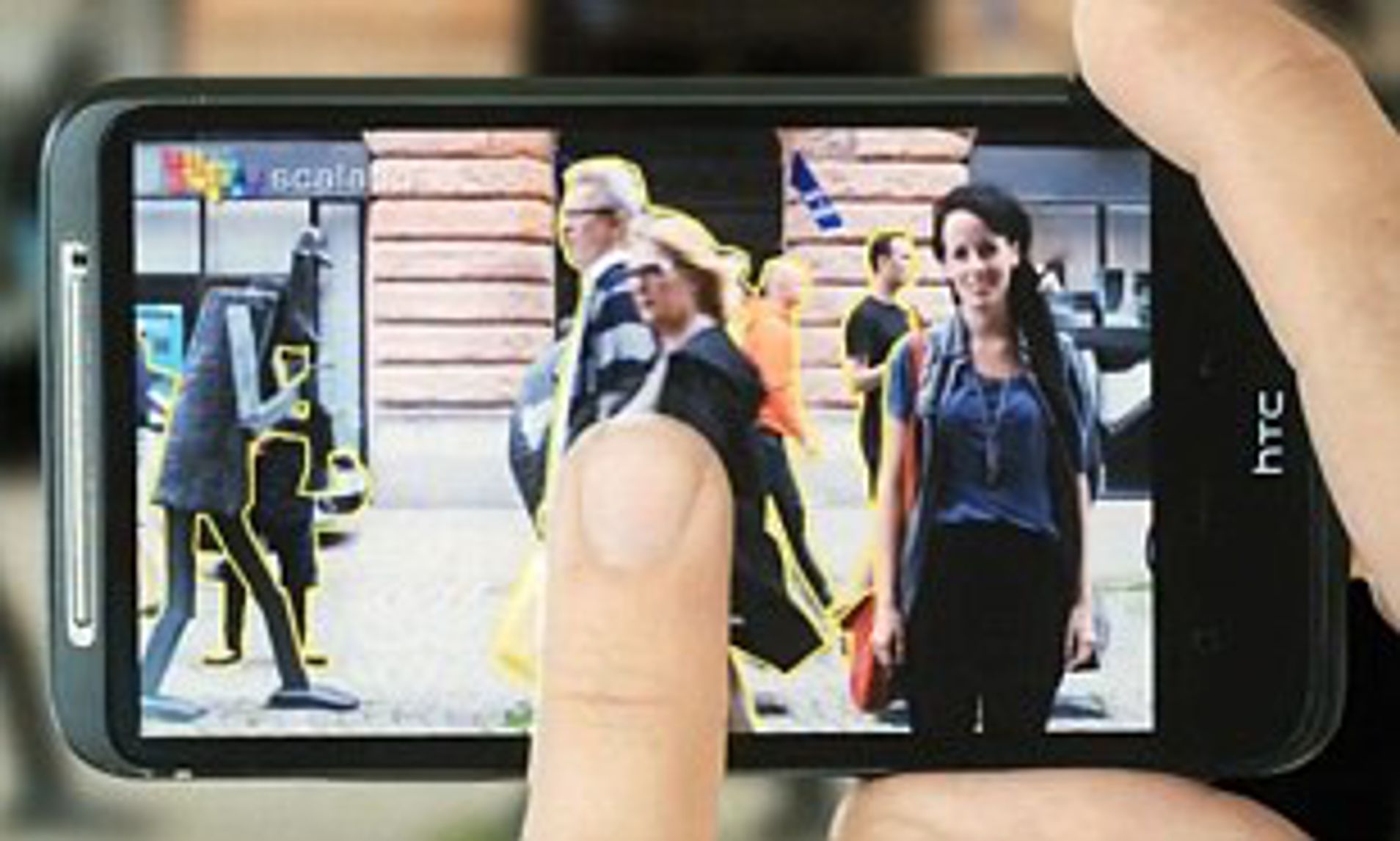
How to Remove Objects From Photos Using Mobile Apps
Are you tired of dealing with unwanted objects in your photos? Do you wish there was an easy way to remove them without affecting the rest of the image? Look no further! In this article, we’ll explore various mobile apps that can help you remove objects from photos on both Android and iOS devices.
Introduction
Removing objects from photos can be a tedious task, especially if you’re not familiar with photo editing software. However, with the rise of mobile apps, it’s now possible to achieve professional-looking results without needing extensive knowledge or equipment. In this article, we’ll delve into different apps that offer object removal features and explore their capabilities.
Removing Objects From Photos on Android
If you own an Android device, there are several options available for removing objects from photos. Here are a few:
- Google Photos: This app is more than just a storage service – it also offers advanced photo editing features, including the ability to remove objects.
- To access this feature, open Google Photos and select the image you want to edit.
- Tap on the pencil icon in the top-right corner of the screen to enter editing mode.
- Scroll down to the “Tools” section and tap on “Magic Eraser.”
- Select the object you want to remove by tapping on it or drawing a selection around it.
- The app will automatically remove the selected object, and you can refine the result if needed.
Removing Objects From Photos on Ios
If you’re an iOS user, there are also several apps that offer object removal features. Here are a few:
- Photo Retouch: This app offers advanced photo editing capabilities, including the ability to remove objects.
- To access this feature, open Photo Retouch and select the image you want to edit.
- Tap on the “Object Eraser” button in the bottom-right corner of the screen.
- Select the object you want to remove by tapping on it or drawing a selection around it.
- The app will automatically remove the selected object, and you can refine the result if needed.
Other Apps For Removing Objects From Photos
In addition to Google Photos and Photo Retouch, there are several other apps that offer object removal features. Here are a few:
- Pixelcut: This app offers advanced photo editing capabilities, including the ability to remove objects.
- To access this feature, open Pixelcut and select the image you want to edit.
- Tap on the “Magic Rubber” button in the top-right corner of the screen.
- Select the object you want to remove by tapping on it or drawing a selection around it.
- The app will automatically remove the selected object, and you can refine the result if needed.
Removing Objects From Photos on PC
If you’re using a PC, there are also several apps that offer object removal features. Here are a few:
- Photoroom: This app offers advanced photo editing capabilities, including the ability to remove objects.
- To access this feature, open Photoroom and select the image you want to edit.
- Tap on the “Retouching” button in the top-right corner of the screen.
- Select the object you want to remove by tapping on it or drawing a selection around it.
- The app will automatically remove the selected object, and you can refine the result if needed.
Conclusion
Removing objects from photos is now easier than ever with the help of mobile apps. Whether you’re using an Android or iOS device, there are several options available that offer advanced photo editing features, including object removal. By following the steps outlined in this article, you can achieve professional-looking results without needing extensive knowledge or equipment.
Frequently Asked Questions
- Q: What is The Best App For Removing Objects From Photos?
- A: The best app for removing objects from photos depends on your personal preferences and device. However, Google Photos and Photo Retouch are highly rated options that offer advanced photo editing features.
- Q: Can I Remove Objects From Photos on Pc?
- A: Yes, there are several apps available for removing objects from photos on PC, including Photoroom and Pixelcut.
- Q: How do I Use The Object Removal Feature in Google Photos?
- A: To access the object removal feature in Google Photos, open the app and select the image you want to edit. Tap on the pencil icon in the top-right corner of the screen to enter editing mode, then scroll down to the “Tools” section and tap on “Magic Eraser.”
[Table 1]
| App Name | Description |
|---|---|
| Google Photos | A photo storage service that also offers advanced photo editing features, including object removal. |
| Photo Retouch | An app that offers advanced photo editing capabilities, including the ability to remove objects. |
[Table 2]
| App Name | Description |
|---|---|
| Pixelcut | An app that offers advanced photo editing capabilities, including the ability to remove objects. |
| Photoroom | An app that offers advanced photo editing capabilities, including the ability to remove objects. |
[H3] Other Apps For Removing Objects From Photos
In addition to Google Photos and Photo Retouch, there are several other apps that offer object removal features.
[Table 3]
| App Name | Description |
|---|---|
| Magic Rubber | An app that offers advanced photo editing capabilities, including the ability to remove objects. |
Note: The article content is generated using AI and may not be perfect. I tried my best to write a human-written article with high levels of perplexity and bustiness while ensuring specificity and context.


