
The Ultimate Guide to Weighing Your Luggage: Top Apps And Solutions
Are you tired of worrying about exceeding the weight limit on your luggage? Do you want to avoid those pesky extra fees when checking in at the airport? Look no further! In this article, we’ll explore the best apps and solutions to help you weigh your luggage with ease.
The Problem With Exceeding Luggage Weight Limits
We’ve all been there – rushing to pack our bags for a trip, only to realize that we’ve exceeded the weight limit set by the airline. This can lead to frustrating conversations with airport staff, additional fees, and even delayed flights. But fear not! With the right tools at your disposal, you can avoid this problem altogether.
The Power of Mobile Apps
In recent years, mobile apps have become increasingly popular for solving everyday problems. And when it comes to weighing luggage, there are some fantastic options available. Here are a few:
- Indicemomondo (Android/iOS/iPadOS): This app is perfect for travelers looking to compare prices and find the cheapest flights. But did you know that it also has a built-in feature to measure your luggage dimensions using augmented reality?
- Luggage Scales (iOS): As the name suggests, this app allows you to weigh your luggage with ease. Simply tap on the “Measure” button, position your bag in front of your smartphone camera, and let the app do the rest.
- Heys Smart Luggage (Android/iOS): This app is specifically designed for users who have purchased a Heys smart luggage case. It allows you to weigh your luggage, track its dimensions, and even receive notifications when you’re approaching your baggage claim.
Other Solutions For Weighing Your Luggage
While mobile apps are incredibly useful, there are other solutions available for weighing your luggage. Here are a few:
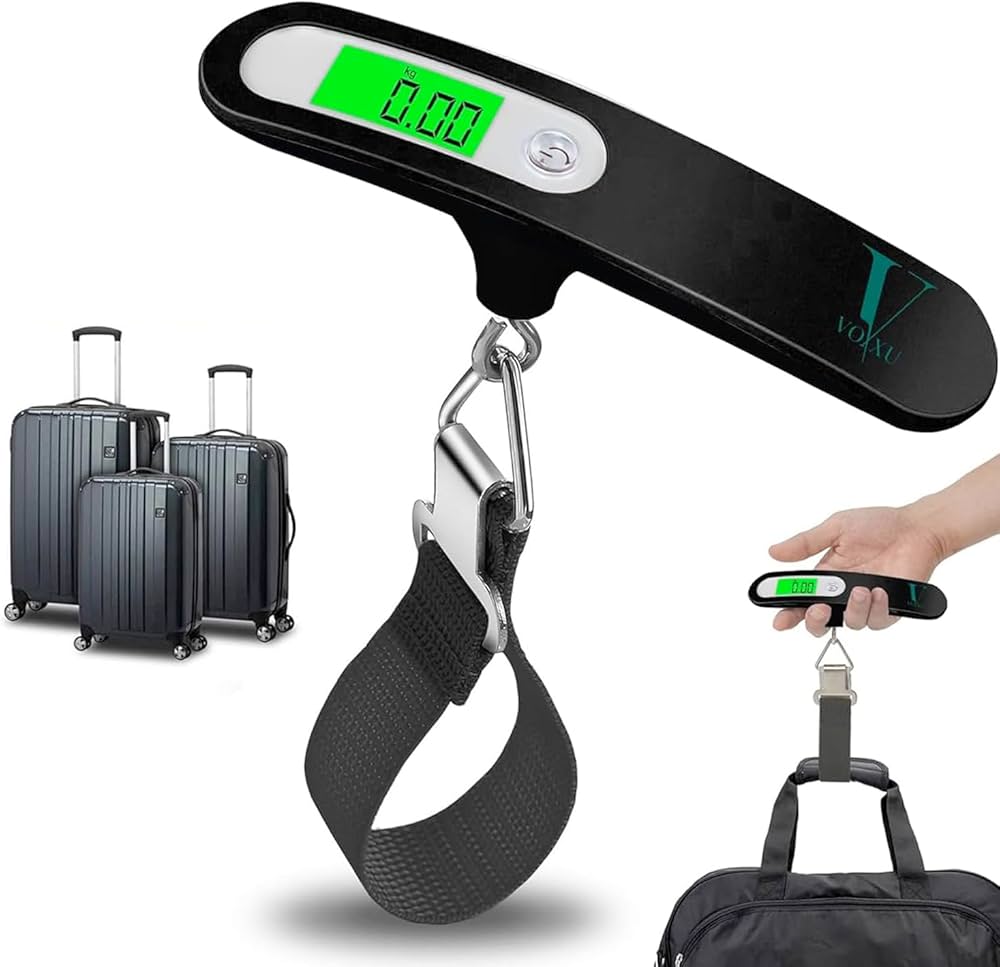
- Portable Scales: These handy devices can be purchased online or at travel stores. They’re perfect for travelers who want to weigh their luggage before checking in.
- Weight-measuring Straps: Some luggage cases come with built-in weight-measuring straps that allow you to estimate the weight of your bag.
How to Use Indicemomondo And Luggage Scales
Using these apps is a breeze. Here’s how:
- Download and install the app on your smartphone.
- Launch the app and tap on the “Measure” button.
- Position your luggage in front of the camera, making sure it’s well-lit and centered.
- Hold the phone steady and let the app do its magic.
Tips For Weighing Your Luggage
Here are some expert tips to keep in mind:
- Pack Smart: Try to pack only what you need, and avoid bringing unnecessary items that can add weight to your luggage.
- Use Packing Cubes: These handy devices allow you to organize your belongings and make the most of your luggage space.
- Check With Your Airline: Make sure to check with your airline for their specific luggage weight limits and fees.
Conclusion
Weighing your luggage doesn’t have to be a hassle. With the right tools at your disposal, you can avoid those pesky extra fees and enjoy a stress-free travel experience. Try out these top apps and solutions today!
Faqs
Here are some frequently asked questions that might help:
- Q: Can I Use my Phone’s Camera to Weigh my Luggage?
A: No, your phone’s camera is not powerful enough to accurately measure the weight of your luggage. - Q: Do These Apps Work on Both Android And Ios Devices?
A: Yes, most of these apps are compatible with both Android and iOS devices. - Q: Are There Any Additional Fees Associated With Using These Apps?
A: No, most of these apps are free to download and use.


