
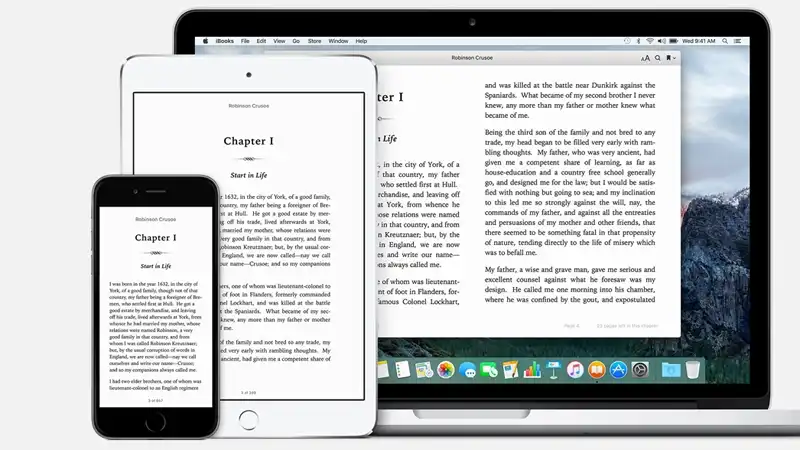
Best Apps to Type a Book: A Comprehensive Guide
Are you an aspiring writer looking for the best apps to type your book? Look no further! In this article, we’ll explore the top apps for writing a novel on your smartphone or tablet.
As a writer, it’s essential to have a comfortable and efficient tool to express your creativity. With so many options available, choosing the right app can be overwhelming. That’s why we’ve put together this comprehensive guide to help you find the perfect app for typing your book.
Why Use an App to Type a Book?
Using an app to type your book offers numerous benefits. Firstly, it allows you to write anywhere, anytime, as long as you have your smartphone or tablet with you. This flexibility is perfect for writers who are always on-the-go or prefer to work in different environments.
Secondly, apps often come with a range of features that can aid your writing process. These may include grammar and spell checkers, organization tools, and collaboration options.
Lastly, many apps offer cloud storage, which means you can access your work from anywhere and collaborate with others in real-time.
Top Apps to Type a Book
- Word (Android/iOS/iPadOS)
Microsoft Word is an excellent choice for writing a book. Its user-friendly interface and range of features make it perfect for both beginners and experienced writers.
Features:
- Grammar and spell checker
- Organization tools
- Collaboration options
- Cloud storage
Free version available: Yes
Cost: Free (with ads), or $7/month (Microsoft 365 subscription)
- Wattpad (Android/iOS/iPadOS)
Wattpad is a community-driven app that allows you to write and share your stories with others. Its user-friendly interface and range of features make it perfect for writers who want to engage with their audience.
Features:
- Community-driven platform
- Grammar and spell checker
- Organization tools
- Cloud storage
- Collaboration options
Free version available: Yes
Cost: Free (with ads), or $4.99/Month (Wattpad Premium subscription)
- Novelist (Android)
Novelist is a dedicated writing app that offers a range of features to aid your writing process. Its user-friendly interface and flexibility make it perfect for writers who want to work in different environments.
Features:
- Organization tools
- Collaboration options
- Cloud storage
- Grammar and spell checker
Free version available: Yes
Cost: Free (with ads), or $7.99/Month (Novelist Premium subscription)
- Collaborate Office (Android/iOS/iPadOS)
Collaborate Office is a free productivity suite that includes a range of tools, including a word processor. Its user-friendly interface and flexibility make it perfect for writers who want to work in different environments.
Features:
- Word processor
- Organization tools
- Collaboration options
- Cloud storage
- Grammar and spell checker
Free version available: Yes
Cost: Free (with ads)
- Other Apps
There are many other apps that can be used to type a book, including Notebooks, Writer Plus, Apple Pages, Google Documents, and more.
Which App is Right For You?
Choosing the right app depends on your personal preferences and writing style. If you’re looking for a user-friendly interface and range of features, Word or Wattpad may be the best choice. If you prefer a dedicated writing app, Novelist could be the way to go. And if you want a free productivity suite, Collaborate Office is an excellent option.
Conclusion
Writing a book can be a daunting task, but with the right tools, it becomes much more manageable. By using one of these top apps, you’ll have everything you need to create your masterpiece. So why wait? Download the app that suits you best and start typing!
Faqs
- What is The Best App For Writing a Novel?
The best app for writing a novel depends on personal preferences and writing style. Word, Wattpad, and Novelist are popular choices.
- Which App Offers Cloud Storage?
All of the apps mentioned in this article offer cloud storage, allowing you to access your work from anywhere and collaborate with others in real-time.
- Are These Apps Free?
Some of these apps offer a free version, while others require a subscription or purchase. Be sure to check the pricing before downloading.
- Can I Use These Apps on Multiple Devices?
Yes, most of these apps allow you to access your work from multiple devices, making it perfect for writers who work in different environments.
- Do These Apps Offer Grammar And Spell Checking?
Yes, all of these apps come with built-in grammar and spell checking tools, ensuring that your writing is error-free.
- Can I Collaborate With Others Using These Apps?
Yes, many of these apps allow real-time collaboration, making it perfect for writers who want to work with others on their project.
- Do These Apps Offer Organization Tools?
Yes, most of these apps come with a range of organization tools, including folders and tags, to help you keep your writing organized.
- Can I Export my Work From These Apps?
Yes, all of these apps allow you to export your work in various formats, making it easy to share with others or publish online.


