
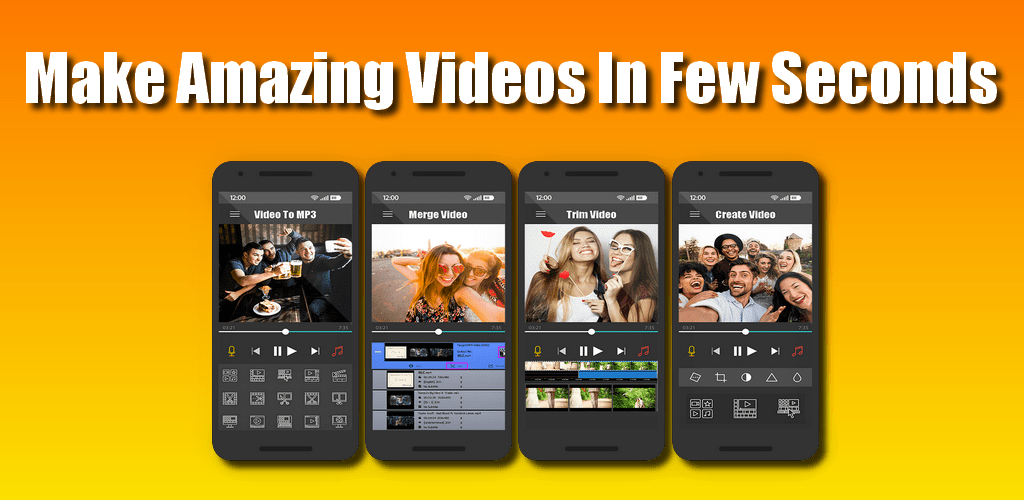
Creating a Video With Photos And Music: A Guide to The Best Apps
Are you looking for ways to create a memorable video from your photos and music? Look no further! In this article, we’ll explore the best apps to help you achieve this goal.
Introduction
In today’s digital age, creating videos has become easier than ever. With the advancement of technology, smartphone cameras have improved significantly, allowing us to capture high-quality photos and videos. However, editing these files can be a daunting task, especially for those who are not tech-savvy. Fortunately, there are numerous apps available that can help you create stunning videos with ease.
Best Apps to Create Video With Photos And Music
- Quik (Android/iOS/iPadOS)
The first app on our list is Quik, developed by GoPro. This user-friendly app allows you to create videos from your photos and music in just a few taps. You can add filters, transitions, and effects to make your video more engaging.
- Clips (iOS/iPadOS)
If you’re an iOS or iPadOS user, Clips is an excellent choice for creating videos with photos and music. This app features a unique timeline interface that makes it easy to edit your clips. You can also add filters, effects, and music to enhance your video.
- Adobe Premiere Rush (Android/iOS/iPadOS)
Developed by Adobe, Premiere Rush is a powerful editing app that allows you to create high-quality videos with ease. This app features a user-friendly interface, making it perfect for beginners.
- Actiondirector (Android)
If you’re an Android user, ActionDirector is another great option for creating videos with photos and music. This app offers a range of filters, transitions, and effects that can enhance your video.
- Imovie (iOS/iPadOS)
Developed by Apple, iMovie is a free editing app that allows you to create stunning videos with ease. This app features a user-friendly interface and is perfect for beginners.
Online Video Editing Services
If you prefer online video editing services, there are several options available:
- Adobe Creative Cloud Express
This free online service allows you to edit your photos and music to create stunning videos. You can access this service directly from the browser without installing any software.
- Magisto
This online service offers advanced features and functionality for creating videos with photos and music. However, it requires a subscription fee.
- Animoto
Another online service that allows you to edit your photos and music to create stunning videos. This app is free to use, but you’ll need to subscribe to access all its features.
- Kizoa
This online service offers a range of templates and effects for creating videos with photos and music. The free version has limitations, but you can upgrade to access more features.
Conclusion
Creating a video with photos and music has never been easier! With the best apps and online services available, you can now create stunning videos that will impress your friends and family. Remember to choose an app or service that suits your needs and skill level, and most importantly, have fun creating!
Faqs
- What is The Best App For Creating a Video With Photos And Music?
Quik (Android/iOS/iPadOS) and Clips (iOS/iPadOS) are two of the best apps available for creating videos with photos and music.
- Can I Use my Smartphone to Create a Video With Photos And Music?
Yes, you can use your smartphone to create a video with photos and music using apps like Quik, Clips, or ActionDirector.
- Do I Need to be Tech-savvy to Use These Apps?
No, most of these apps are user-friendly and require minimal technical expertise. You can easily learn how to use them by following the instructions provided in this article.
- Can I Share my Video Online?
Yes, all the apps mentioned in this article allow you to share your video online or save it locally on your device.
- Do I Need to Subscribe to Access All Features?
Some of these apps and services require a subscription fee to access all their features. However, many of them offer free versions or trials that can help you get started without committing to a paid plan.
- Can I Use my Photos From Other Sources?
Yes, most of these apps allow you to import photos from other sources, such as Google Photos, Dropbox, or Facebook.
- Do I Need a Computer to Edit my Video?
No, all the apps and services mentioned in this article can be used directly on your smartphone or tablet without requiring a computer.
- Can I Create a Video With Multiple Songs?
Yes, many of these apps allow you to add multiple songs to your video, but some may have limitations on the number of songs you can use.


