
The Ultimate Guide to Listening Music on Your Mobile Device
Are you tired of searching for the best application to listen music on your mobile device? Look no further! In this comprehensive guide, we will explore the top applications to listen music on both Android and iOS devices.
Understanding The Types of Music Applications
Before diving into the details, it’s essential to understand the two main types of music applications:
- Streaming Services: These services allow you to access a vast library of songs, playlists, and radio stations without having to download them first.
- Offline Players: These applications enable you to listen to your favorite music even when you don’t have an internet connection.
The Best Music Streaming Services
Here are the top music streaming services for Android and iOS devices:
Spotify (Android/iOS/iPadOS)
Spotify is one of the most popular music streaming services, with a vast library of over 50 million tracks. The app offers a free version with ads, as well as a premium subscription that costs €10.99/Month.
How to Use Spotify
To get started with Spotify:
- Download and install the app from the Play Store (Android) or App Store (iOS/iPadOS).
- Create an account or log in with your existing credentials.
- Browse through the app’s home screen, which features popular albums, playlists, and radio stations.
- Search for specific artists, songs, or genres using the search bar.
Youtube Music (Android/iOS/iPadOS)
YouTube Music is a hybrid service that combines video content from YouTube with a music library. The app offers a free version with ads, as well as a premium subscription that costs €9.99/Month.
How to Use Youtube Music
To get started with YouTube Music:
- Download and install the app from the Play Store (Android) or App Store (iOS/iPadOS).
- Create an account or log in with your existing credentials.
- Browse through the app’s home screen, which features popular albums, playlists, and radio stations.
- Search for specific artists, songs, or genres using the search bar.
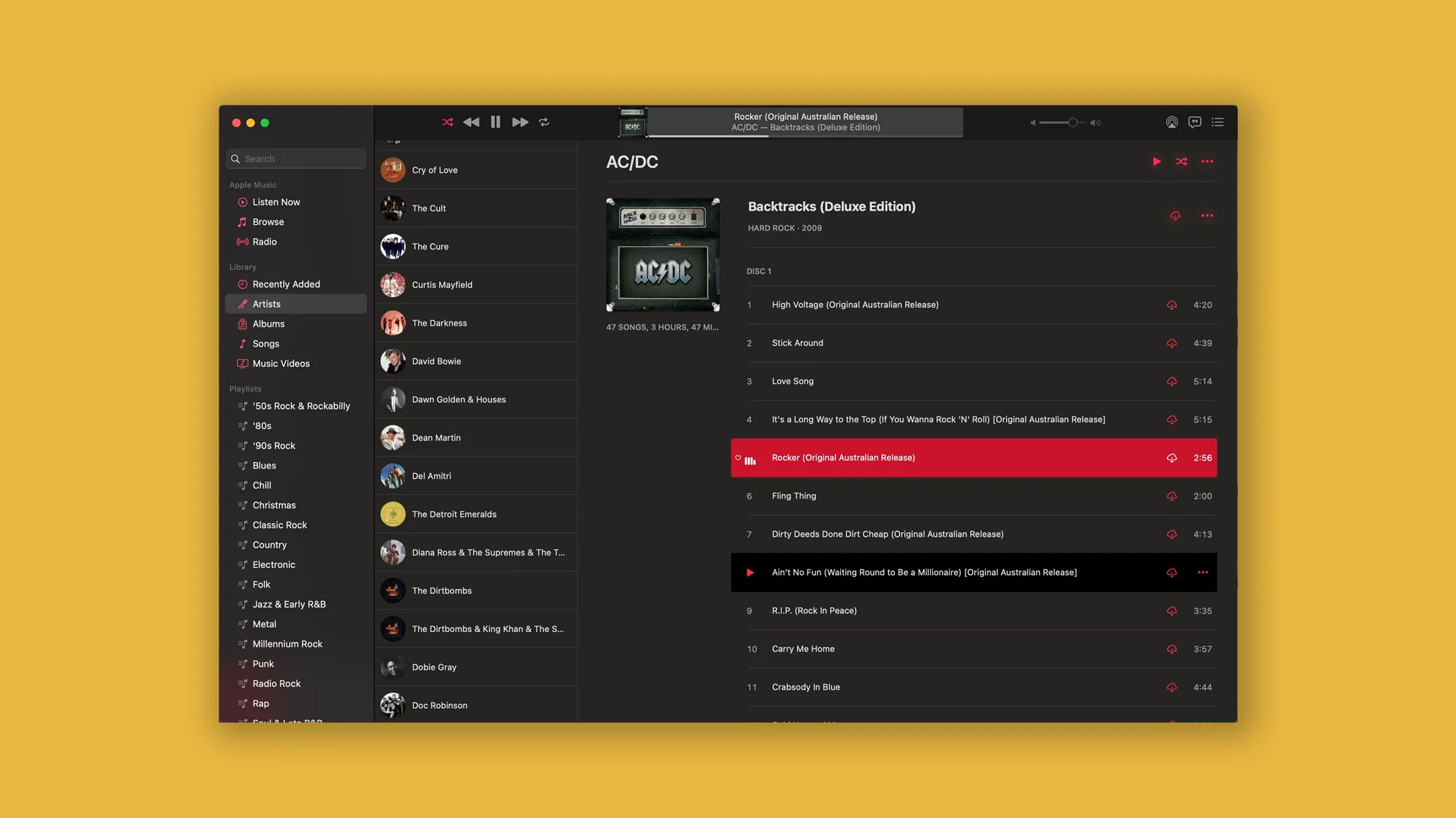
Apple Music (Android/iOS/iPadOS)
Apple Music is a music streaming service that offers a vast library of songs, playlists, and radio stations. The app costs €10.99/Month and is available on both Android and iOS devices.
How to Use Apple Music
To get started with Apple Music:
- Download and install the app from the Play Store (Android) or App Store (iOS/iPadOS).
- Create an account or log in with your existing credentials.
- Browse through the app’s home screen, which features popular albums, playlists, and radio stations.
- Search for specific artists, songs, or genres using the search bar.
Amazon Music (Android/iOS)
Amazon Music is a music streaming service that offers a vast library of songs, playlists, and radio stations. The app costs €9.99/Month and is available on both Android and iOS devices.
How to Use Amazon Music
To get started with Amazon Music:
- Download and install the app from the Play Store (Android) or App Store (iOS).
- Create an account or log in with your existing credentials.
- Browse through the app’s home screen, which features popular albums, playlists, and radio stations.
- Search for specific artists, songs, or genres using the search bar.
The Best Offline Music Players
Here are some of the top offline music players for Android and iOS devices:
Vlc (Android/iOS)
VLC is a free music player that supports various audio formats. The app offers a clean interface and a robust feature set.
How to Use Vlc
To get started with VLC:
- Download and install the app from the Play Store (Android) or App Store (iOS).
- Create an account or log in with your existing credentials.
- Browse through the app’s home screen, which features popular albums, playlists, and radio stations.
- Search for specific artists, songs, or genres using the search bar.
Conclusion
In this comprehensive guide, we have explored the top music streaming services and offline players for Android and iOS devices. Whether you’re looking for a free service with ads or a premium subscription, there’s something for everyone.
Frequently Asked Questions (FAQs)
- What is The Best Music Streaming Service?
The answer depends on your personal preferences and needs. Spotify, YouTube Music, Apple Music, and Amazon Music are all excellent options.
- Do I Need to Download Music to Listen to it Offline?
Yes, if you want to listen to music without an internet connection, you’ll need to download the songs or albums first.
- Can I Use Multiple Music Streaming Services at Once?
Yes, most music streaming services allow you to create separate accounts for different platforms and devices.
- How do I Cancel my Music Subscription?
To cancel your subscription, simply go to the app’s settings, scroll down to the “Subscription” or “Account” section, and follow the instructions.
- Can I Transfer my Music Library From One Device to Another?
Yes, most music streaming services allow you to transfer your library across devices using cloud storage or other methods.
- What Happens if I Don’t Pay my Subscription Fee on Time?
If you miss a payment, your subscription will be paused until you make the payment again. Some services may also remove access to premium features.
- Can I Use Music Streaming Services Without an Internet Connection?
Some offline players, like VLC, allow you to listen to music even when you’re not connected to the internet.
- How do I Get Started With a New Music Streaming Service?
To get started, simply download and install the app from your device’s store, create an account or log in with existing credentials, and explore the app’s features.


