
The Ultimate Guide to Emulating Android on Pc: A Comprehensive Review
Are you tired of using an outdated Android device or a tablet that can’t run the latest games? Look no further! In this article, we’ll explore the best emulators for Android on PC, including Amazon Appstore, BlueStacks, Now.Gg, and MEmu.
What is an Emulator?
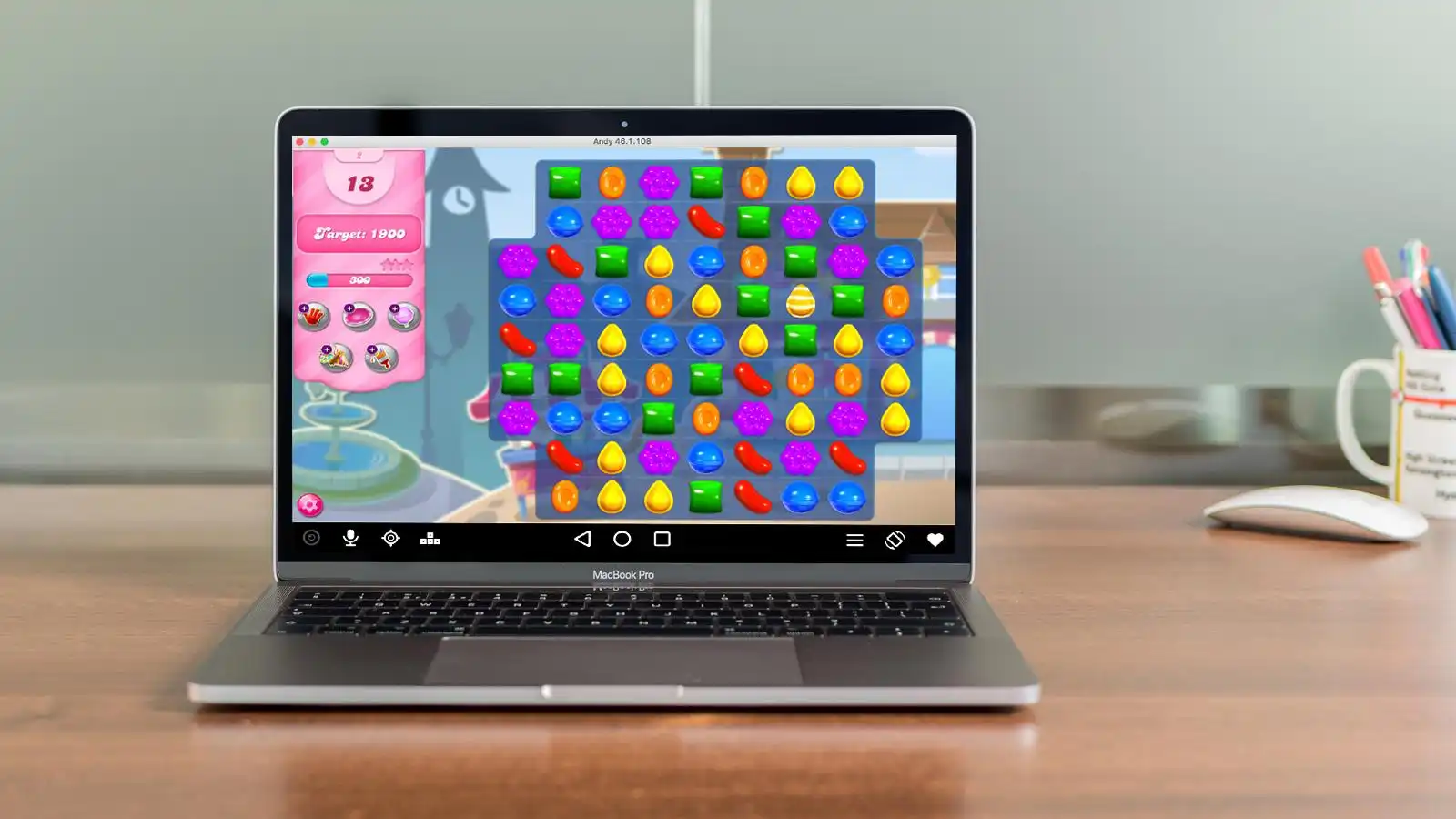
An emulator is a software that allows you to run another operating system (OS) or application on your computer. In this case, we’re interested in emulating Android on PC. An emulator creates a virtual environment that mimics the behavior of an Android device, allowing you to install and run Android apps directly on your computer.
Why Choose an Emulator Over a Physical Device?
While physical devices like smartphones and tablets offer portability and comfort, they can be limited in terms of performance and storage capacity. An emulator, on the other hand, offers:
- Better Performance: Emulators can provide faster processing speeds and more storage capacity than physical devices.
- Flexibility: You can run multiple instances of Android on your PC, each with its own apps and settings.
- Cost-effective: Emulators are often free or low-cost, making them a budget-friendly option.
The Best Emulators For Android on PC
Here are the top emulators for Android on PC:
Amazon Appstore
Amazon’s official appstore allows you to install and run Android apps directly on your Windows 11 device. To get started, open the Microsoft Store (usually found in the system tray), search for “Amazon Appstore,” and click the Install button.
Bluestacks
BlueStacks is a popular emulator that offers high-performance gaming and app support. To download and install BlueStacks, visit their official website and follow the instructions. Once installed, you’ll need to log in with your Google account to access the Play Store and start downloading apps.
Now.gg
Now.Gg is another excellent emulator that allows you to play Android games directly on your browser. Simply visit their website, search for a game, and click the Play button to get started. No downloads or installations required!
Memu
MEmu is an efficient emulator that offers high-performance gaming and app support. To download and install MEmu, visit their official website and follow the instructions. Once installed, you’ll need to log in with your Google account to access the Play Store and start downloading apps.
The Best Emulator For Mac
If you’re using a Mac, BlueStacks is still an excellent option. Simply download and install BlueStacks from their official website, and follow the same steps as described above.
The Best Emulator For Linux
For Linux users, Now.Gg and ArChon Runtime are great options. Both emulators offer high-performance gaming and app support, and can be accessed directly through your browser.
Conclusion
Emulating Android on PC offers numerous benefits, including better performance, flexibility, and cost-effectiveness. With the right emulator, you can enjoy a seamless Android experience on your computer, without sacrificing any of the features or apps that make Android great. Whether you’re a gamer, developer, or simply looking for a more efficient way to use Android apps, we’ve got you covered!
Faqs
Here are some frequently asked questions and answers:
- Q: What is an Emulator?
A: An emulator is software that allows you to run another operating system (OS) or application on your computer. - Q: Why Choose an Emulator Over a Physical Device?
A: Emulators offer better performance, flexibility, and cost-effectiveness compared to physical devices. - Q: What Are The Best Emulators For Android on Pc?
A: Amazon Appstore, BlueStacks, Now.Gg, and MEmu are top-notch emulators that offer high-performance gaming and app support. - Q: Can I Use a Mac With an Emulator?
A: Yes! BlueStacks is still an excellent option for Mac users. - Q: What About Linux Users?
A: Now.Gg and ArChon Runtime are great options for Linux users.
Hope this article was informative and helpful.


